41
RDX A8 User and Service Guide — Version 1.0
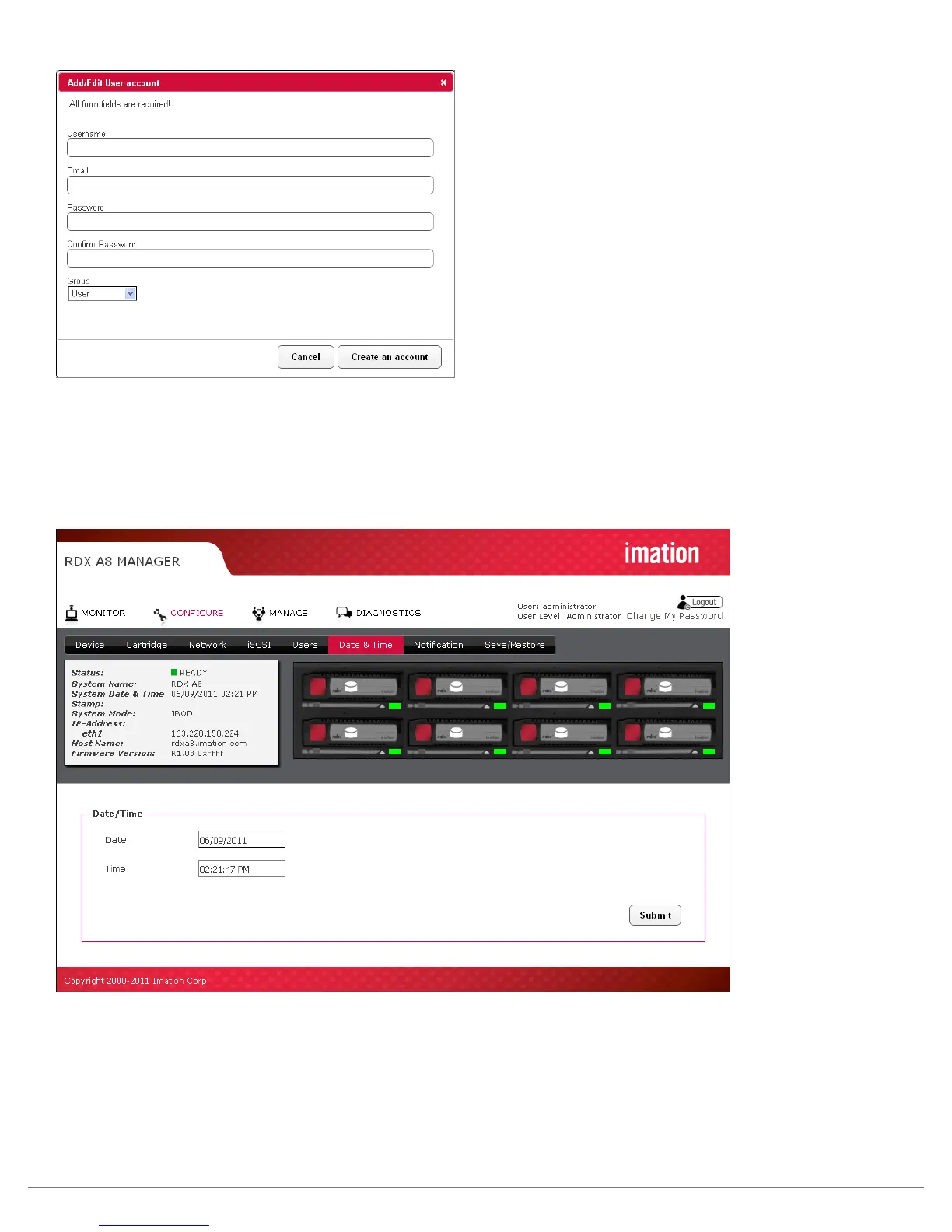
Figure 25—Add/Edit user account
vi. Date and time settings
The date and time settings page allows the user to set the system date and time. This time and date
information is displayed in the system information block and also used for time stamping log entries
and remote notification messages from the RDX A8 unit to remote users.
Figure 26—RDX A8 Manager Configure Date/time
The date may be sent by clicking in the date field and entering the date in MM/DD/YYYY format or
alternately using the pop-up calendar tool and selecting the year/month/date, and click Done.
The time may be set by clicking in the data field and entering the time in 24 hour time format or alternately
using the time setting tool to select hours/minutes/seconds. Clicking the “Now” button will synchronize the
RDX A8 system time with the time of the computer accessing the RDX A8 Manager.
Save the changes to the date and time by clicking the “Submit” button.



 To Next Page