27
RDX A8 User and Service Guide — Version 1.0
ii. RDX A8 Manager System Information Block
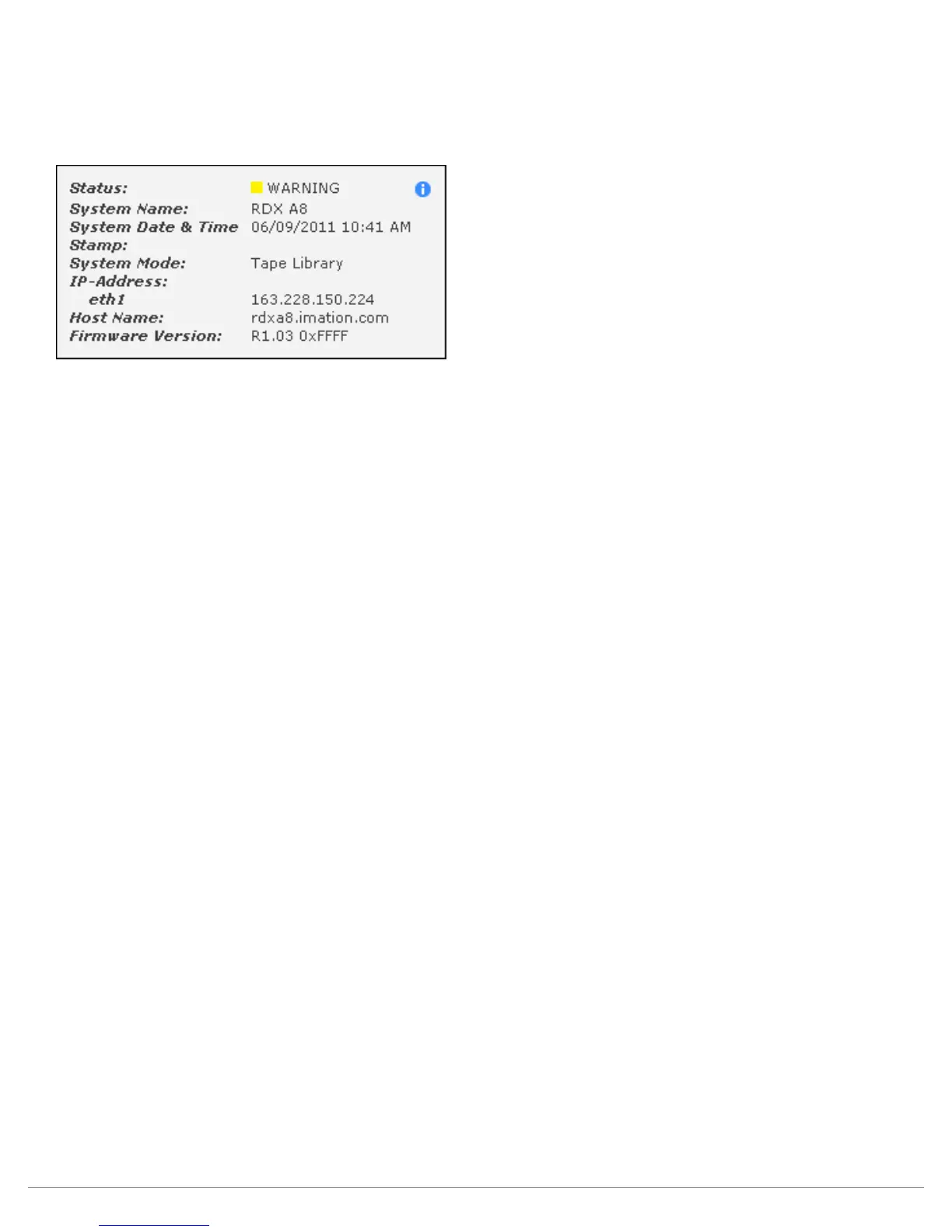
The System Information Block provides an overview of global system information.
The fields are summarized below.
Figure 12—RDX A8 Manager System Information
Status:
This graphic indicates the global system status by color; green indicates good status,
yellow indicates warning status, red indicates critical error status. If the system is currently in
either warning or critical error status mode additional information will be available via an information
button icon located next to the status indication.
System Name:
The user configurable System Name appears at log in and with remote email alerts.
System Date & Time:
The current system date and time is displayed.
System Mode:
This field displays the current RDX A8 system operating mode.
IP Address (for Ethernet port 1):
The current port IP address is displayed in this field.
Host Name:
The Host Name field displays the host name and domain name together. This naming will be associated
with the IP address as the DNS name.
Firmware Version:
The current unit firmware level and firmware image checksum are displayed in this field.



 To Next Page