55
RDX A8 User and Service Guide — Version 1.0
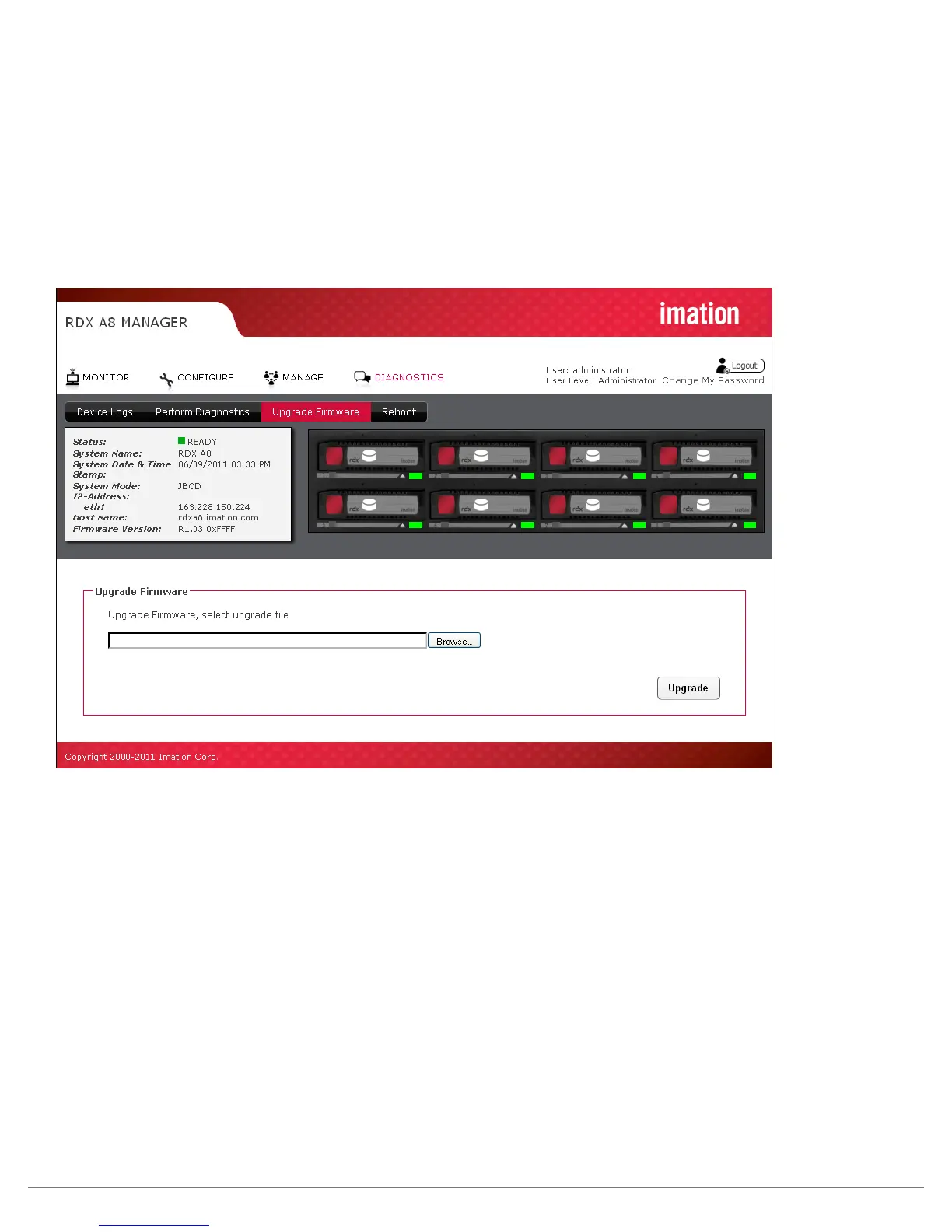
iii. Upgrade Firmware
The user can upgrade the unit operating firmware via the “DIAGNOSTICS/Upgrade Firmware” tab.
Released firmware images are available via the RDX A8 support team. RDX A8 firmware images have
an “.fbi” file extension and are approximately ~22MB in size.
Click the “Browse” button to set a path to the RDX A8 firmware file located on the computer system
connect via RDX A8 Manager, then select the “Upgrade” button. The unit will proceed with the upgrade
and reboot after the new code is installed. It will be necessary to log back into the RDX A8 Manager to
regain access to the management interface.
Figure 35—RDX A8 Manager Upgrade Firmware



 To Next Page