37
RDX A8 User and Service Guide — Version 1.0
iv. iSCSI Settings
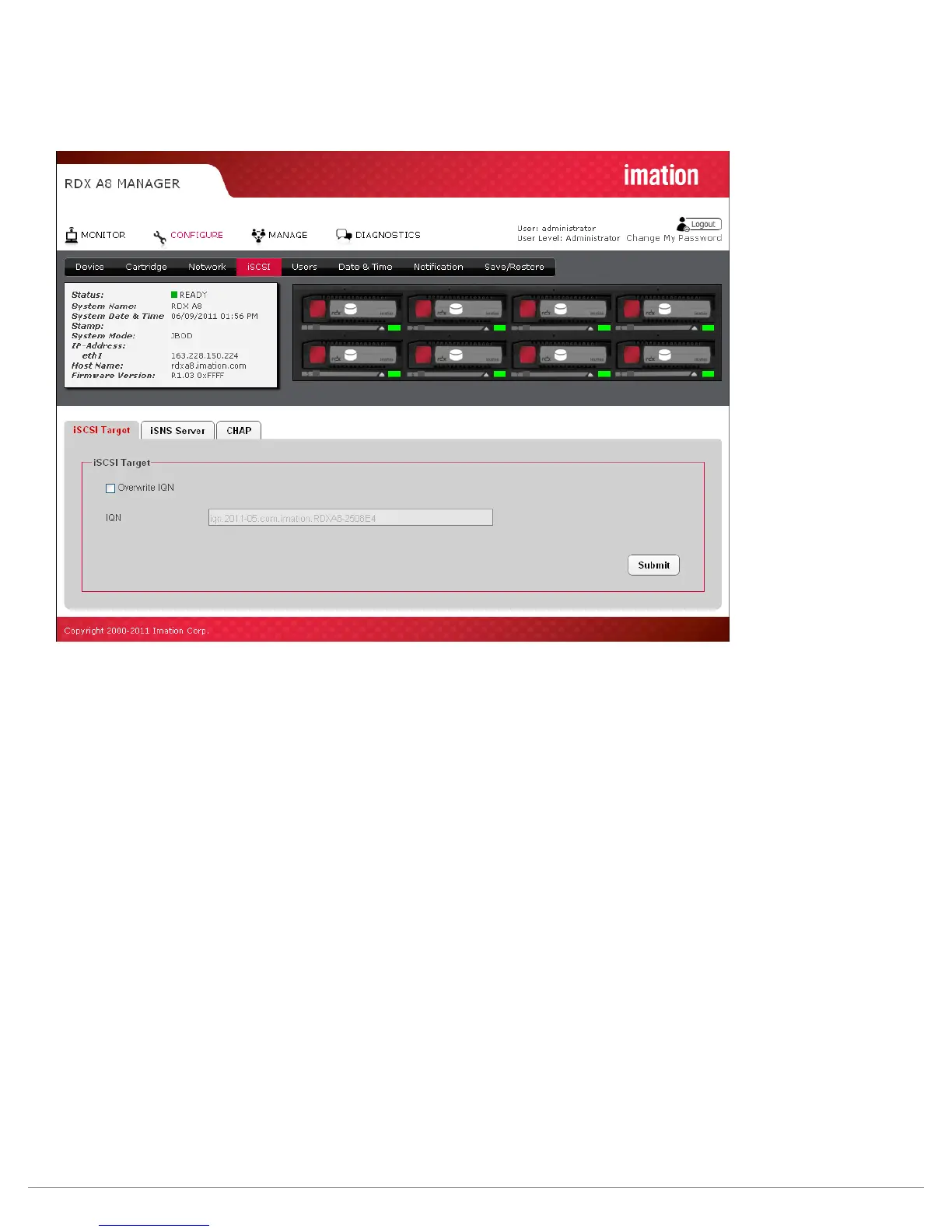
iSCSI settings are accessed on the “CONFIGURE/iSCSI” tab:
Figure 21—RDX A8 Manager Configure iSCSI Target
Overwrite IQN:
Click this check box will allow the user to assign a unique IQN name to the RDX A8 unit. An IQN may be
up to 255 characters long. To apply a new IQN name to the device the Overwrite IQN box is checked,
the desired IQN is programmed in the IQN field, and the submit button is pressed to apply changes.
IQN - iSCSI Qualified Name:
IQN is the name that uniquely identifies the iSCSI target in the iSCSI Initiator. An IQN may be up to
255 characters long. When the Overwrite box is checked, a IQN may be entered into this field.
To save any changes on this page, click the “Submit” button.



 To Next Page