38
RDX A8 User and Service Guide — Version 1.0
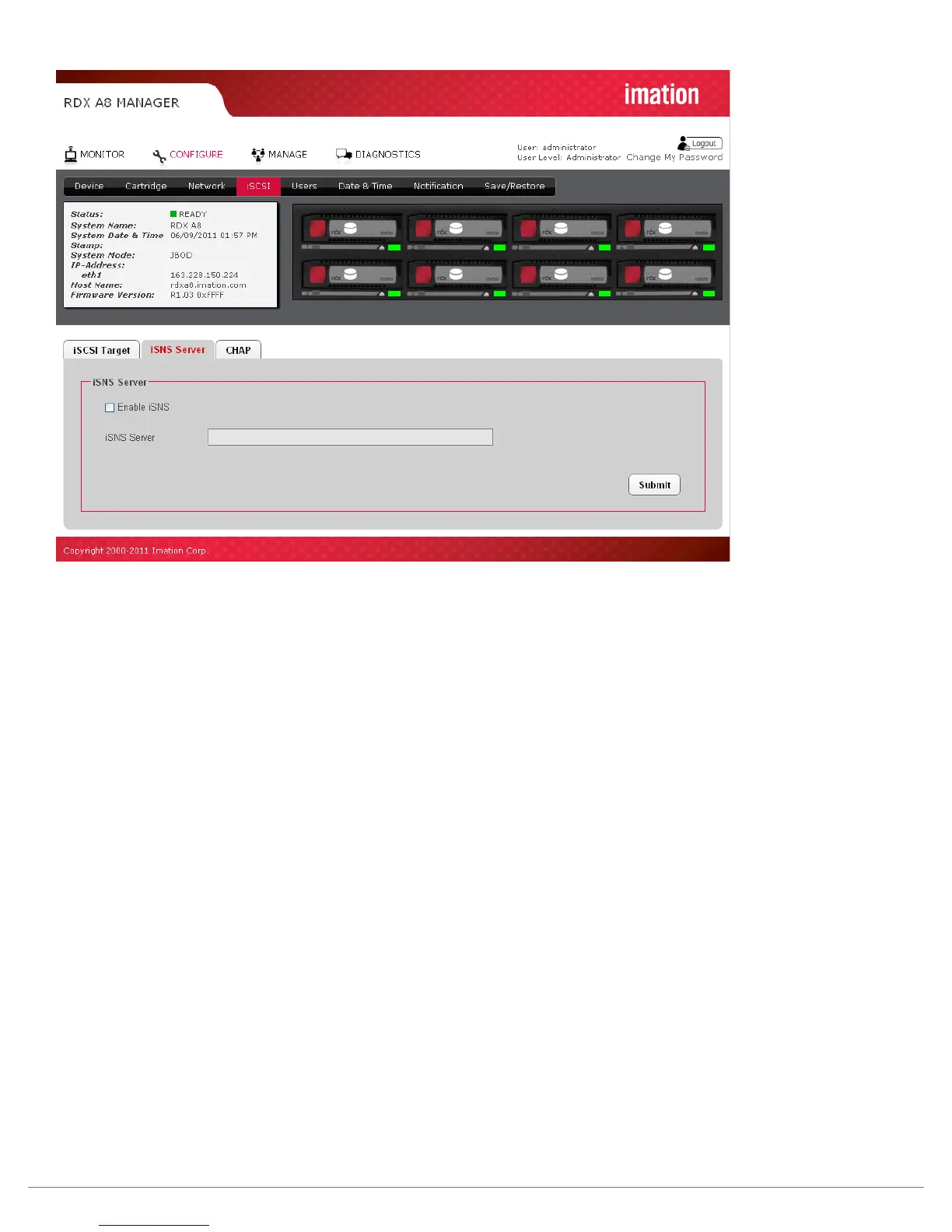
Figure 22—RDX A8 Manager Configure iSNS Server
Internet Storage Name Service (iSNS)
This field allows for the automated discovery, management, and configuration of iSCSI devices from a
central point. If this option is enabled the RDX A8 will register its resources with a central iSNS-server.
To enable iSNS on the RDX A8, click the check box “Enable iSNS” and enter the IP address for the
iSNS-Server in the “iSNS Server” field.
To save changes to this page click the “Submit” button.



 To Next Page