51
RDX A8 User and Service Guide — Version 1.0
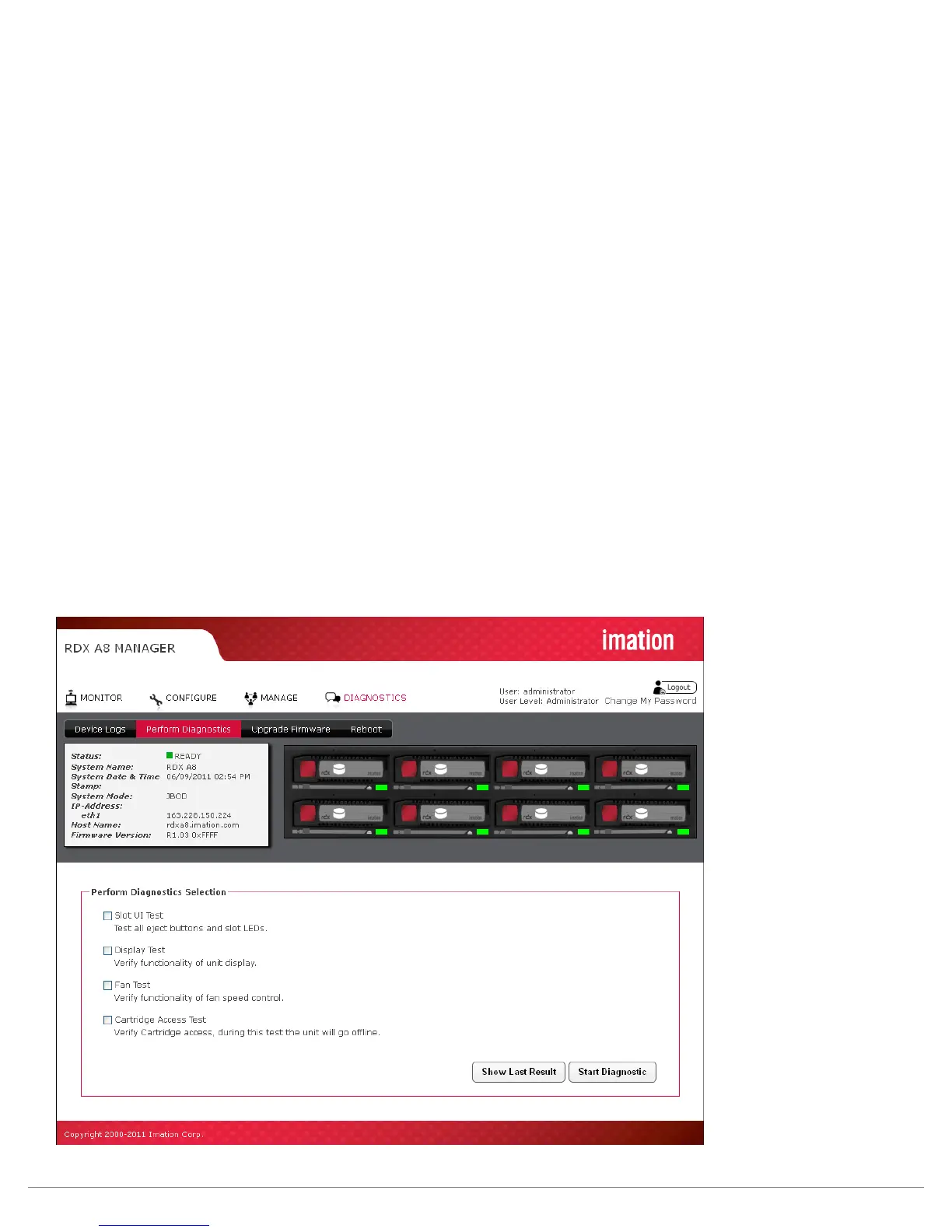
ii. Perform Diagnostics
The RDX A8 unit supports a number of interactive diagnostic tests designed to check specific areas
of operation of the device. The tests are all designed to be executed locally so the unit’s behavior
can be observed. The tests are as follows:
Slot UI Test:
It tests each slot for eject button indication and sensing- requires a local operator to interact
with the unit.
Display Test:
It tests the LCD display and backlight operation- requires a local operator to step the display with the
OCP navigation button and observe the display through various states to confirm operation.
Fan Test:
It tests the operation of the RDX A8 cooling fan, steps the fan speed through four RPM ranges while
monitoring fan rpm.
Cartridge Access Test:
It tests the operation of each slot location by checking communication with a test cartridge. Execution
of this test will force the unit offline and eject all inserted cartridges from the unit. This is a data safety
feature to insure the test operator can use a scratch cartridge. This test requires a local operator to
interact with the unit.
To start the diagnostic test sequence select each test by checking each test from the list that you would
like to perform and push the “Start Diagnostic” button. You may select to run only one test or all four,
upon completion of the selected test(s) a new diagnostic log status page will be created capturing the
current test status
Figure 33—RDX A8 Manager Perform Diagnostics



 To Next Page