44
RDX A8 User and Service Guide — Version 1.0
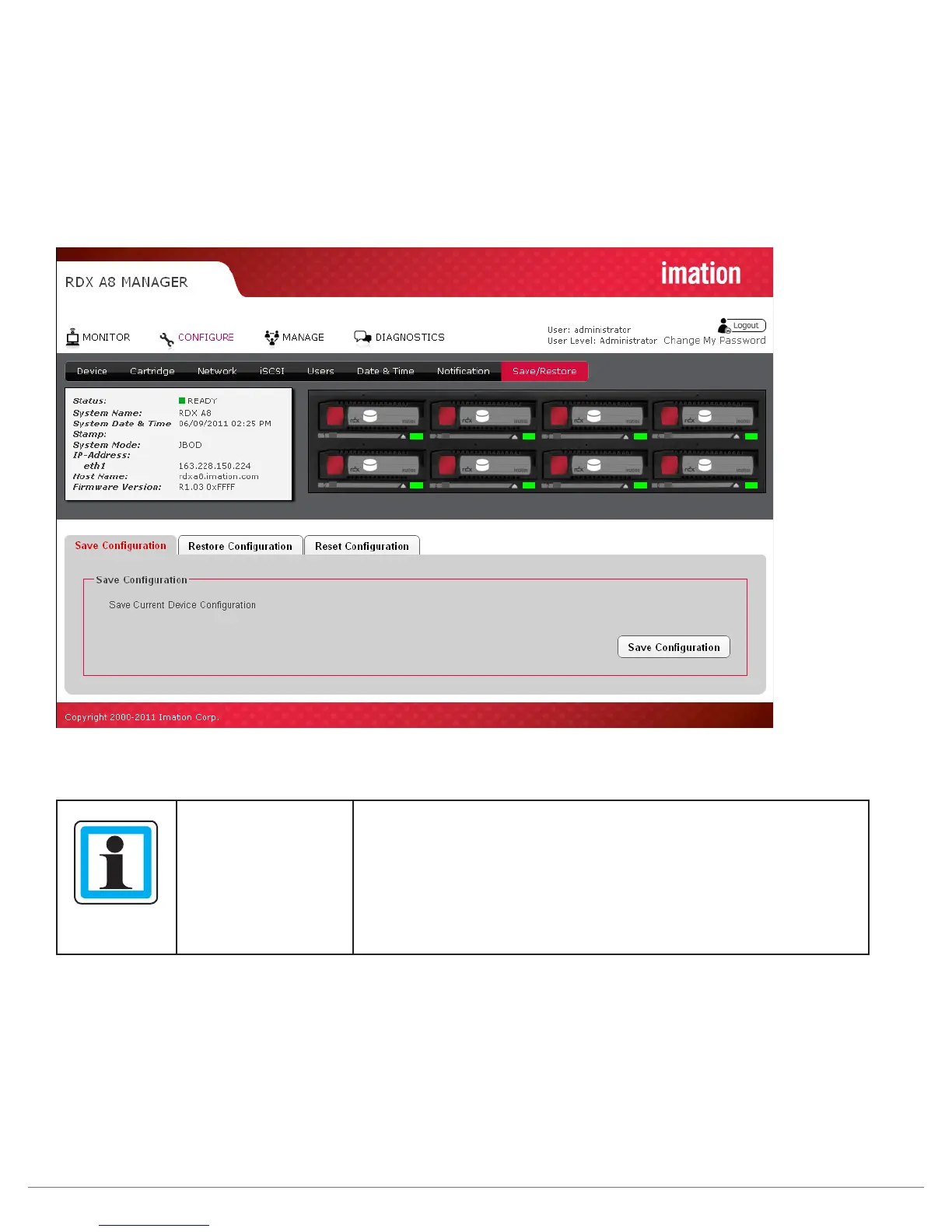
viii. Save/Restore configuration
Save Configuration:
This tab allows a user to save the current user programmed configuration values/settings. This allows the
backup of settings and also supports unit replacement/service. Settings may be stored to a location on the
RDX A8 Manager host computer via selecting the Save configuration button, downloading the file and using
the browser pop up to select a storage location via the “Save as” function.
Figure 28—RDX A8 Manager Configure Save/Restore
NOTICE
It is highly recommended that once the initial unit configuration is
completed and the unit is operating properly the user
use the save
configuration function to back up their unique settings.
A software or rear panel reset will clear all user added
configuration data including user created user accounts and
notification settings.



 To Next Page