36
RDX A8 User and Service Guide — Version 1.0
Netmask:
Netmask used for network communication.
Gateway:
IP Address of gateway in network.
DNS 1:
A DNS server allows the RDX A8 to communicate with other network clients via their host name.
Enter the IP Address of preferred DNS server.
DNS 2:
IP Address of secondary DNS server.
To save the changes made on this page click the “Submit” button.
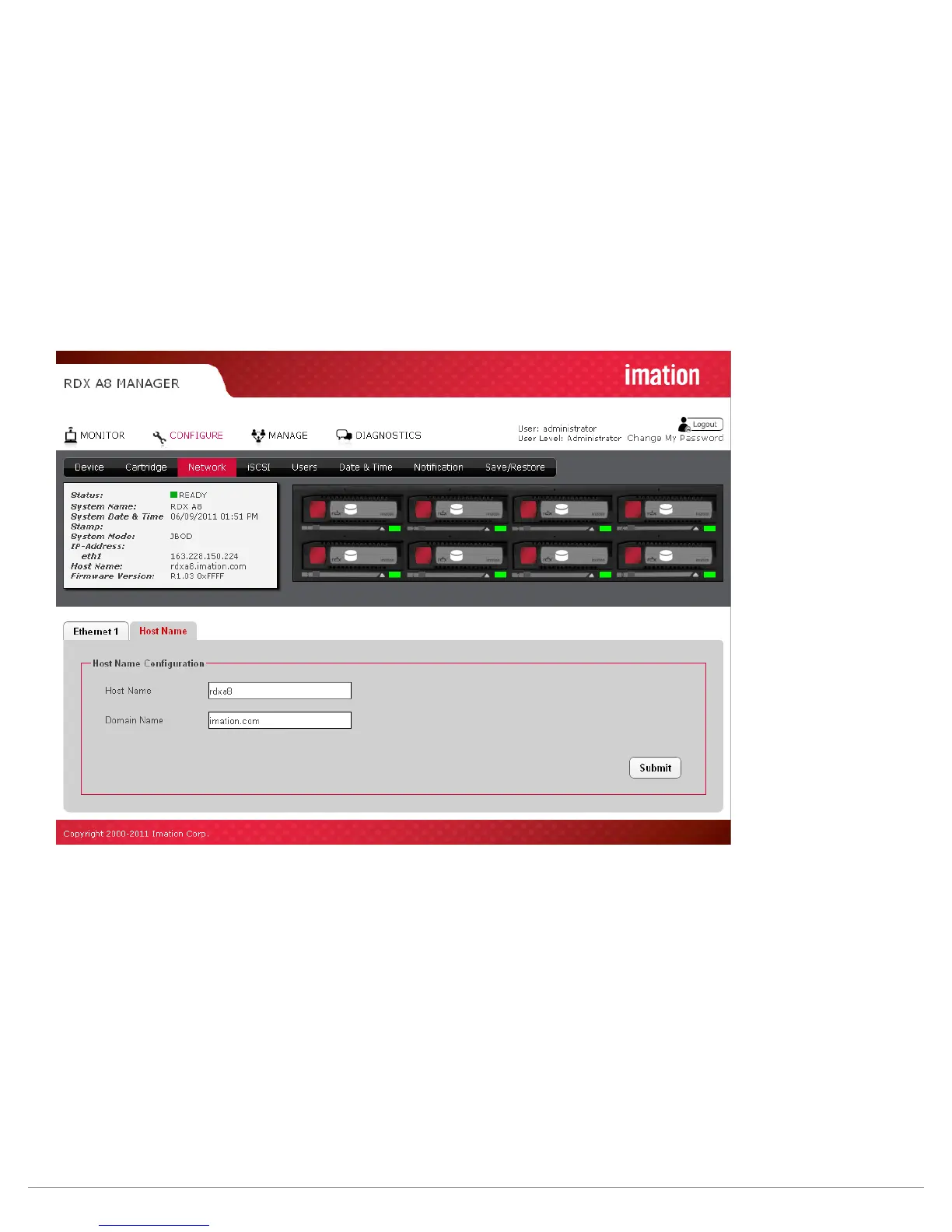
Figure 20—RDX A8 Manager Configure Host Name
Host Name:
Enter the name you wish to use to address this RDX A8. It is recommended that you use a name that is
relevant to its location and or its purpose.
Domain Name:
Enter the name of the domain or workgroup for the attached network.
To save any changes on this page click the “Submit” button.



 To Next Page