22
RDX A8 User and Service Guide — Version 1.0
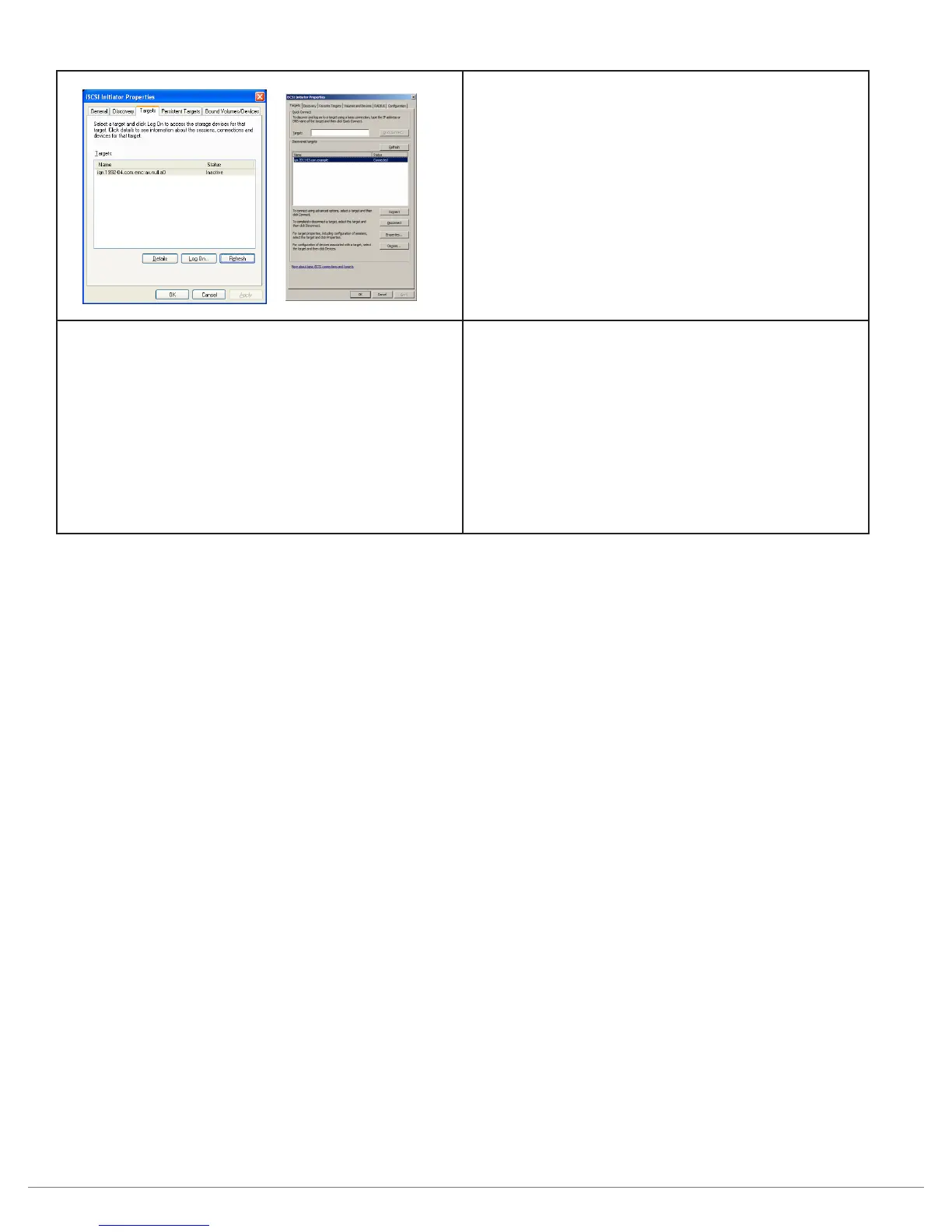
8. The IQN for the RDX A8 unit should be shown
under available targets.
9. Highlight the RDX A8 IQN by clicking on it.
10. Depending upon which version of MS Initiator
in use you may need to either click “Log On”
or “Connect”
11. The RDX A8 IQN should now change to
CONNECTED.
12. The RDX A8 is now connected via iSCSI.
13. If the System Mode is Tape Library:
- In Device Manager The RDX A* will be
identified as a Media Changer and a tape drive
14. If the System Mode is JBOD:
- In Disk Management 8 Removable Media
drives will be identified. Depending on the
host operating system, 8 drives may be visible
in Windows Explorer.



 To Next Page