33
RDX A8 User and Service Guide — Version 1.0
To change the RDX A8 operating mode, select the desired operation mode from the System Mode box.
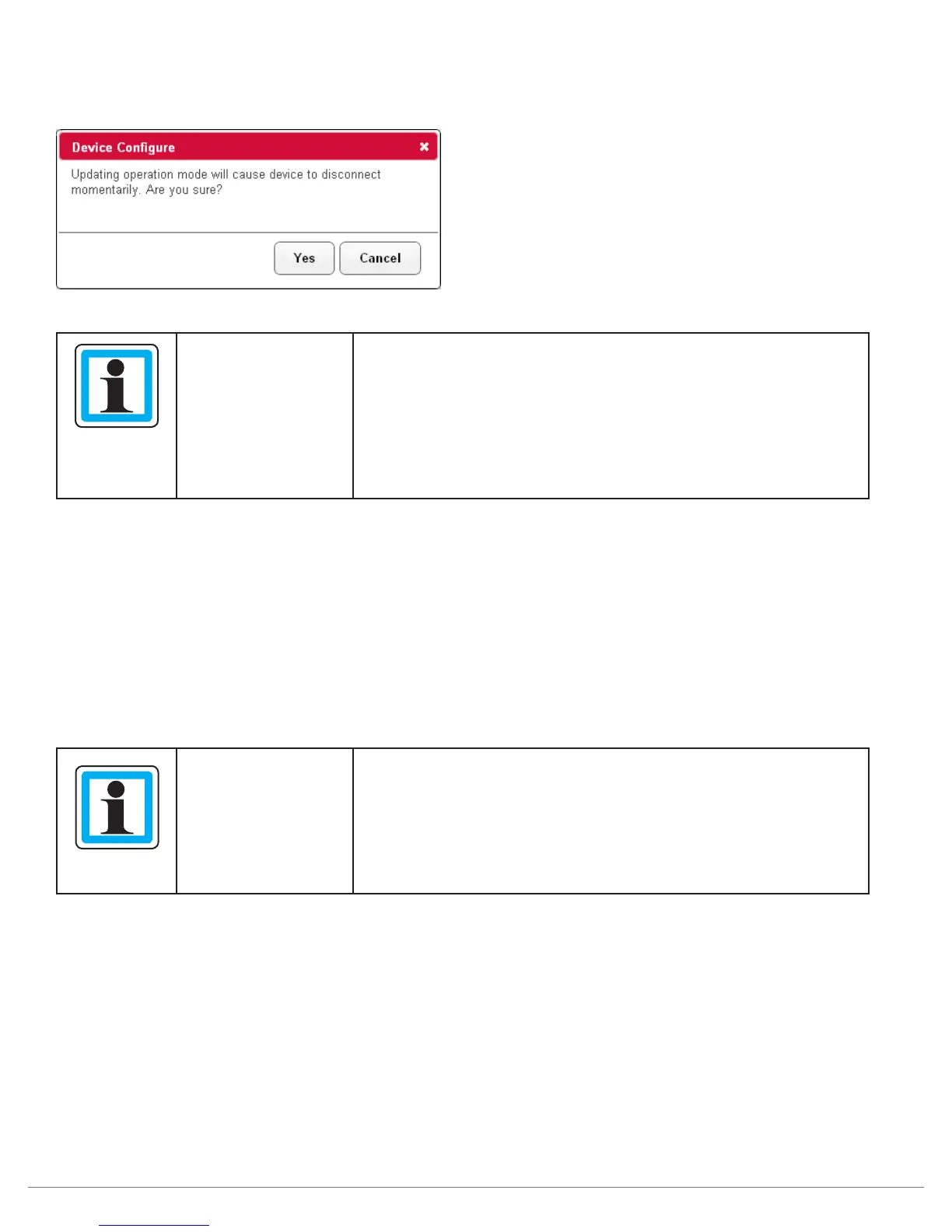
Click the “Submit” button to apply the changes. A confirmation dialog will appear as follows:
NOTICE
A change in the operating mode of the RDX A8 may cause the
device to become unavailable for data access for your particular
environment.
After a change in operating mode, it may be necessary to
disconnect and reconnect the iSCSI connection or reboot
the host computer system to insure proper detection of the
RDX A8 system.
JBOD mode
JBOD mode allows the RDX A8 to appear to the host operating system as 8 individual storage drives
-- each with their own drive letter.
Tape Library mode
The RDX A8 tape library mode allows data to be recorded to sequentially to RDX cartridges like traditional
backup tape devices. In order to make use of this mode a small standard RDX partition is created on the RDX
cartridge along with a large hidden partition for recording the tape format emulation. When an RDX cartridge
is formatted as a tape cartridge the small partition remains so that standard RDX systems can recognize the
cartridge has been formatted to emulate tape. Please do not store any user data files in the visible partition.
NOTICE
Usage of the RDX A8 in tape library mode requires pre-formatting
of the RDX cartridges into the tape format mode before they
may be used with tape backup applications.
RDX cartridges which have been formatted into tape mode will
not data interchange with single RDX docks (single RDX docks
will be incapable of reading RDX A8 tape mode cartridges).
System Name
The user may change the name assigned to the RDX A8. The factory default setting is “RDX A8”.
This field may be changed by entering a new name in the System Name field. The name may only
contain alphanumeric characters. Click Submit to apply the changes.
Global Cartridge Lock
Enabling the Global Cartridge Lock allows the user to prevent the cartridges from being ejected by the
front panel Eject Request buttons. When enabled, cartridges may still be ejected through the Eject Cartridge
function in the Manage section of the A8 Manager, if the cartridges are not Ejection Protected. Cartridges
may always be ejected through the operating system via the Right-click Eject methodology.



 To Next Page