66
INSTALLER
USERMAINTENANCE TECHNICIAN
TECHNICAL DATA
Before ignition make sure the heating system is lled with water and that the manometer (9) indicates a pressure of 1 - 1.2 bar
cold.
Operation without Comando Amico Remoto remote control
V2
.
- Open the gas isolation valve upstream from the appliance.
To activate a command, rst activate the keyboard (by pressing any button), then press the desired button and activate the de-
sired function.
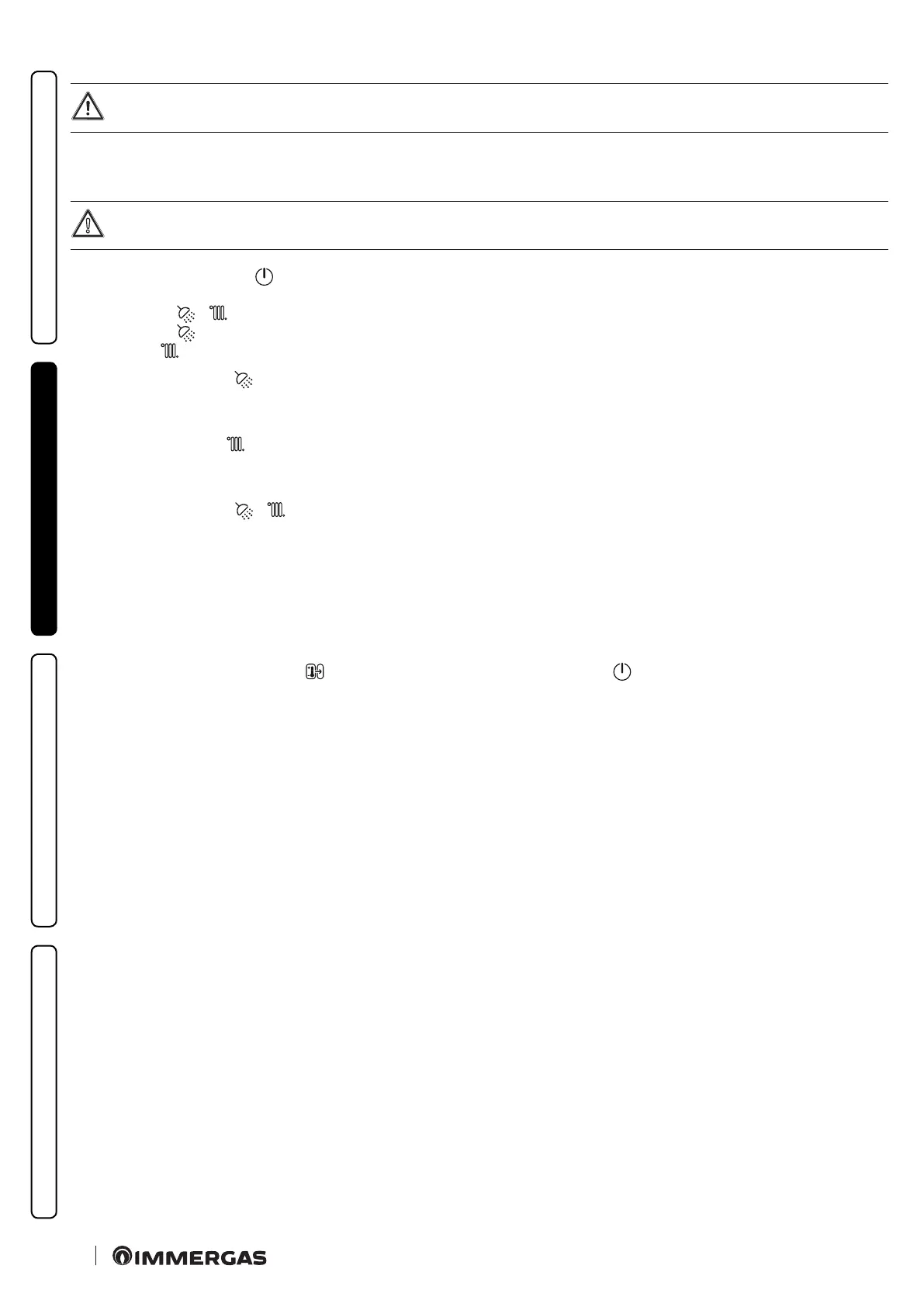
• If the boiler is in OFF mode (
ashing), press the button (1) again to activate it. If not, go to the next point.
Press the 'MODE' button (2) in succession to cycle through the status:
- DHW + C.H. ( + );
- DHW ONLY ( );
- CH ONLY ( ).
DHW mode ONLY (ON) (
)
In this mode the boiler functions only to produce the DHW, the temperature is set via the +/- buttons (5-6) and the relative temperature is
shown on the display via the indicator (25).
C.H. mode ONLY (ON) (
)
In this mode the boiler functions only for room central heating, the temperature is set via the +/- buttons (7-8) and the relative tempera-
ture is shown on the display via the indicator (16).
DHW + C.H. mode (ON) (
+ )
In this mode, the boiler functions both for producing domestic hot water and heating the environment. e temperature of the DHW is
always regulated via +/- buttons (5-6), the central heating temperature is regulated via +/- buttons (7-8) and the relative temperatures are
shown on the display by the indicator (16-25).
If both CH and DHW are requested at the same time, the boiler will give priority to the DHW request and central heating will not be
available until the DHW request is completed.
Each time the burner ignites, the relative Flame Present symbol is displayed (23) with relative output scale.
Operation with Comando Amico Remoto
V2
(CAR
V2
) (optional)
If the CAR
V2
is connected, the symbol ( ) appears on the display. If the boiler is in OFF ( ashing), it is not possible to change this
status from the remote control and a fault will be displayed on the remote control. To reactivate the boiler, press the button (1). Once
reactivated, the boiler control parameters can be set from the control panel of the CAR
V2
.







 To Next Page