Thermography System VarioCAM
®
HD
6. Introduction
20 © InfraTec GmbH 2016 User Manual
is indicated by the shortly flashing status LED. Pressing the power button will bring the camera back
from standby mode to operational mode.
6.9 Data transmission to the computer
■ In order to transmit the data via the optional GigE-Vision interface using the software, the
thermography software IRBIS
®
3 remote or IRBIS
®
3, supplied depending on the equipment, must
initially be installed in accordance with the description in the respective manual.
■ Another data transmission method is to read out the SDHC-card by means of a card reader.
■ Optionally, files found on the SDHC card can be read through the USB port*.
6.10 Analysis using the analysis software IRBIS
®
3
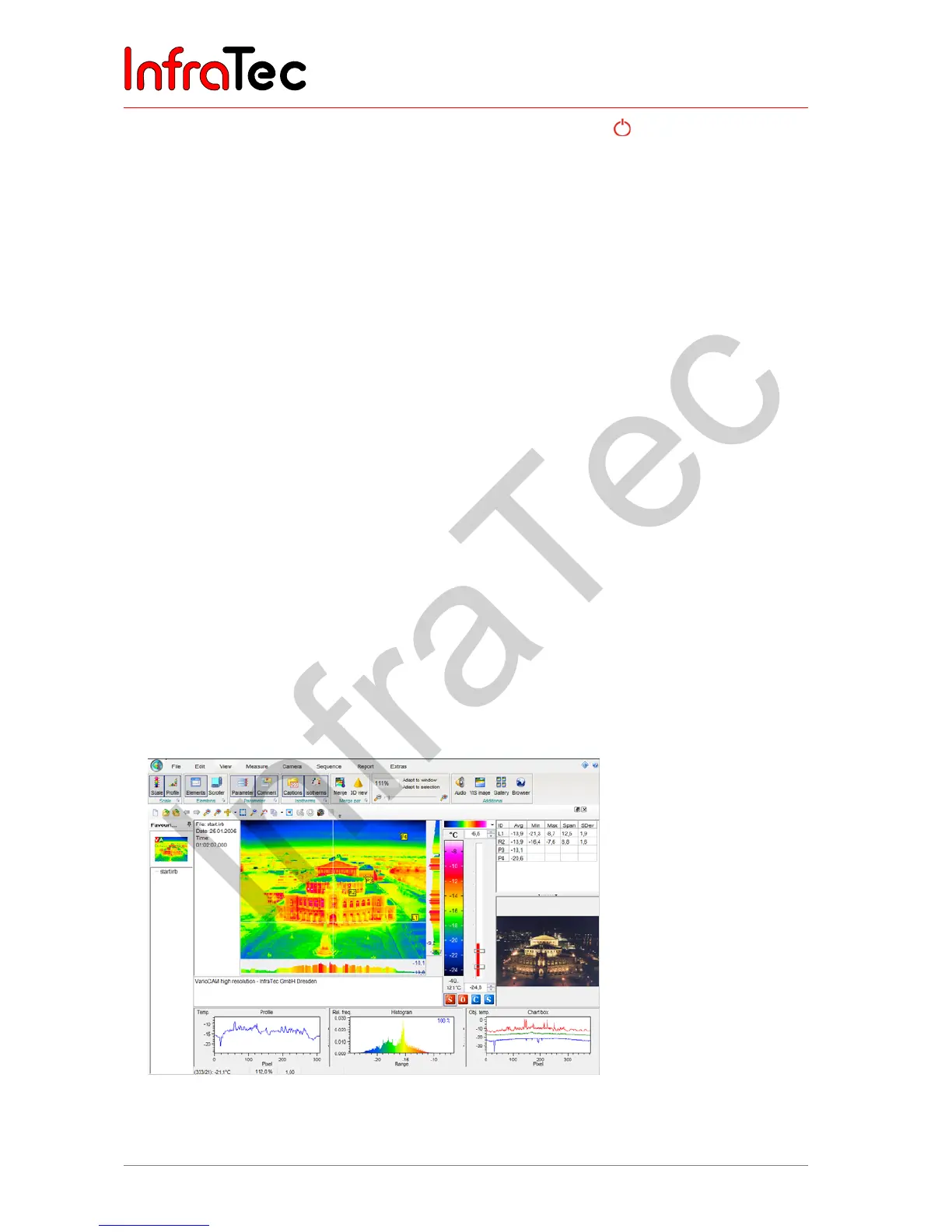
■ Install the analysis software IRBIS
®
3 on the computer and execute the software.
■ In order to open a thermography image (*.irb files) in the current window, the "Open file" function is
executed in the "File" menu.
■ The desired palette of colours (on the right-hand side of the thermography image) is selected by
using the drop-down field on the right top of the temperature scale.
■ The "View" menu can be used in order to display further elements in addition to the thermography
image, e.g. comment field, parameters and VIS image.
■ The desired temperature scale can be set by using the sliders for upper and lower limits on the right-
hand side of the colour palette or by inputting the values numerically. Pushing the right mouse button
between the temperature scale sliders will open the "Level + Range" dialog, where temperature level
and temperature range can be set. This setting is also accepted for the following thermography
images.
■ The "Measure" menu can be used in order to set labels and measuring and correction areas, as well
as to activate the indication of maximum and minimum temperature values.
■ In order to insert the analysed thermography images into a report, please use the functions contained
in the "Report" menu.
Fig. 17 Interface of the thermography software IRBIS
®
3



 To Next Page