Thermography System VarioCAM
®
HD
11. Introduction
User Manual © InfraTec GmbH 2016 89
11 Establishing a connection to the IRBIS
®
3* software
Within the IRBIS
®
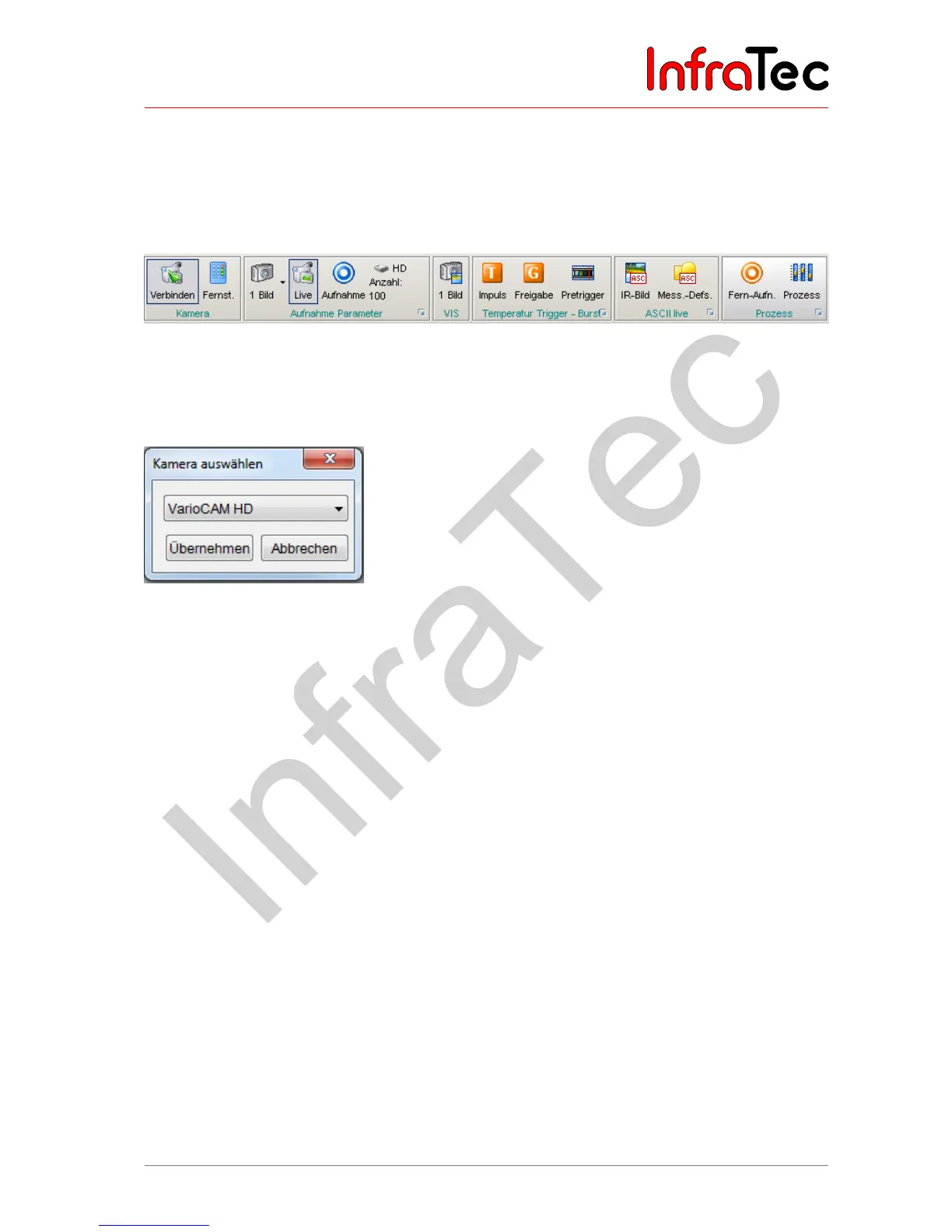
3 program, the "Connect" button must be clicked in the "Camera" menu item in order
to establish the connection between camera and software.
Fig. 208 "Camera" menu of the IRBIS
®
3 software
The following "Select camera" dialogue must be used to select the camera type "VarioCAM HD".
Clicking the "Accept" button will start the establishment of the connection to the thermography system.
Fig. 209 IRBIS
®
3 – "Select camera"
All further functions of the program are described in detail in the manuals "IRBIS
®
3 – Infrared
thermographic software".



 To Next Page