Thermography System VarioCAM
®
HD
8. Introduction
User Manual © InfraTec GmbH 2016 33
Depending on the equipment, the VarioCAM
®
HD can be used to store further data (photo, voice
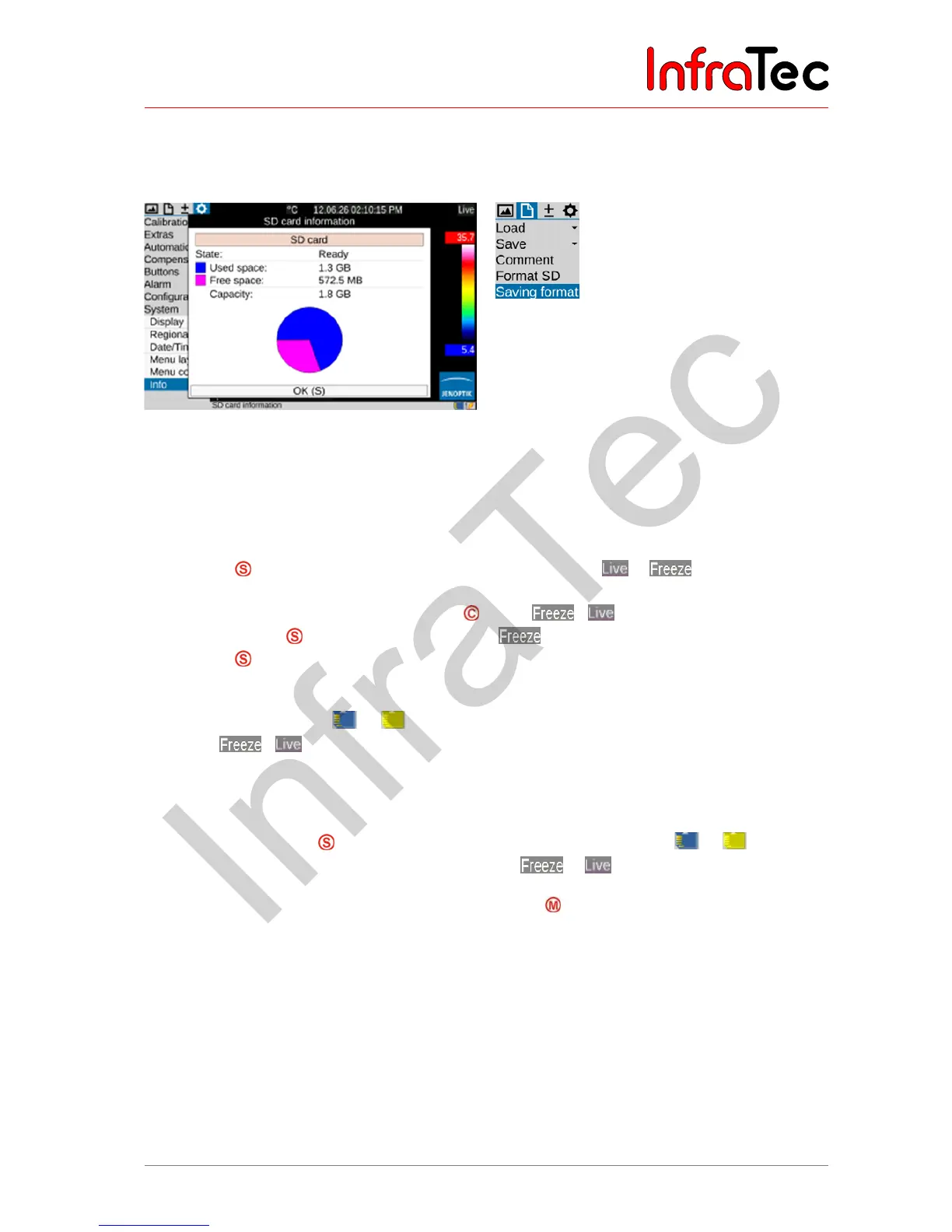
comment, screenshot, ROI positions), along with the thermogram. This can be selected in the "File" menu
using the "Saving format" menu item (see chapter 9.2.7 Menu item "Saving format" – page 55).
Fig. 31 SD card status indication Fig. 32 Menu item “Saving format”
8.2.5.1 Saving with check
In case you want to check the image to be recorded before saving it, the Live mode should be stopped
initially for this:
■ Push the button halfway down
the live image will be frozen:
.
■ The frozen image can initially be “checked” on the display or viewfinder.
■ If the image is not to be saved, push the button:
.
(Pushing the button halfway down again in mode is ignored.)
■ Push the button completely
the image is saved.
The process of writing the data is indicated by the changing colour of the map symbol (in the line below
the image, right-hand side):
. Upon saving, the camera control automatically re-activates the
Live mode:
.
8.2.5.2 Quick saving
Using the VarioCAM
®
HD, you can immediately save images in the Live mode or directly from the motion:
■ Immediately push the button completely
image is saved immediately:
, the camera
control then automatically re-activates the Live mode:
.
Alternatively, you can save by using the multifunction button (see Section 9.4.5 Menu item "Buttons".
page 72).
8.2.5.3 Vorschaubild
By using the Menu item "Elements" (see section 9.1.5 Menu item "Elements", page 43) a thumbnail
image can be displayed every time you save. For IR-images and for that selected, VIS will be displayed
for about 3 seconds in the lower left corner of the image simultaneously with the file name in the status
bar.



 To Next Page