Thermography System VarioCAM
®
HD
9. Introduction
User Manual © InfraTec GmbH 2016 69
In order to prevent an exceeding of the limits of the set calibration range, the option "Automatic"* of the
menu item "Calibration" can be activated to automatically adjust the calibration settings to the currently
observed scene. The toggle time of the calibration range depends on the maximum temperature of the
current scene. If the temperature exceeds the maximum temperature of the current calibration range, the
camera automatically switches to the next higher range.
When using the VarioCAM
®
HD for mobile applications and in the event of a constantly changing
scene, we recommend deactivating the automatic measuring range setting (factory setting).
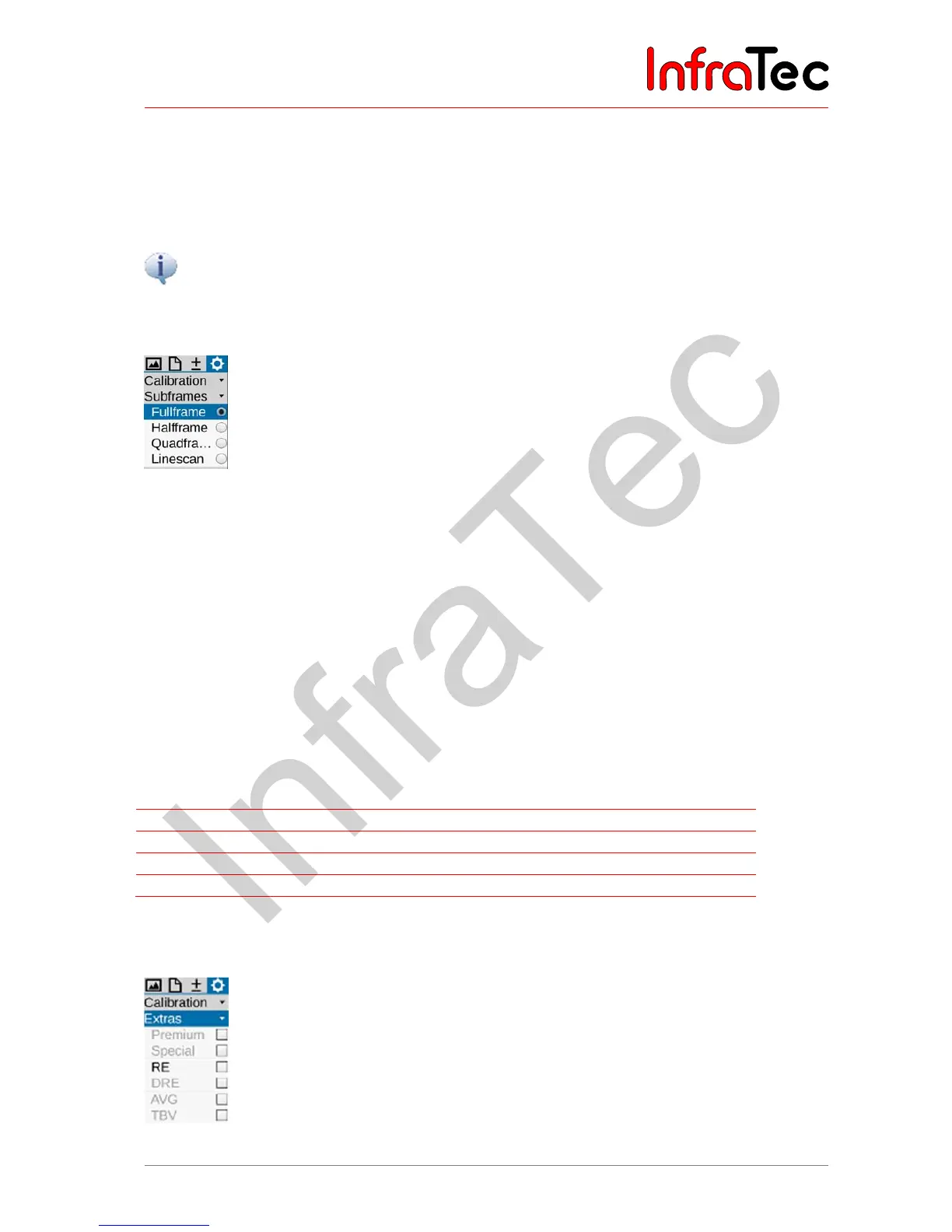
9.4.2 Menu item "Subframes"*
Fig. 161 Menu item "Subframes"
Depending on the VarioCAM
®
HD model, higher frame rates* can be used. Therefore, fast changing
temperature differences and mobile objects can be visualised. For this, the size of the displayed image is
reduced. The sub frame formats are only for cameras with XGA detectors of (1.024 x 768) IR pixels that
can be activated in the menu item “image format”. Alternatively, the settings for sub frame or calibration
range can also be changed with the remote control menu of the Software IRBIS
®
3 online. The
functionality of VarioCAM
®
HD is limited in the sub frame mode. Data storage in the sub frame mode is
only possible in conjunction with IRBIS
®
3 online.
The VarioCAM
®
HD with detector format (640 x 480) does not display images on display/searcher or
CVI/VGA. The use of the sub frame mode with this camera model is only possible with GigE-Interface.
The use of sub frame modes influences the date shown in chapter XX on page XX.
The following image formats (IR pixels) and frame rates are selectable:
Detector formats XGA (IR pixels) VGA (IR pixels)
Full screen (1.024 x 768) 30 Hz (640 x 480) 60 Hz
Half screen (640 x 480) 60 Hz (384 x 288) 120 Hz
Quarter screen (384 x 288) 120 Hz - -
line (1.024 x 96) 240 Hz (640 x 120) 240 Hz
Fig. 162 Sub frame formats and frame rates
9.4.3 Menu item "Extras"*
Fig. 163 Menu item "Extras"



 To Next Page