Thermography System VarioCAM
®
HD
9. Introduction
40 © InfraTec GmbH 2016 User Manual
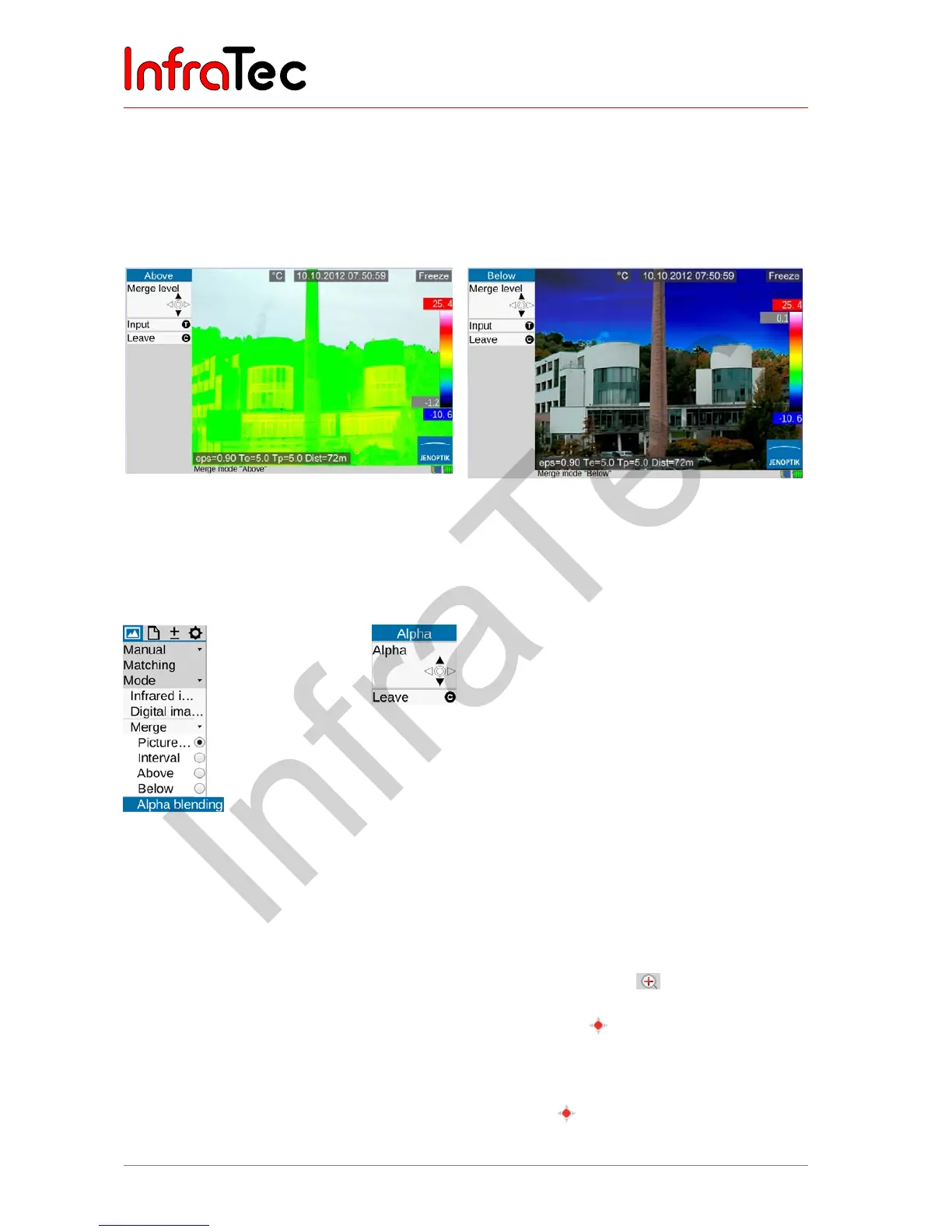
Merge – Above, Merge – Below
Just as in Interval, a (partial) temperature interval is defined in the Above and Below Merge modes, not
only the upper and/or lower limits are defined for the partial areas at this point. For the Above option, all
areas above, and for the Below option, all areas below the adjustable temperature limit are displayed.
The upper limit for the Above option corresponds to the upper limit of the set total range; the lower limit
for the Below option corresponds to the lower limit of the total range:
Fig.57 Merge – Above Fig.58 Merge – Below
Cross-fading
In all Merge modes, the transparency of the cross-faded area can be selected. The degree of cross-
fading (α blending) can be set in the sub menu "Blending" in an infinitely variable manner.
Fig. 59 Selection Alpha blending Fig. 60 Cross-fading setting
9.1.3 Menu item "Zoom"
Depending on the equipment, the VarioCAM
®
HD supports digital magnification of the Infrared image and
the Digital image (VIS image) up to 32-fold*. The setting is made in the Fig Setting Fig menu using the
"Zoom " menu item and is applicable to the currently displayed image in each case (Infrared image or VIS
image). A set magnification is indicated as the corresponding status symbol to the right below the
image. If the image was enlarged digitally, the enlarged section of the image (initially located in the center
of the image) can be moved. By shortly pushing the Enter button , you can toggle between the
options enlargement (Zoom) and Move. The function active in each case is indicated by blackened
joystick symbols in the upper part of the menu; the zoom level and the position of the enlarged section of
the image are indicated in the left bottom area of the total image. After the enlarged section of the image
has been moved from the center of the image, the Enter button must be pushed longer in order to
center the section of the image.



 To Next Page