Thermography System VarioCAM
®
HD
9. Introduction
72 © InfraTec GmbH 2016 User Manual
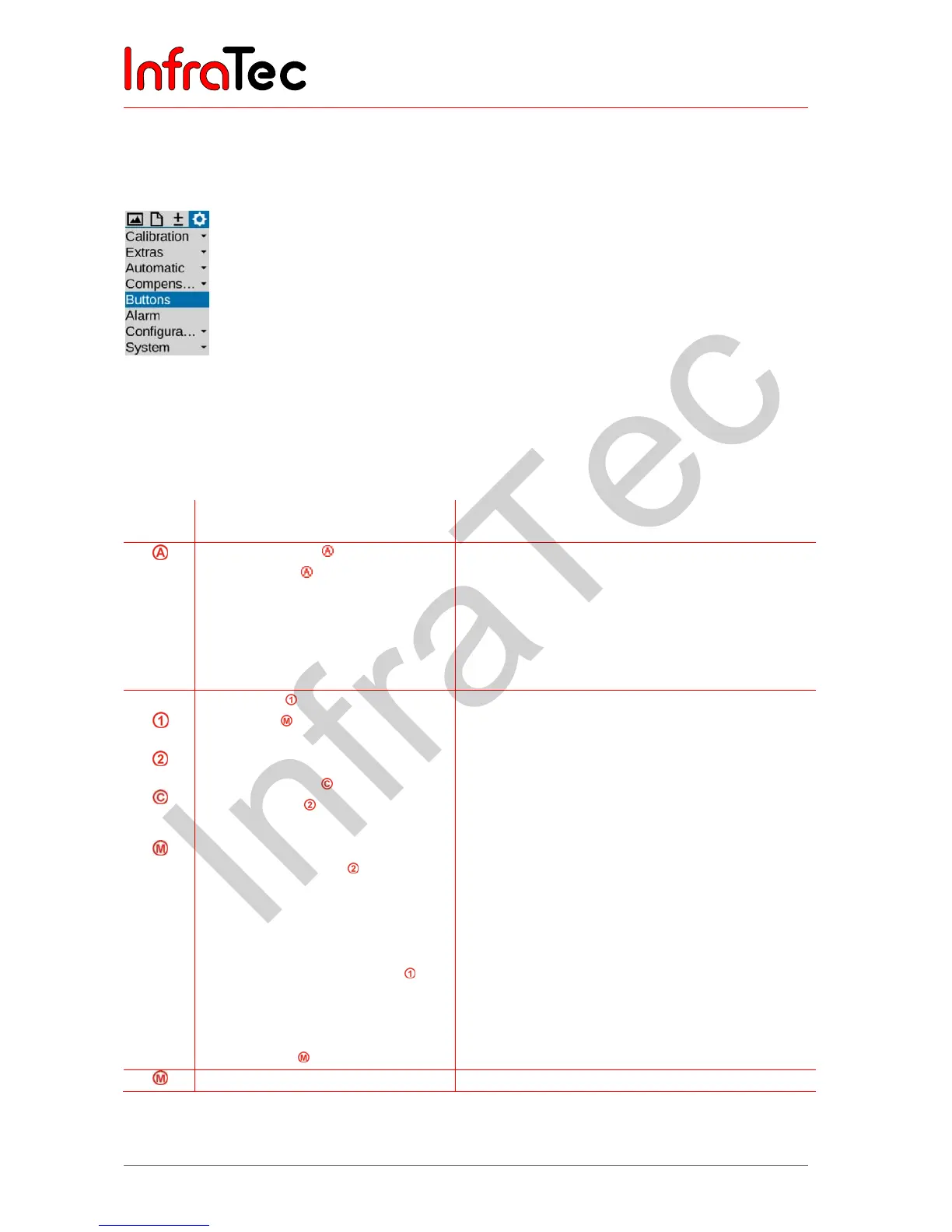
9.4.5 Menu item "Buttons"
The VarioCAM
®
HD can be adapted flexibly to different requirements by individually assigning functions
to the control buttons. The button function can be specified in the "Buttons" menu item.
Fig. 169 Menu item "Buttons"
The following table contains a summary of the different functions* selectable for the different buttons. In
order to identify the button function as set ex factory, the button symbols are assigned accordingly in
the function column. An overview of the factory button assignment can also be found in fig. 138 on page
63.
Buttons Functions
Short/long (M: halfway/completely)
Explanation
Range adaptation
Compensation
long
Compensation (long)
Compensation + range adaptation
“Level/range” menu
“Max/Min” menu
Temperature scale according to the scene
NUC (Non-Uniformity Correction)
NUC Reset + NUC
NUC and temperature scale in accordance with
the scene
For manually setting Level/range
For manually setting Maximum/Minimum
Long
Laser on/off
Light on/off
halfway
Real-time saving
Video saving
Level/range menu
long
Max/Min menu
long
Zoom menu
Isotherms menu
Infrared/Digital image
Isotherms on/off
Minimum on/off
Maximum on/off
Minimum and Maximum on/off
long
Switch-over palette
Invert palette
B/W palette colour
Freeze image
completely
Laser rangefinder/laser pointer on/off
Photo light on/off
Start/stop real-time saving
Start/stop video saving
For manually setting Level/range
For manually setting Maximum/Minimum
For setting the zoom
For setting the isotherms
Switch-over image mode Infrared image – Digital
image
Show/hide isotherms
Show/hide global Minimum
Show/hide global Maximum
Show/hide global Minimum and Maximum
Next palette
Insert palette
Switch-over colour - black/white palette
Stop the live image Freeze
Freeze or save image Freeze the image Freeze or store
The functions can be set in the corresponding input field for the respective button:



 To Next Page