Thermography System VarioCAM
®
HD
9. Introduction
User Manual © InfraTec GmbH 2016 45
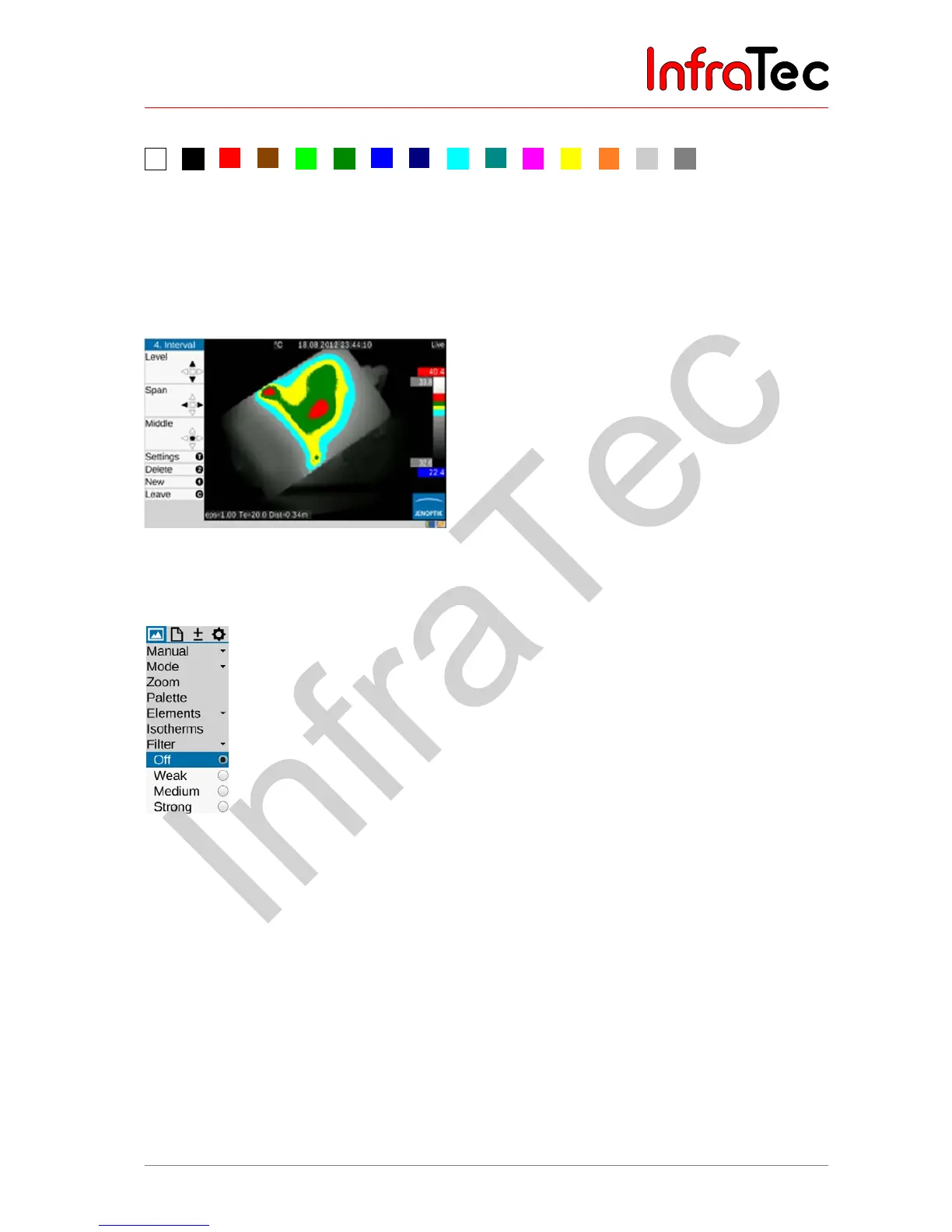
The following colours can be selected for the isotherms:
White
Black
Red
Brown
Lime
Green
Blue
Dark blue
Cyan
Darrk Cyan
Magenta
Yellow
Orange
Light gray
Dark gray
Fig. 76 Colors for isotherms
Fig. 77 Thermal image with black/white palette and displayed isotherms
9.1.7 Menu item "Filter"
Fig. 78 Menu item "Filter"
With the help of the "Filter" menu item, a filter can be set for the representation of the thermal images. A
first-order digital low-pass filter is used as a filter.
The sub-menu can be used in order to select from the four filter stages "Off", "Weak", "Medium" and
"Strong". Filtering reduces the noise in the image, significantly improving the image quality particularly
for scenes with low temperature gradient. The filter should be set to “Off” or “Weak” for moving objects or
for the documentation of quick temperature changes.



 To Next Page