Thermography System VarioCAM
®
HD
10. Introduction
88 © InfraTec GmbH 2016 User Manual
10.2.3 Configuration of the network card
You can use the "Configure…" button in the “Properties of LAN connections” window in order to define
the properties of the network card.
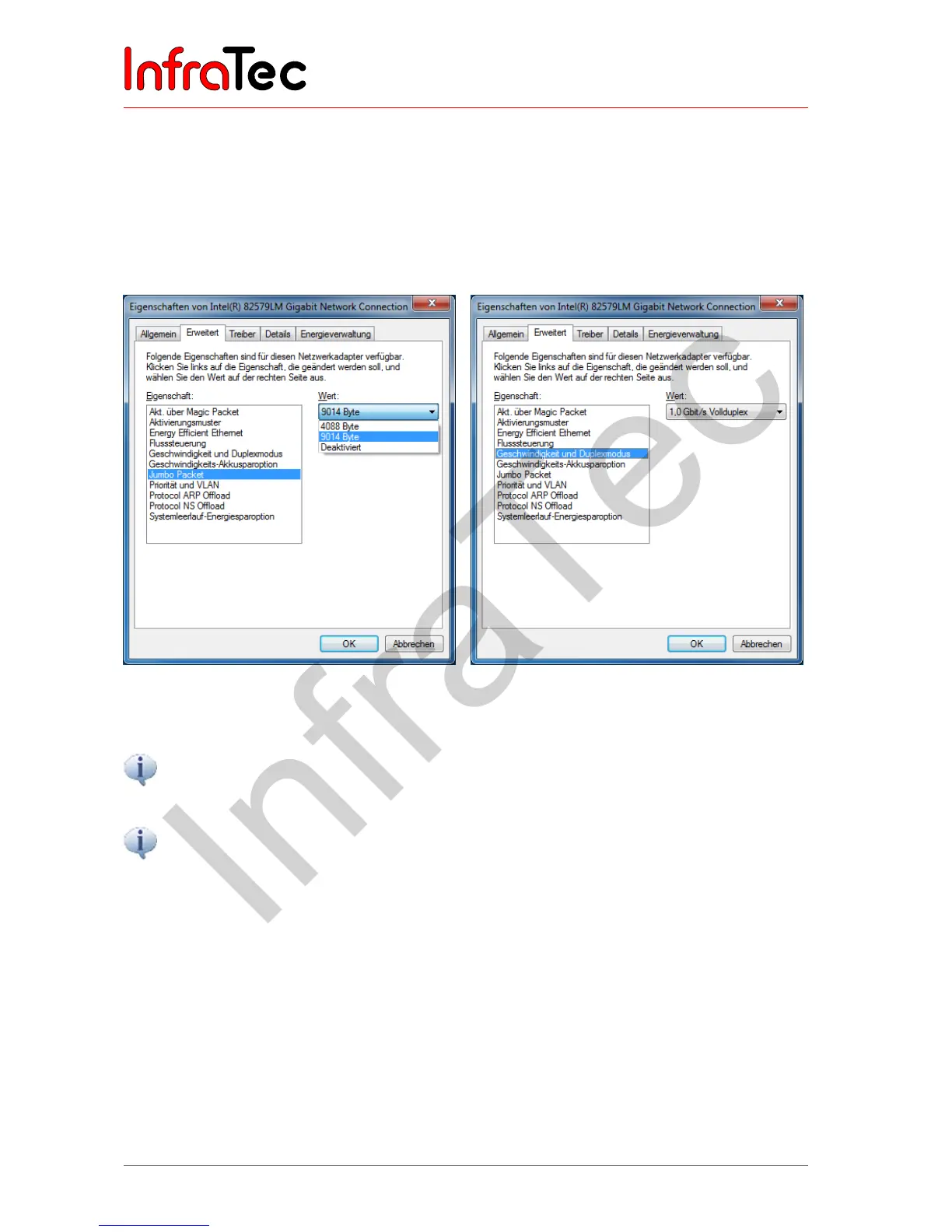
We strongly recommend activating the "Jumbo Packet" property in order to achieve a trouble-free
Ethernet connection to the VarioCAM
®
HD. This function significantly reduces the occupancy rate of the
network and allows for loss-free data transmission even at high frame rates.
Fig. 206 Setting
"
Jumbo Packet
"
Fig. 207 Speed and duplex mode
Please select the highest possible value from the available drop-down list.
Please preferentially select the value "1.0 Gbit/s full duplex" and the "Automatic negotiation" menu
item only if this value is not available.



 To Next Page