Thermography System VarioCAM
®
HD
10. Introduction
User Manual © InfraTec GmbH 2016 87
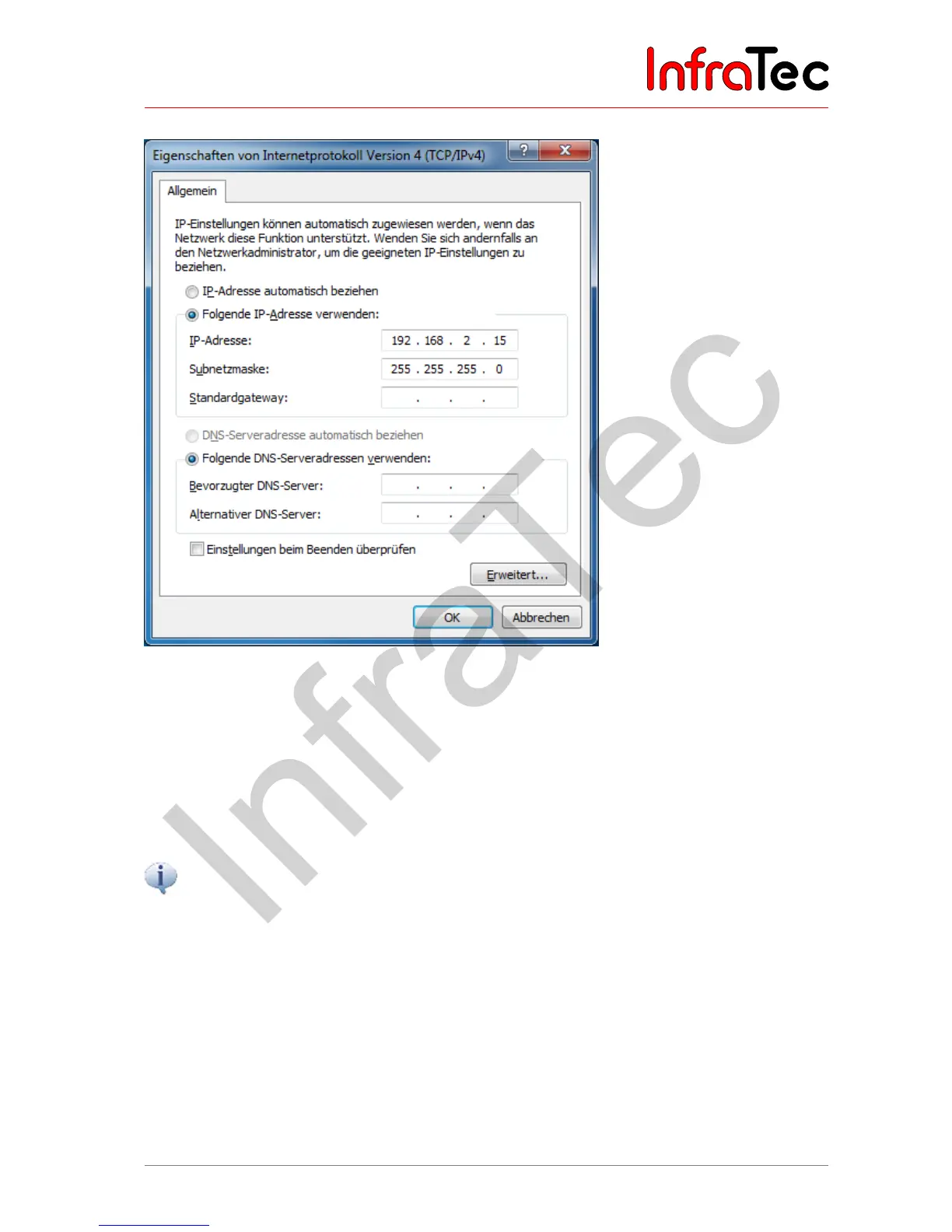
Fig. 205 Setting the IP address
If the option "Internet protocol (TCP/IP) " is selected, you can use the "Properties" button in order to set
the IP address of the GigE network card. This IP address can be freely defined in accordance with the
specifications made by your network in the "Use the following IP address" menu item.
During the further progress of the installation you will need two free network addresses. Should you have
any questions regarding this, please contact your network administrator directly.
The
"
Retrieve IP address automatically
"
option must not be selected. If this option is however
activated, the computer will try to retrieve a dynamic network address from the camera system,
which is indicated by the corresponding network symbol in the tool bar. In this case. no connection
can be established to the VarioCAM
®
HD.



 To Next Page