Thermography System VarioCAM
®
HD
9. Introduction
User Manual © InfraTec GmbH 2016 79
9.4.8.7 Info
Fig. 188 Info – display of the camera information
The sub-menu "Info" contains the most important system information regarding hardware (camera) and
system software (system), SD-card, GPS and WLAN settings.
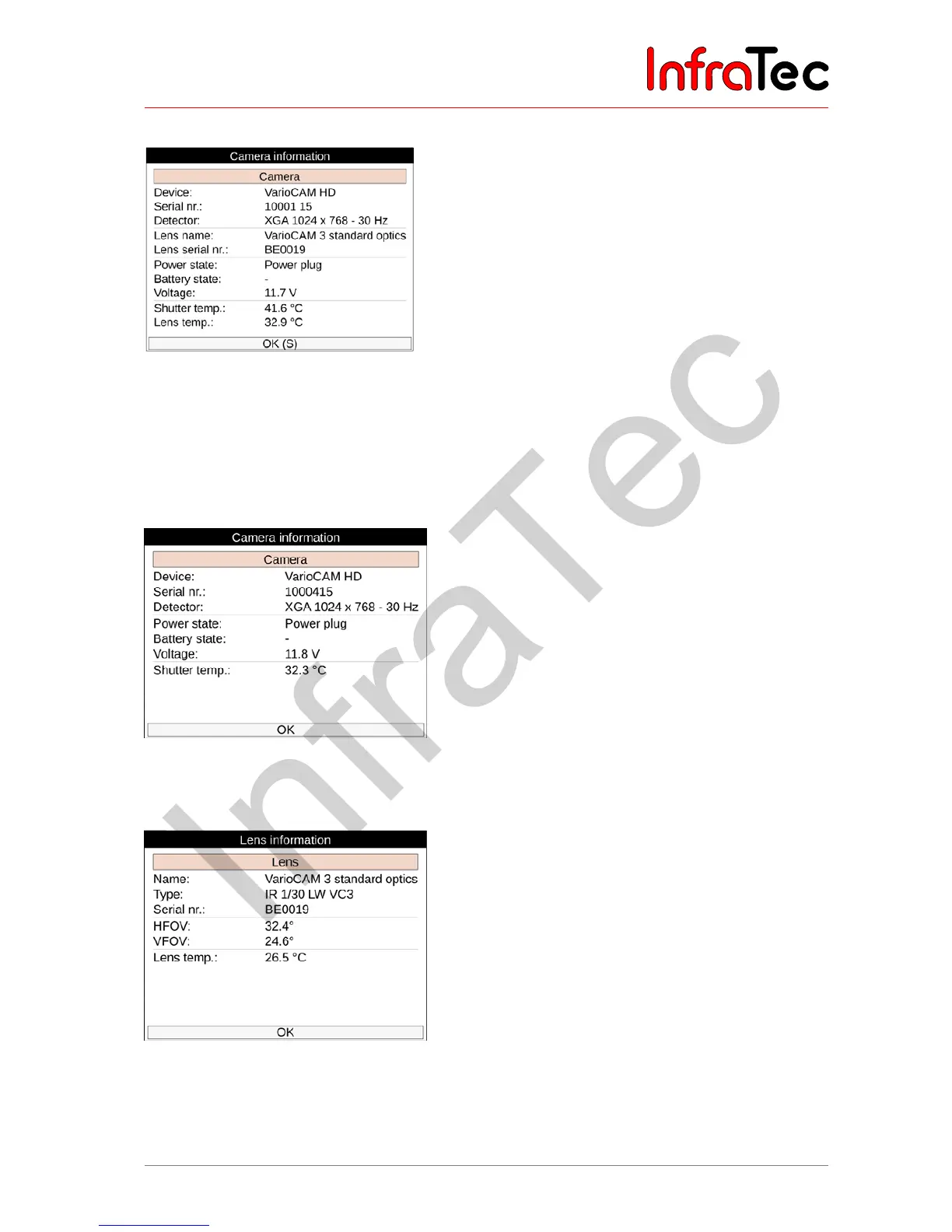
The sub-menu „camera“ displays the serial number of the camera, the detector format, information about
current power supply as well as the camera temperature:
Fig. 189 Info – display of camera information
The sub-menu „lens“ displays the type of the current lens, serial number, height and width of the image
field as well as lens temperature (not for lenses with screw thread):
Fig. 190 Info – display of lens information
The sub-menu "SD card" displays the used and available space on the memory card as well as the
number of all files and directories saved on this card:



 To Next Page