Thermography System VarioCAM
®
HD
9. Introduction
User Manual © InfraTec GmbH 2016 77
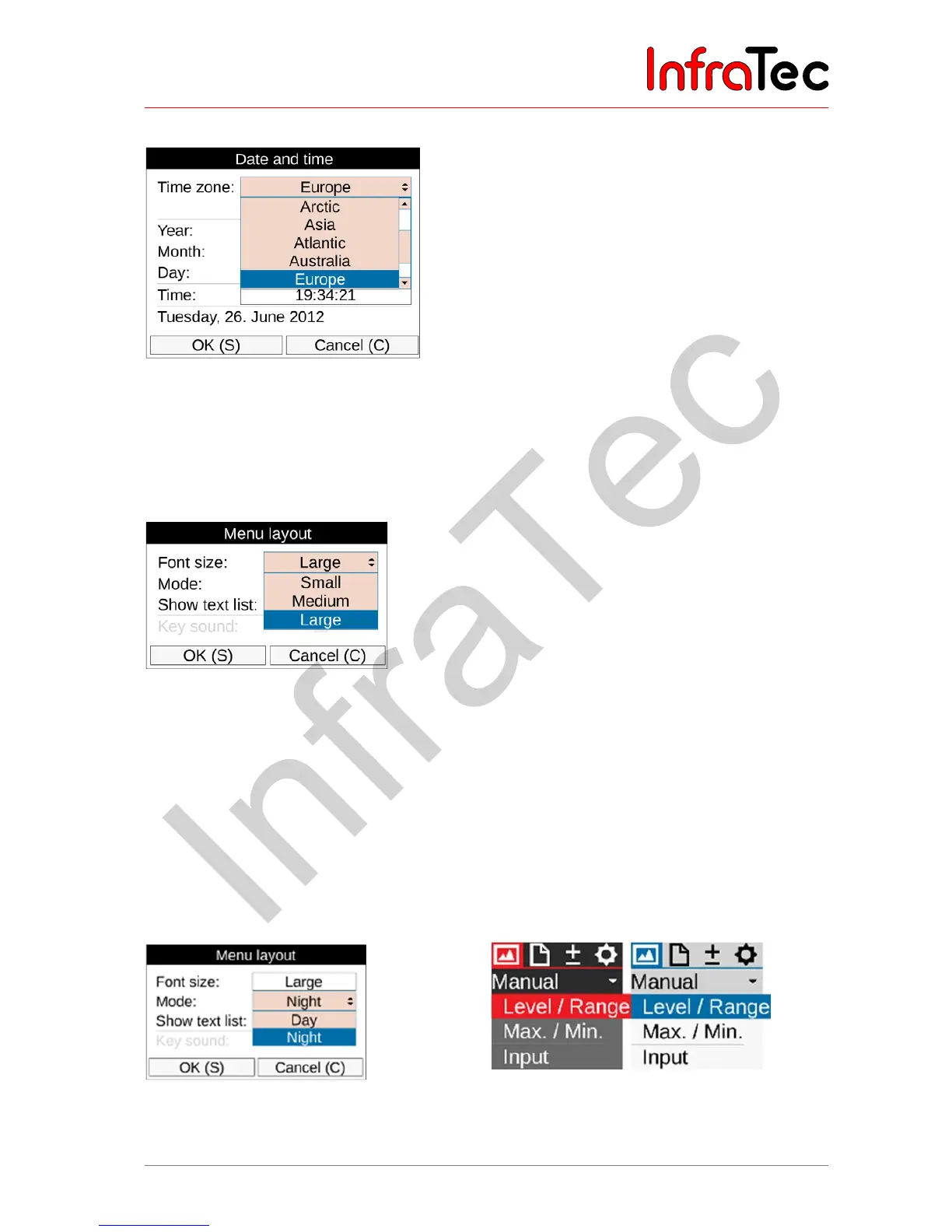
9.4.8.3 "Date/Time" Setting
Fig. 182 Settings for "Date and time"
Setting the date and the time corresponds to the procedure usual for PCs: we recommend entering the
information in the corresponding dialogues on a per-line basis from the top to the bottom.
9.4.8.4 "Menu layout" Setting
Fig. 183 "Menu layout" settings – font size
The sub-menu "Menu layout" is used in order to make the settings for the graphical user interface. The
selection options for the font size comprise the 3 levels "Large", "Normal" and "Small". Particularly in the
event of a large font size, a part of the text shown in the menus is no longer displayed completely,
because the available space is insufficient. However, when navigating to the corresponding menu item,
this menu item is displayed completely even when it exceeds the menu width.
When switching from day to night mode the system switches from dark font on light background to light
font on dark background. A possible blinding effect in darkness is reduced significantly by the
considerably darker menu representation.
Fig. 184 "Menu layout" settings – mode Fig. 185 Menu in night and/or day mode



 To Next Page