Thermography System VarioCAM
®
HD
9. Introduction
38 © InfraTec GmbH 2016 User Manual
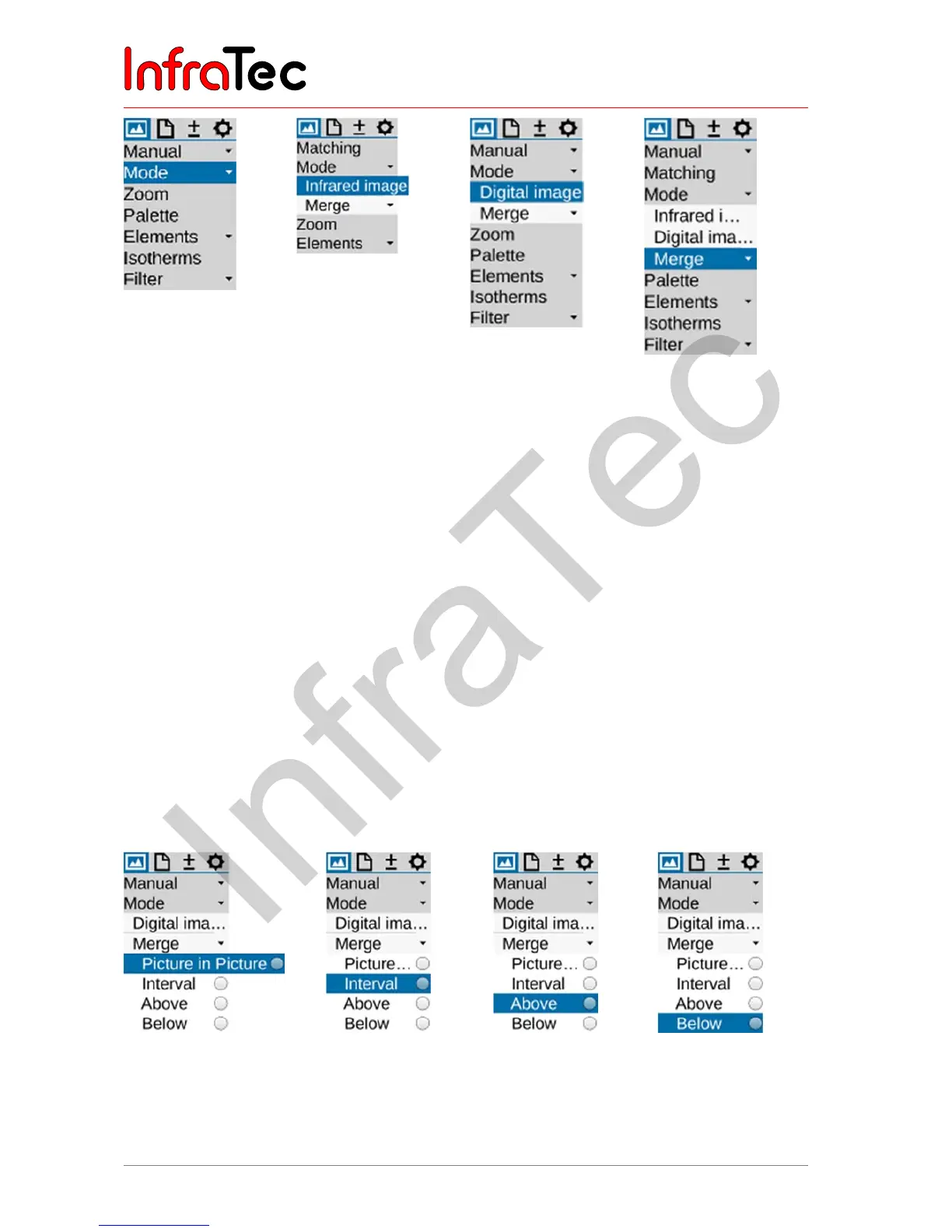
Fig.46 Menu "Mode"
not dropped
down
Fig.47 Menu "Mode"
– Infrared
image mode
Fig.48 Menu "Mode"
– Digital
image mode
Fig.49 Menu "Mode"
– Merge mode
Infrared image mode
In the Infrared image mode, the thermal image is shown in false colour representation. Depending on the
equipment, the live image displays (1.024 x 768) or (640 x 480) IR pixels with the digital zoom switched
off. While saving, the geometric resolution can be increased to (2.048 x 1.536) and/or (1.280 x 960) IR
pixels by means of the optomechanic MicroScan functions Resolution Enhancement* (RE) or Dynamic
Resolution Enhancement* (DRE). These modes* must be activated in the "Settings menu" using the
"Extras" menu item.
Digital image mode
In the Digital image mode, the camera-internal digital photo channel is operated in video mode and
displayed with a geometric resolution of (1.024 x 720) pixels. The option of saving photos with the
available pixel resolution of (3.264 x 2.448) pixels (8 megapixels) is set in the "File" menu using the menu
item "Saving format", see chapter 9.2.7 Menu item "Saving format" – page 55.
Merge mode
In the Merge mode, 4 different modes can be selected. In order to select these options, the Merge sub-
menu must be dropped down:
Fig.50 Merge sub-menu –
Picture in Picture
Fig.51 Merge sub-
menu –
Interval
Fig.52 Merge sub-
menu –
Above
Fig.53 Merge sub-
menu –
Below



 To Next Page