Thermography System VarioCAM
®
HD
9. Introduction
User Manual © InfraTec GmbH 2016 57
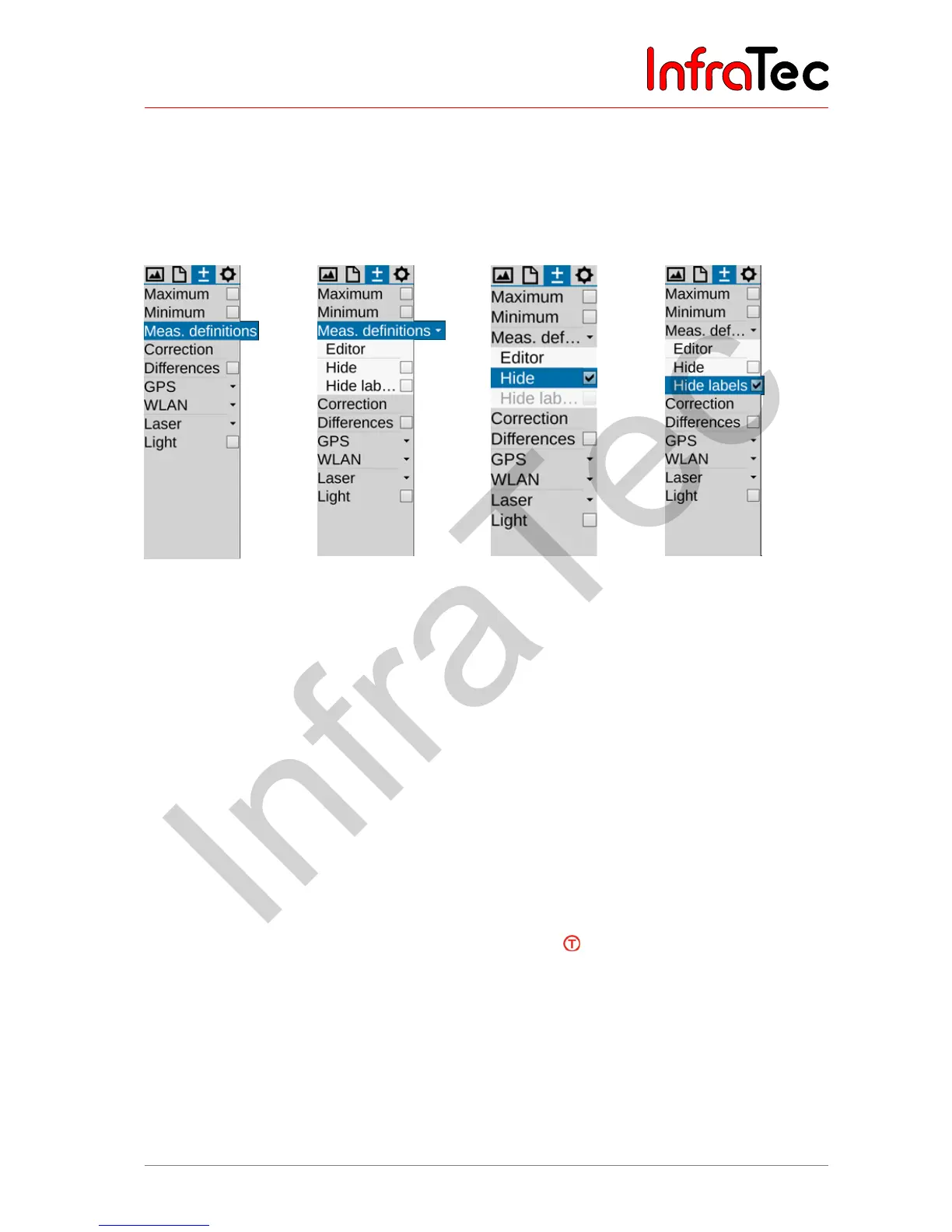
The "Measurement definitions" menu item can be used in order to define differently shaped measuring
objects (ROI, regions of interest). The VarioCAM
®
HD supports the simultaneous display of 8 different
measurement regions (global and 7 partial ROIs), which the local maximum and minimum values can
also be displayed for in each case, along with the average value. If previous measurement objects are
still saved in the database, the editor can be started using the menu “Measurement definitions”. Already
created measurement objects or its identifier can be hidden:
Fig. 111 Menu item
„measurement
definitions“, no ROI
created
Fig. 112 Menu item
„measurement
definitions“, ROI created
Fig. 113 Menu item
„measurement
definitions“; ROI hidden
Fig. 114 Menu item
„measurement
definitions“, identifier of
ROI hidden
The following shapes of the measuring objects can be selected:
■ Point (P)
■ Line (L)*
■ Polygon line (PL)*
■ Rectangle (R)
■ Ellipse*
■ Polygon (PG)*
In order to create a new ROI, you must initially open the “Editor” (Editor) sub-menu and select the
required format of the measuring object at "New".
Already stored ROI can be hidden or shown by pressing the icon. Location and emissivity of the
measured objects can be stored with the thermography data, so that evaluation with identical ROI can
easily be performed later. The setting for this can be found in the storage format menu (see chapter 9.2.7
Menu item "Saving format" – page 55).



 To Next Page