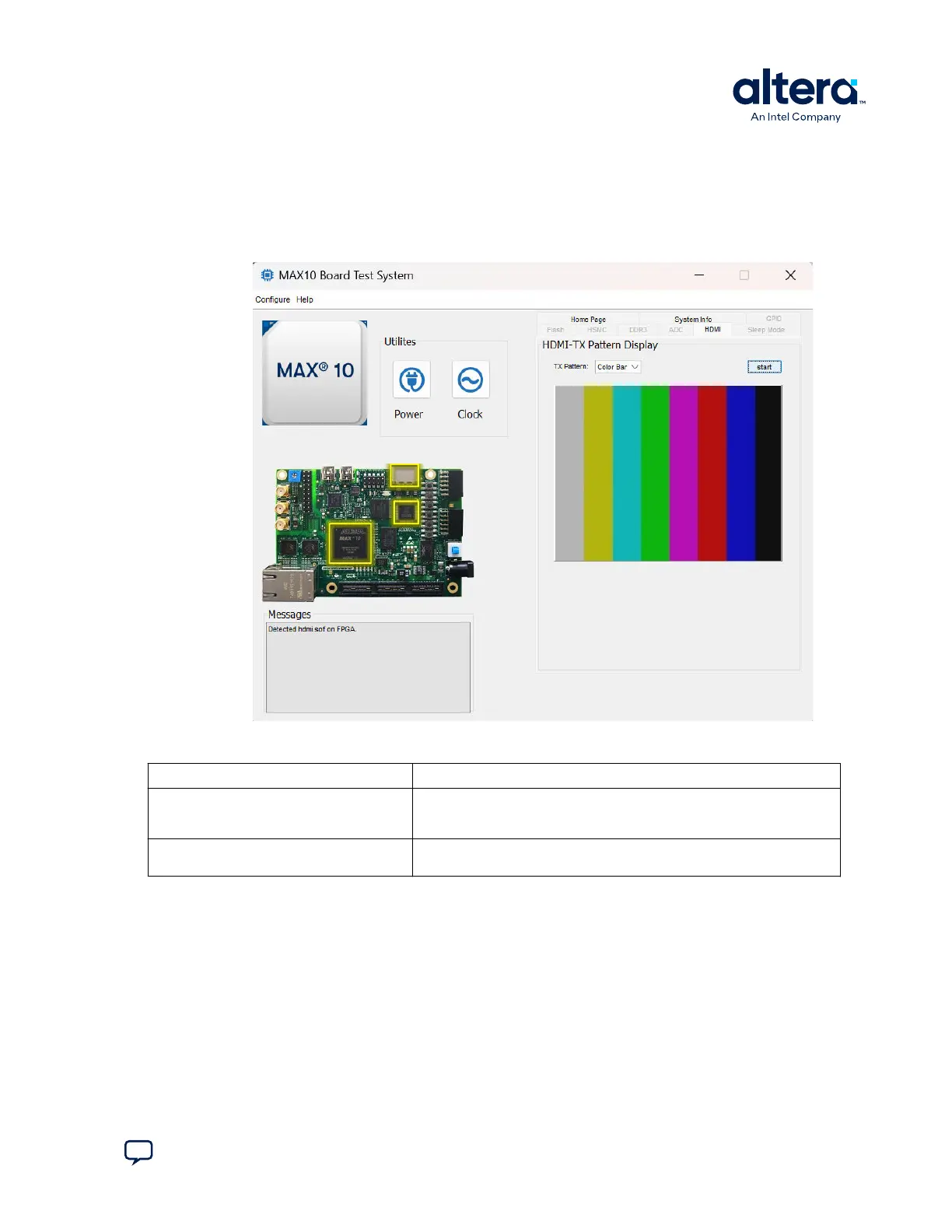
3.8. The HDMI Tab
The HDMI tab displays a transmitter color bar pattern from the high-definition
multimedia interface (HDMI).
Figure 13. The HDMI Tab
Table 10. Controls on the HDMI Tab
Control Description
TX Pattern Color Bar: Use this control to choose TX patterns. The available choices
are red, blue, green, white, and black. If you select the Start button, the
TX pattern displays immediately.
Start When you click this button, the selected TX pattern (from Color Bar)
displays.
3. Board Test System
683460 | 2024.11.20
Send Feedback
MAX
®
10 FPGA Development Kit User Guide
25














 To Next Page