SECTION 2 " RT3210 Radio Terminal
VT220/ANSI Terminal Emulation Programmer’s Reference Guide 2-13
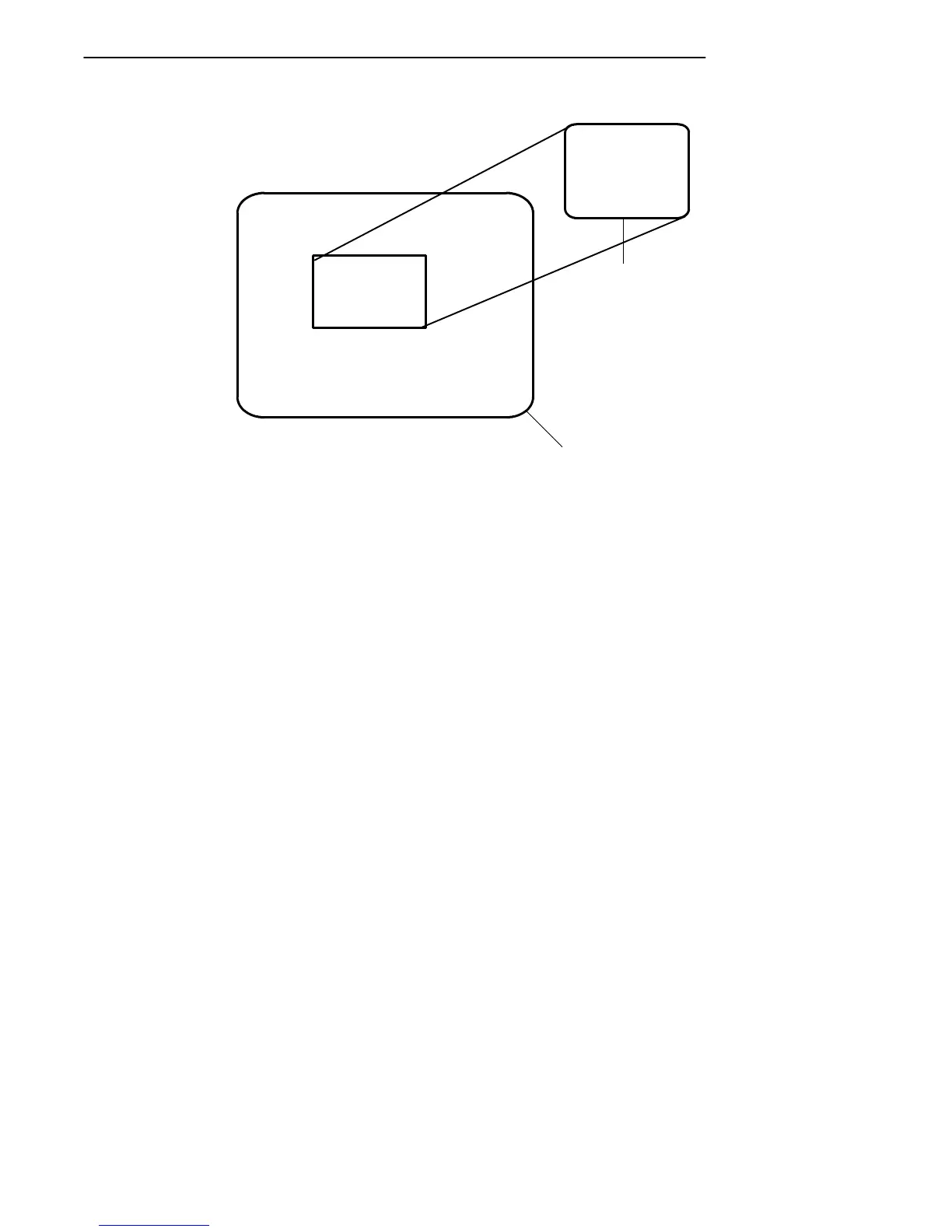
THE WINDOW DISPLAY MODE
ALLOWS THE TERMINAL USER
TO VIEW ANY PART OF THE
ACTUAL VT220 SCREEN AND
TO MOVE ABOUT THE VT220
SCREEN USING THE CURSOR
CONTROL KEY.
RT3210 Radio
Terminal
VT220 Terminal
INDOW DISPLA
S THE TERMIN
EW ANY PART
L VT220 SCRE
Figure 2-2
RT3210 Windowing Mode
If you try to move the cursor off the display in any direction,
the window shifts one line or column in the direction of the
cursor movement. This lets you move the viewing window
around within the larger VT220’s screen. The display does
not wrap around when the window reaches the top or side
boundaries of the larger screen. A beep error tone sounds
when you try to move the window beyond one of the bound-
aries.
Paging Through the Display
Use the cursor control key in combination with [FUNC] to
page through the radio terminal’s display. Each corner of
the diamond moves the cursor in that direction.



 To Next Page