SECTION 4 " RT1700 Radio Terminal
4-10 VT220/ANSI Terminal Emulation Programmer’s Reference Guide
The keys are color-coded according to function to make rec-
ognition and key entry easier. Press the key in the upper
left corner to turn the radio terminal on. To turn it off,
press the key for 3 seconds. Following are the remaining
keys and their descriptions.
Key(s) Description
[F1] -- [F12] Perform operations defined by the application.
[SP] Sends one space.
[¬]
Sends a backspace or a delete key, depending on
how the firmware is set up.
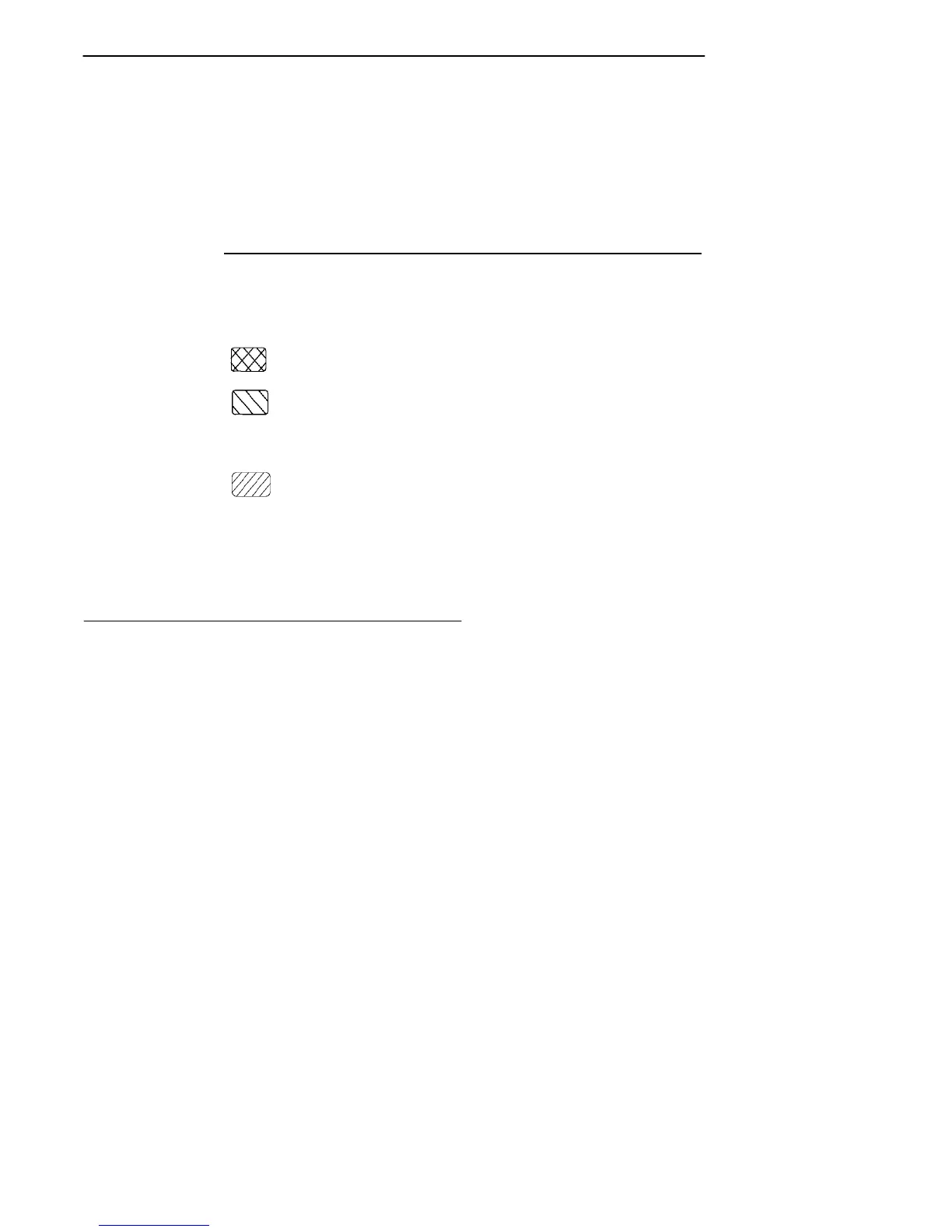
The black key places the keyboard into black
shift mode.
The gold key places the keyboard into gold shift
mode.
[0] -- [9] Send numbers 0 through 9 or SS3 p through SS3
y, depending on how the keypad mode is set.
The brown key in the lower left corner places the
keyboard into keypad mode.
[ENTER] Sends CR, CR LF, or SS3 M, depending on ter-
minal mode settings.
[SCAN] The brown scan key enables an integrated scan-
ner to be operated after this key is pressed.
Overlays
Type the characters and do the operations printed on the
overlays when the keyboard is in black shift ([BLACK])
mode or gold shift ([GOLD]) mode.



 To Next Page