SECTION 3 " RT1100 Radio Terminal
VT220/ANSI Terminal Emulation Programmer’s Reference Guide 3-13
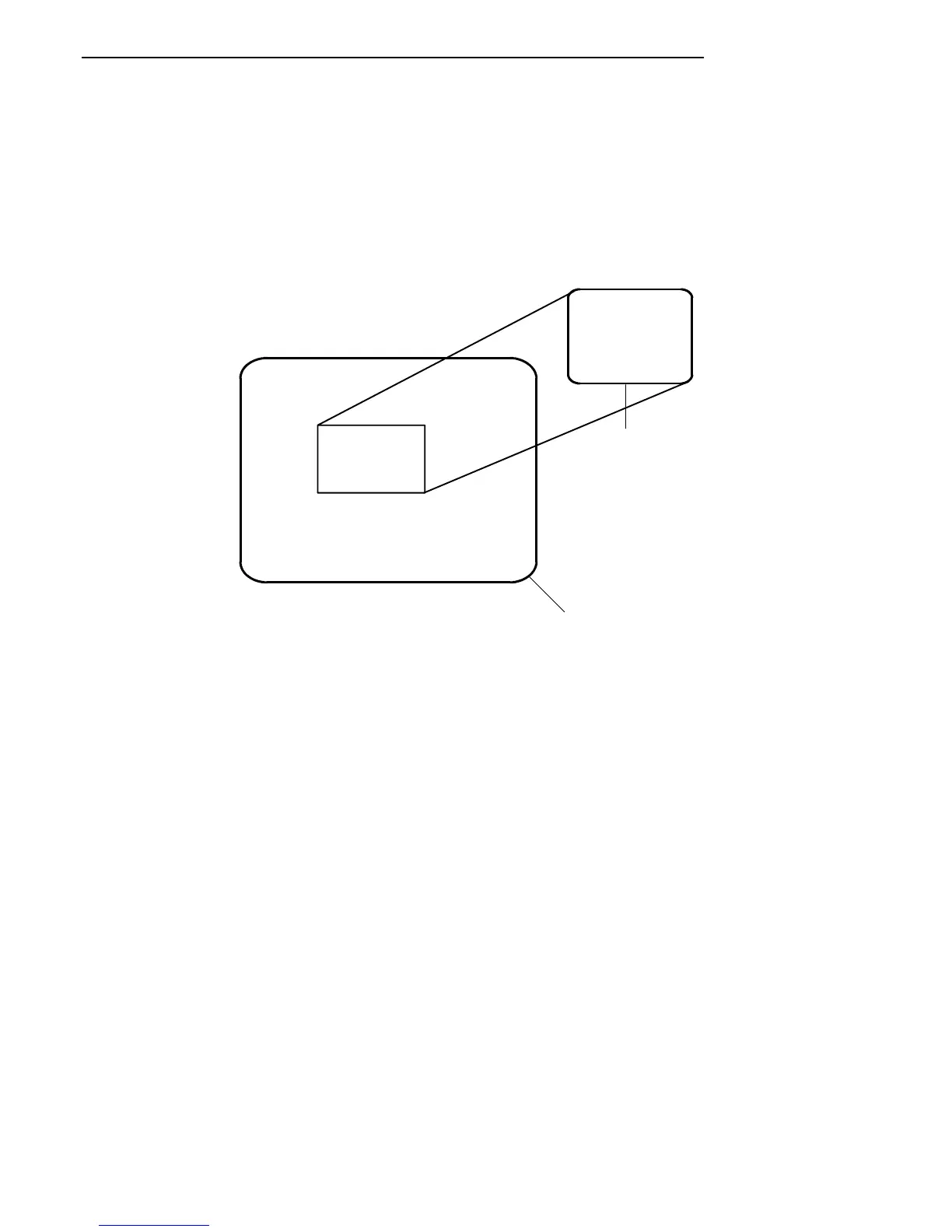
If you try to move the cursor off the display in any direction,
the window shifts one or eight lines or columns in the direc-
tion of the cursor movement. This lets you move the view-
ing window around within the larger VT220 terminal
screen. The display does not wrap when the window reach-
es the top or side boundaries of the virtual VT220 screen. A
beep tone sounds when you try to move the window beyond
a top, bottom, left, or right boundary.
THE WINDOW DISPLAY MODE
ALLOWS THE TERMINAL
USER TO VIEW ANY PART
OF THE ACTUAL VT220 SCREEN
AND TO MOVE ABOUT THE
VT220 SCREEN USING THE
CURSOR CONTROL KEY.
INDOW DISPLA
S THE TERMIN
TO VIEW ANY
E ACTUAL VT2
O MOVE ABOUT
VT220 Terminal
RT1100 Radio
Terminal
Figure 3-2
RT1100 Windowing Mode
Use the arrow keys in combination with [GOLD] and
[BLACK] to move through the radio terminal’s display a
single space at a time (indicated by “S” on the overlay) or
eight spaces at a time (indicated by “W” on the overlay).
The following chart shows key combinations.



 To Next Page