SECTION 3 " RT1100 Radio Terminal
3-6 VT220/ANSI Terminal Emulation Programmer’s Reference Guide
Keyboard
The radio terminal has a 47-key keyboard with keys defined
to emulate VT220 terminal operation (Figure 3-1). Keys
are color-coded according to function to make recognition
and key entry easier. The key in the upper left corner of the
keyboard turns the radio terminal on. To turn it off, press
the key for about 3 seconds.
Following are the remaining keys and their descriptions.
Key(s) Description
[A]--[Z] Send letters a through z or A through Z, depending
on how the shift lock is set.
[SP] Sends one space.
[¬]
Sends a backspace or a delete key, depending on
how the firmware is set up.
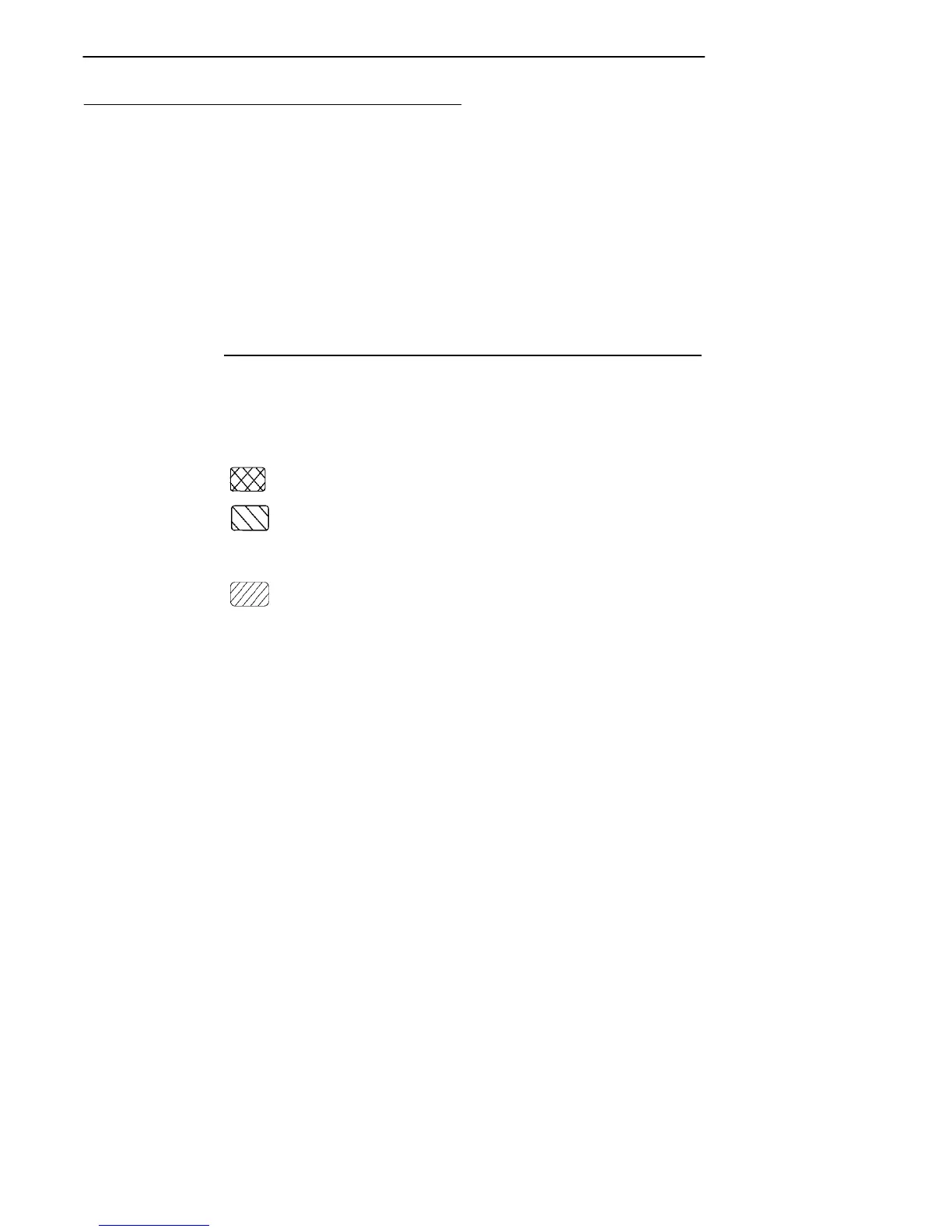
Places keyboard into black shift mode.
Places keyboard into gold shift mode.
[0]--[9] Send numbers 0 through 9 or SS3 p through SS3 y,
depending on how the keypad mode is set.
Places keyboard into keypad mode.
[ENTER] Sends CR, CR LF, or SS3 M, depending on terminal
mode settings.



 To Next Page