SECTION 4 " RT1700 Radio Terminal
4-16 VT220/ANSI Terminal Emulation Programmer’s Reference Guide
To Do Cursor Key Press
-
[Y]
¯
[B]
¬
[A]
®
["]
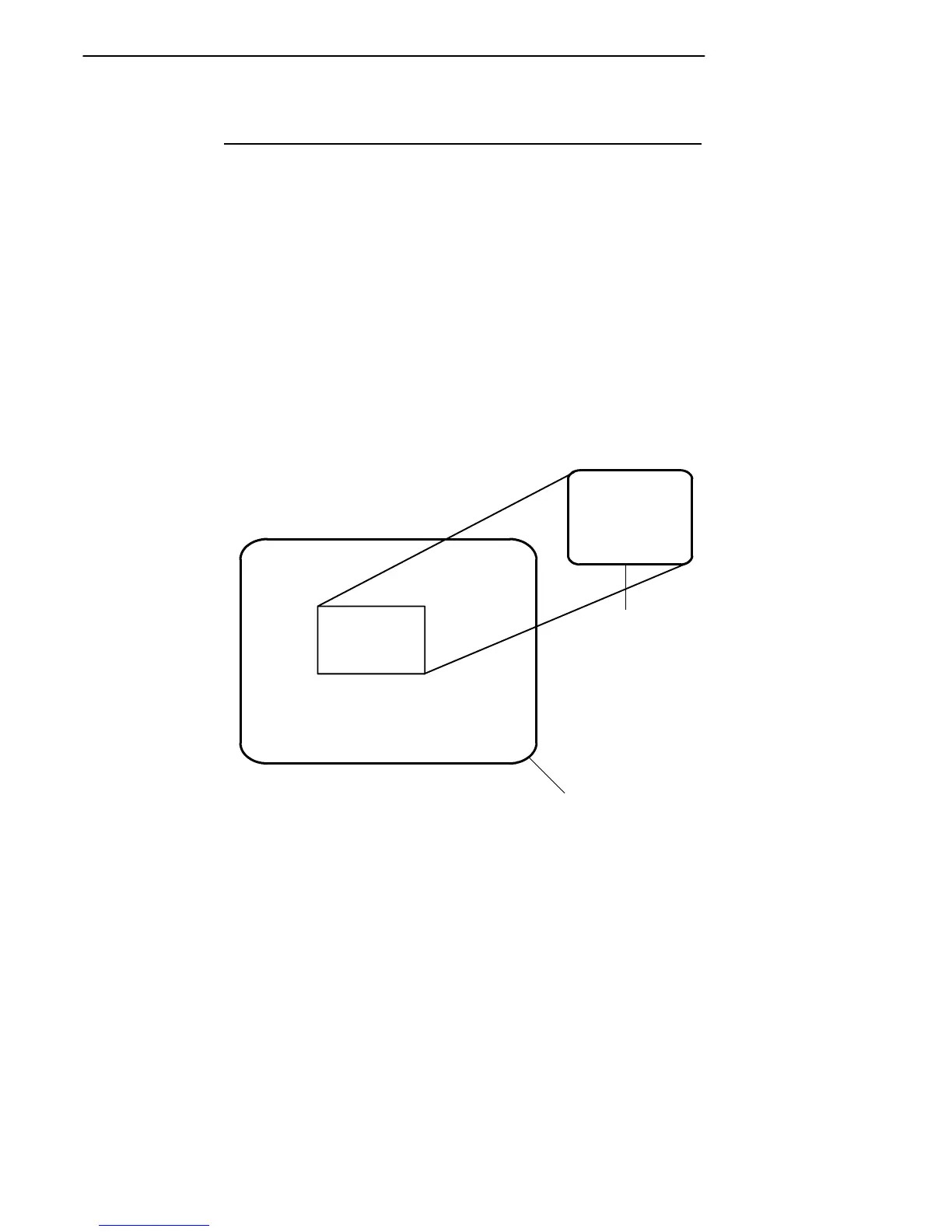
In addition to sending VT220 cursor control sequences, the
arrow keys at the tops of the keyboards allow you to move
the cursor through the radio terminal’s display. The keys
operate in a local windowing mode, which is enabled with
the black shift or gold shift key. This mode provides a “win-
dow” into the VT220’s screen and allows you to move the
radio terminal’s display window (Figure 4-3). Each key
moves the window in the direction indicated by the arrow.
THE WINDOW DISPLAY MODE
ALLOWS THE TERMINAL
USER TO VIEW ANY PART
OF THE ACTUAL VT220 SCREEN
AND TO MOVE ABOUT THE
VT220 SCREEN USING THE
CURSOR CONTROL KEY.
INDOW DISPLA
S THE TERMIN
TO VIEW ANY
E ACTUAL VT2
O MOVE ABOUT
VT220 Terminal
RT1700 Radio
Terminal
Figure 4-3
RT1700 Windowing Mode



 To Next Page