Settings
USER MANUAL FPC 200 - 3/2017 113
4.1 Introduction
Setting can be done using graphical interface MiQen Setting Studio software via Laptop or PC connected to device or
using HMI.
Parameters presented in section below
have equal name adjusted for HMI written
beside real parameter in form of:
Setting [HMI name]
4.2 Human machine interface (HMI)
User interface
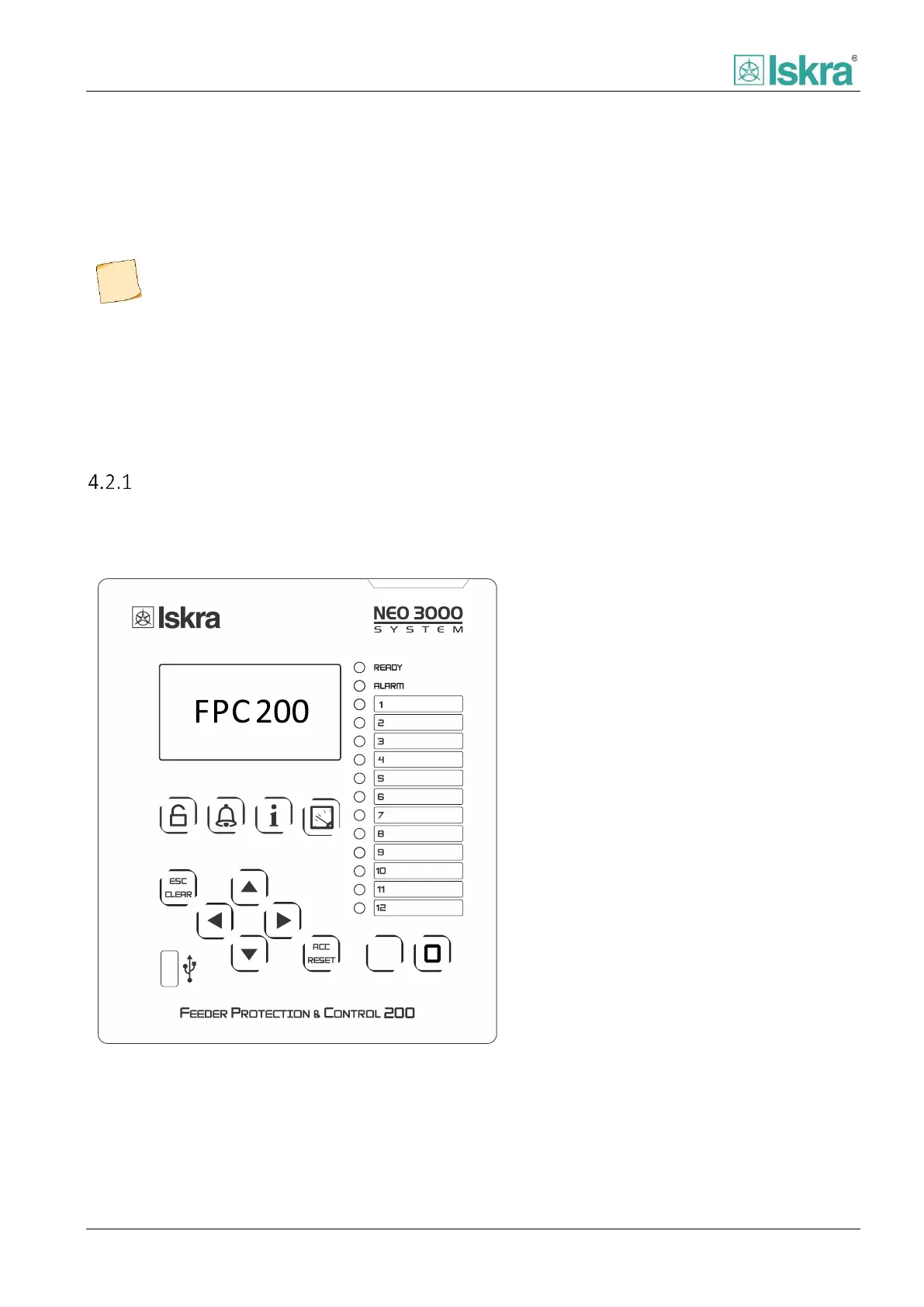
Figure below represents the front panel of the device as HMI. Figure also shows positions of all associated elements used
to set, control and monitor the FPC device.
Front panel consists of:
1. LCD
2. LED indicators
3. Quick keys
4. Navigational panel
5. Command keys
6. USB port
Figure 4.1 Front panel of the device.



 To Next Page