Settings
116 USER MANUAL FPC 200 - 3/2017
Menu overview
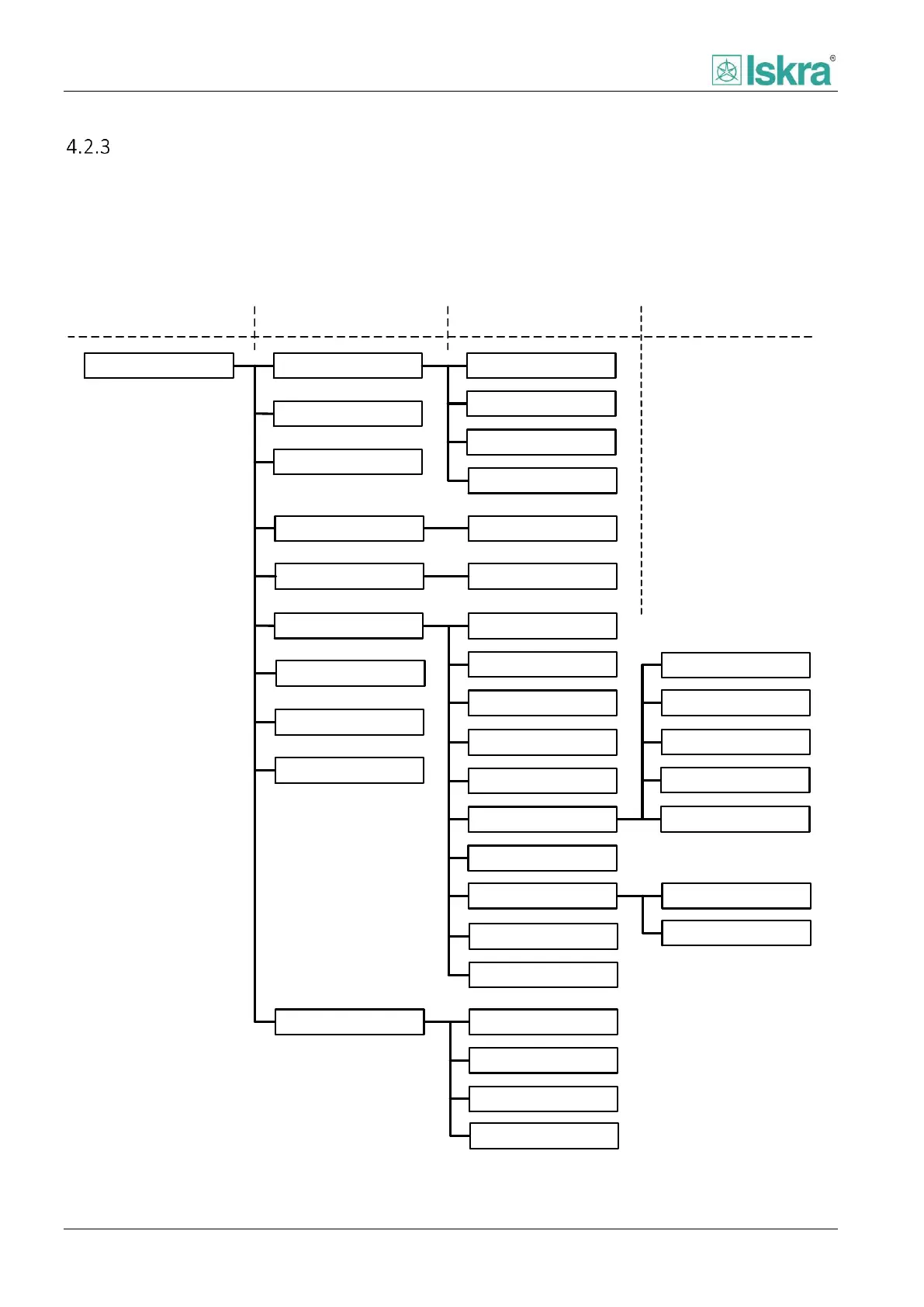
4.2.3.1 Basic menu tree
HMI menu is presented in a way that is possible to view measurements, operating events, set and change all of the
parameters necessary for normal operation. Menu has treelike shape with maximum of 4 different levels. Full menu
shape can be found on figure below.
Level 1
Level 2 Level 3
Level 4
Test mode
Main menu
Information
Measurements
Command
Start LED test
Start display test
Test digital outputs
Test analog outputs
Control Control functions
Protections
Protection functions
Alarms
Events
System log
Diagnostic
USB interaction
Lock device
Reset / Clear
Relay settings
Relay mapping
Set relay on signal
LED settings
Set LED on signal
Password level 1
Password level 2
Device settings
General settings
Communication
Analog inputs
Analog outputs
Digital outputs
Digital inputs
Password
User interface
Restore defaults
Disturbance rec.
Figure 4.3 Overlook of the tree menu of the device



 To Next Page