Settings
USER MANUAL FPC 200 - 3/2017 117
4.2.3.2 Navigating the menu
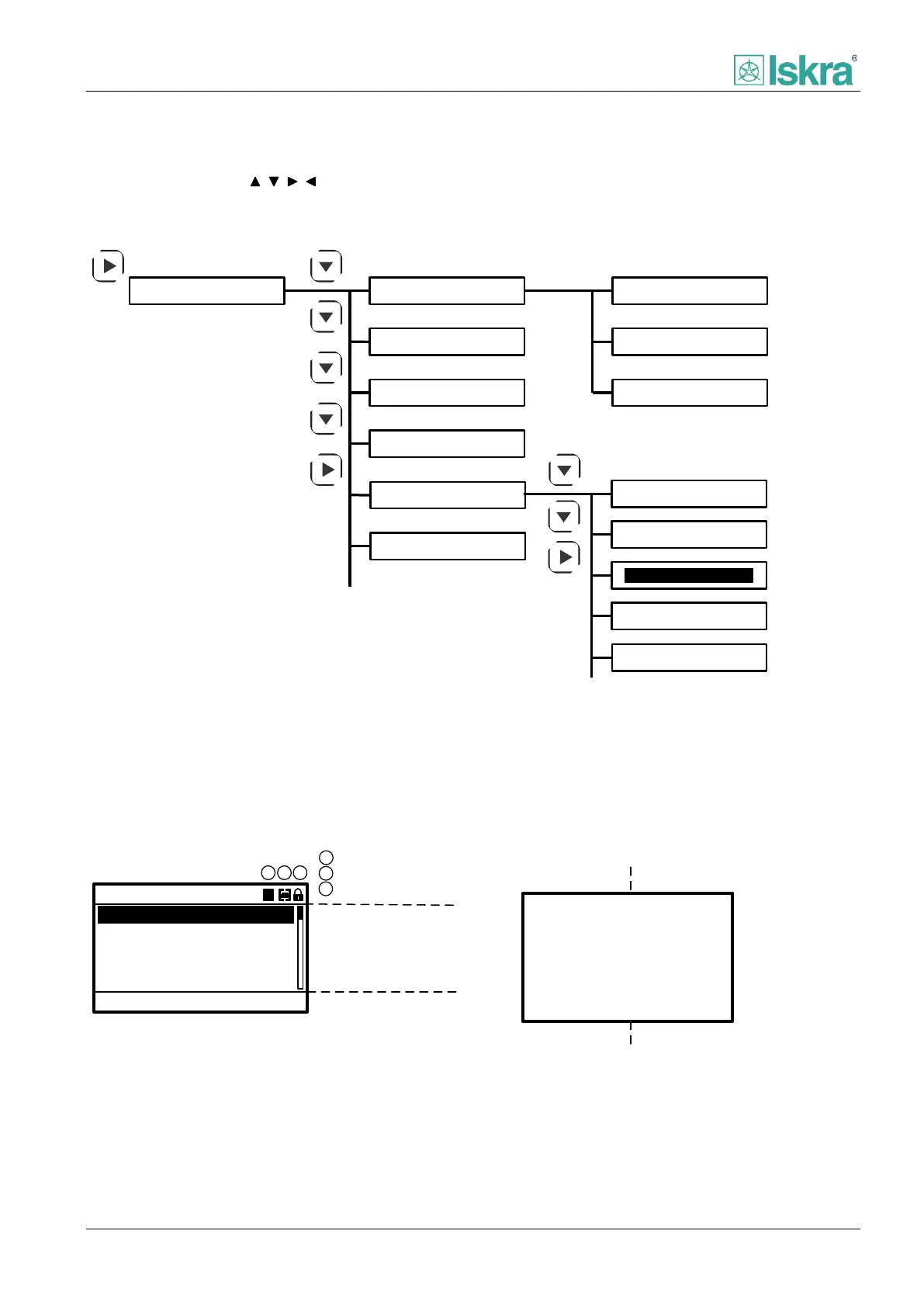
By using navigation keys ( , , , ) it is possible to access all of the menus. To return to main menu from any submenu
press ESC key for longer period of time. Figure below represents steps to access submenu containing communications
settings.
Main menu Alarms
Events
Diagnostic
General settings
CB control
Analog inputs
Analog outputs
Communication
Information
Protections
Device settings
Disturbance rec.
Measurements
Command
Figure 4.4 Example of basic navigation through the tree menu
4.2.3.3 Basic LCD view
Value
Scalar quantity
Diagnostic and
measurement data
A
A
A
A
128.4
135.6
132.4
5.2
IL2rms =
IL3rms =
Ierms =
IL1rms =
Device locked
Menu values and
parameters
13:27:12
Change settings: ACC
Active Group:
50Hz
A
Frequency:
Time:
Date:
16.02.2015
General settings
Active group
Object status
1
Heading, icons
2
Body
3
Aditional info
2
1
AA
3
1
2
3
Cycle time:
10min
Figure 4.5 General description about two types of menu.
In general there are two types of HMI menu, one is suited to present diagnostic or measurement data and other to
display parameter and menu values:
1. Menu values and parameters HMI view consist of main parts, heading, icons, body and additional information in
lower part used in dedicated menus.



 To Next Page