Settings
130 USER MANUAL FPC 200 - 3/2017
4.3 PC based graphical interface MiQen Setting Studio
MiQen Setting Studio is a Microsoft Windows application, used to configure, manage and monitor Iskra d.d. measuring
instruments and protection devices. Remote device operation is possible by means of serial (RS-485/RS-232), USB and
TCP/IP communication in connection with a PC. A user-friendly interface is made of six segments: connection, device
settings, online measurements, data analysis, my devices and software upgrading. These can be easily accessed with six
icons on the left side, as presented on figure below:
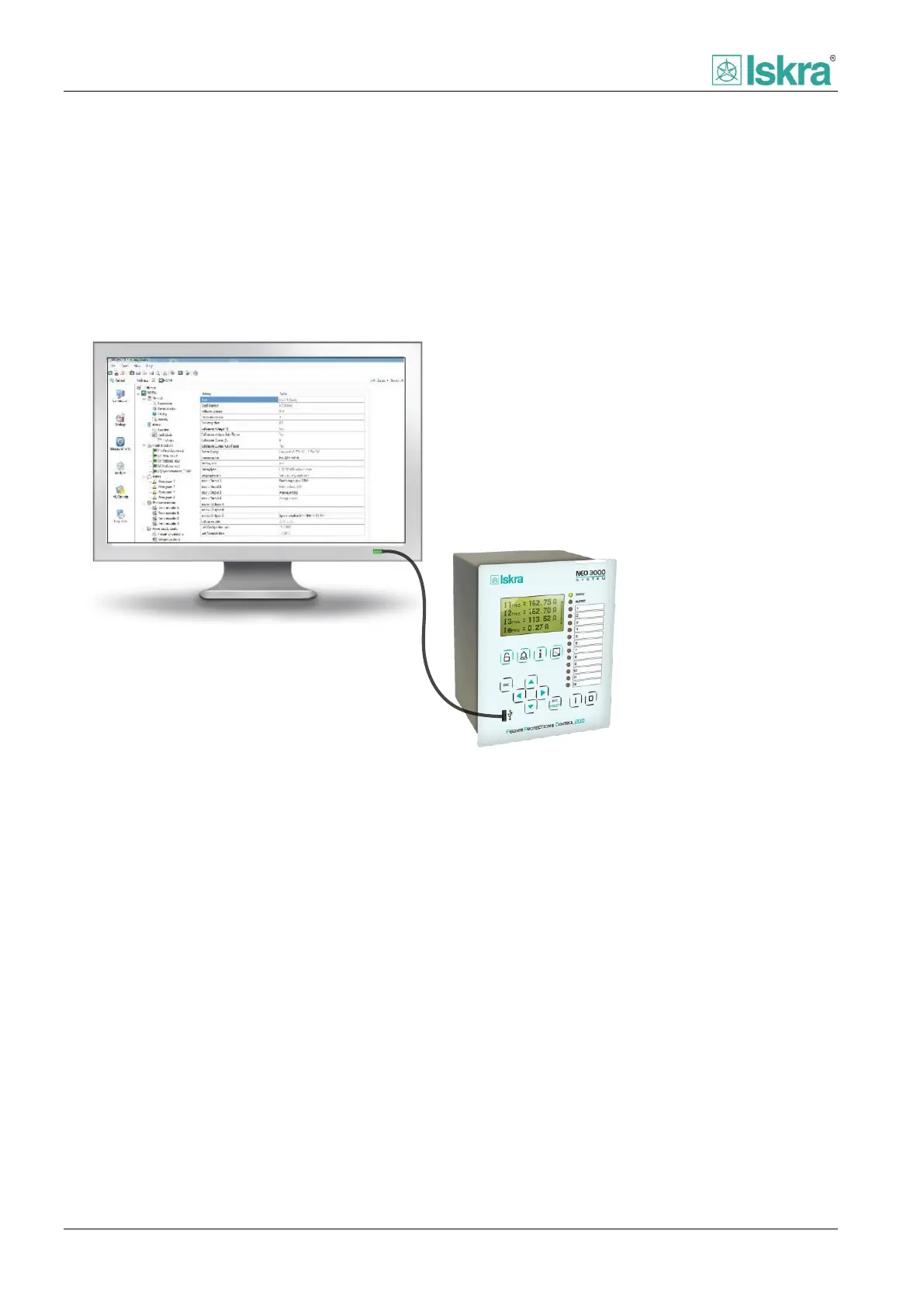
Figure 4.41 Connection between FPC device front port and PC via USB male - A to male - A.



 To Next Page