Settings
USER MANUAL FPC 200 - 3/2017 129
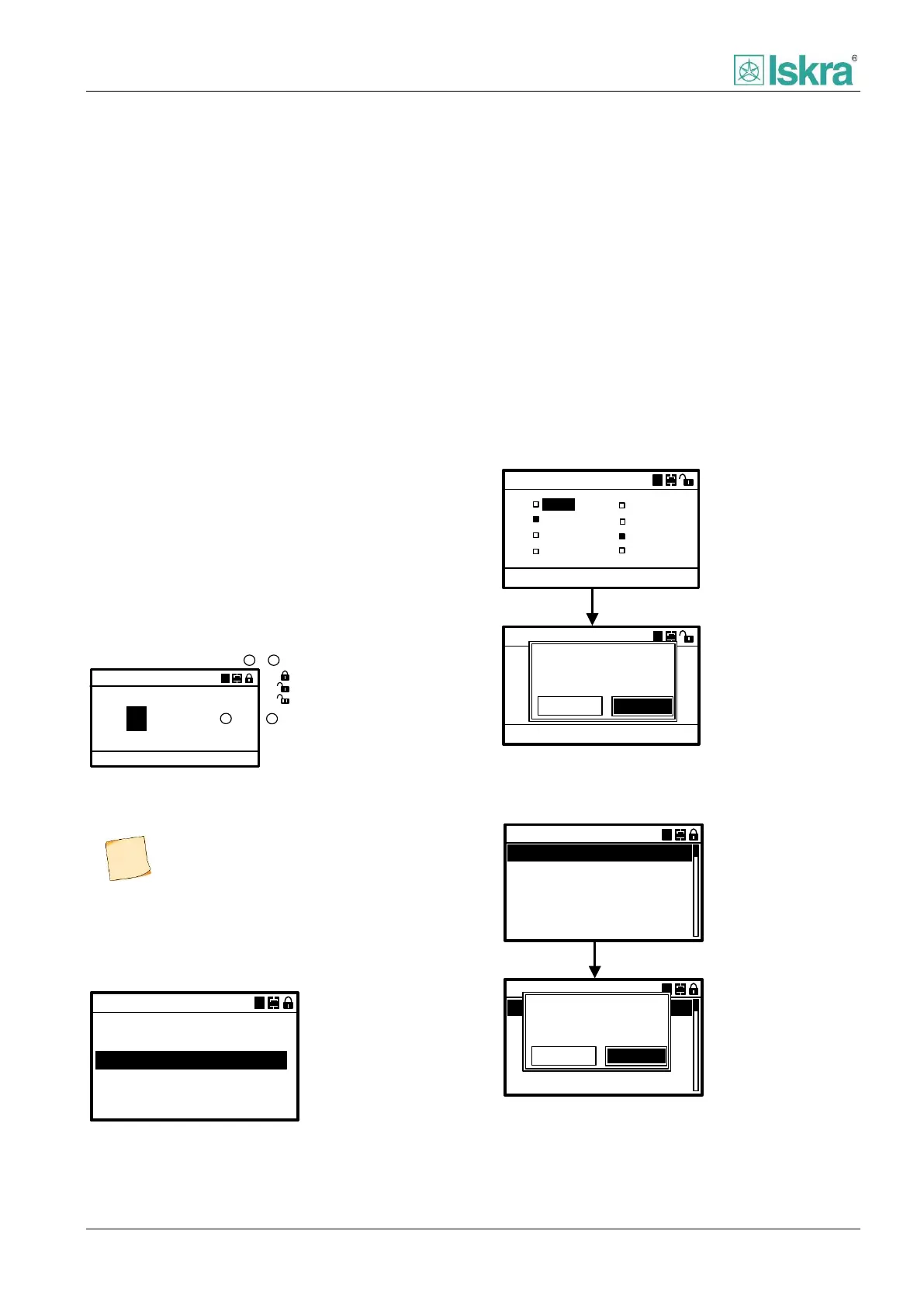
4.2.4.8 Lock/unlock device
Lock unlock submenu is used to lock or unlock device.
There are two different password protected levels of
accessing the device settings along with normal
operating mode:
Normal operating mode
(Without password)
In normal mode it is possible to view all measurements
and settings. It is also possible to confirm and clear
alarms, clear average values and run basic device test
(LED, display test).
Protector mode
(Password level1)
In Protector mode it is possible to set only parameters
regarding protection functions and execute operating
functions of relay.
Parameter setting mode
(Password level 2)
In Parameter setting mode it is possible to set
passwords, date and time and all other device settings
(e.g. assign digital inputs/outputs …)
Enter password
Confirm password: ACC
XXXX
A
1
2
Device lock mode
1
2
Numerical password
-Device is locked
-Protector mode
-Parameter setting mode
Figure 4.37 Device locking/unlocking description on display
4.2.4.9 Test mode
Test mode can be used for purpose of diagnosis about
device LEDs, display and digital output relays.
Start LED test
Test mode
Start display test
Test digital outputs
A
Test analog outputs
Figure 4.38 Test mode menu.
In Test mode menu it is possible to execute following
commands:
Start LED test
Select this command to run diagnosis of the device
LEDs. Test is executed instantly.
Start display test
Select this command to run diagnosis of the device
display unit. Test is executed instantly.
Test Digital outputs
Test digital outputs opens a submenu with selection of
the device internal relays. Individual output relay can be
tested following next diagram:
A
Digital outputs
DO2
DO3
DO4
DO5
DO6
DO7
DO8
DO1
Start test:
ACC
A
Digital outputs
DO2
DO3
DO4
DO5
DO6
DO7
DO8
DO1
Start test:
ACC
ACC
Test digital
output! Confirm:
Confirm
Cancel
Figure 4.39 Executing test of digital outputs.
Test analog outputs
f
Analog output 1
___
___
Analog output 2
Analog output 3
Analog outputs
AA
f
Analog output 1
___
___
Analog output 2
Analog output 3
Analog outputs
AA
Test analog
output! Confirm:
Confirm
Cancel
ACC
Figure 4.40 Executing test of analog outputs.
Predefined password level 1 is set to 1000,
Predefined password level 2 is set to 2000.



 To Next Page