Mounting and commissioning
163 USER MANUAL FPC 200 - 3/2017
Checking parameter and protection setting
Device parameters and protection settings should be determined beforehand by qualified personnel. It is presumed that
study was conducted with all attention on specifying the parameters.
Protection setting and device parameters
should be available at the time of
commissioning.
Start-up
Connect device to auxiliary power supply according to connection scheme shown on Figure 5.7 or Figure 5.8.
Turn on the auxiliary power supply
Check the correct initialization sequence:
o Alarm LED turns on for 3 s
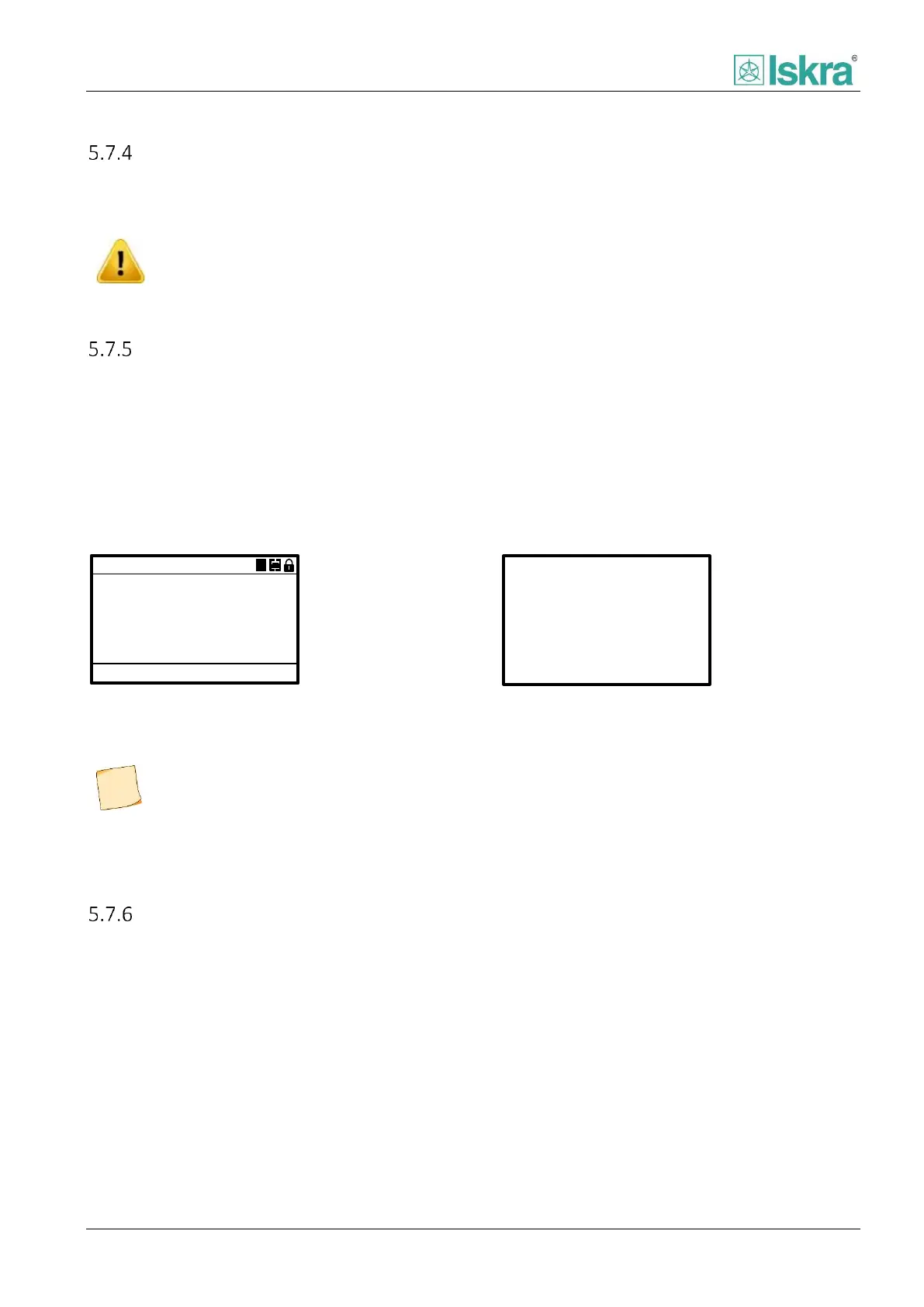
o Alarm LED turns off, Ready LED turns on, Display turns on showing Start-up menu (Figure 5.15) for 5 s
o After 5 s display changes to Measurements menu (Figure 5.16).
According to device type current or voltage values are displayed in Measurements menu.
FPC200
16.2.2015
13:27:12
M1 v1.10.4
Motor protection
A
Figure 5.15: Start-up menu
A
A
A
A
0.00
0.00
0.00
0.00
IL2RMS=
IL3RMS=
I0RMS=
IL1RMS=
Figure 5.16: Measurements menu
During start-up, when alarm LED is turned
on, the device does not provide any
protection. Only after the alarm LED is
turned off (approx. 3 s) the protections
start.
Hardware overview
FPC 200 software includes pre-programmed tests for confirming LED, display, digital outputs and analog outputs
functionality. They are accessed using HMI. In Main menu select Test mode. Selected test procedure can be stopped
anytime by pressing ESC or left arrow key.



 To Next Page