Settings
128 USER MANUAL FPC 200 - 3/2017
4.2.4.6 Reset/Clear options
Reset /Clear options is a function that enables user to
clear undesired data or acknowledge alarms. By using
this menu next operations can be executed:
reset LEDs
reset relays
reset lockout*
clear alarms
clear events*
clear max values
clear all records*
*For certain operations a password level 1 is required.
Additionally a popup window with limited selection can
be accessed as ACC key is pressed when positioned on
any measurement or information screen.
Reset options accessed via menu:
Reset options
Reset LEDs
Reset relays
Execute command:
A
ACC
Reset lockout
Clear alarms
Clear events
Figure 4.33 Clear/reset menu
A
A
A
A
128.4
135.6
132.4
5.2
IL2RMS=
IL3RMS=
I0RMS=
IL1RMS=
FPC 200
F1 v1.15
Feeder protection
Cancel
Reset LEDs
Reset relays
Clear alarms
Reset lockout
Figure 4.34 Clear/reset popup which can be accessed in
measurements and diagnostic section by pressing ACC key.
4.2.4.7 USB interaction
USB interaction submenu offers multiple choice
regarding using USB port in front of the device panel. All
actions from corresponding menu can be used only with
appropriate USB memory stick. USB stick must be
formatted with FAT32 file system to be used with device
USB slot. USB 1.0, USB 2.0, USB 3.0 speeds are
compatible with device. Password level 2 is required.
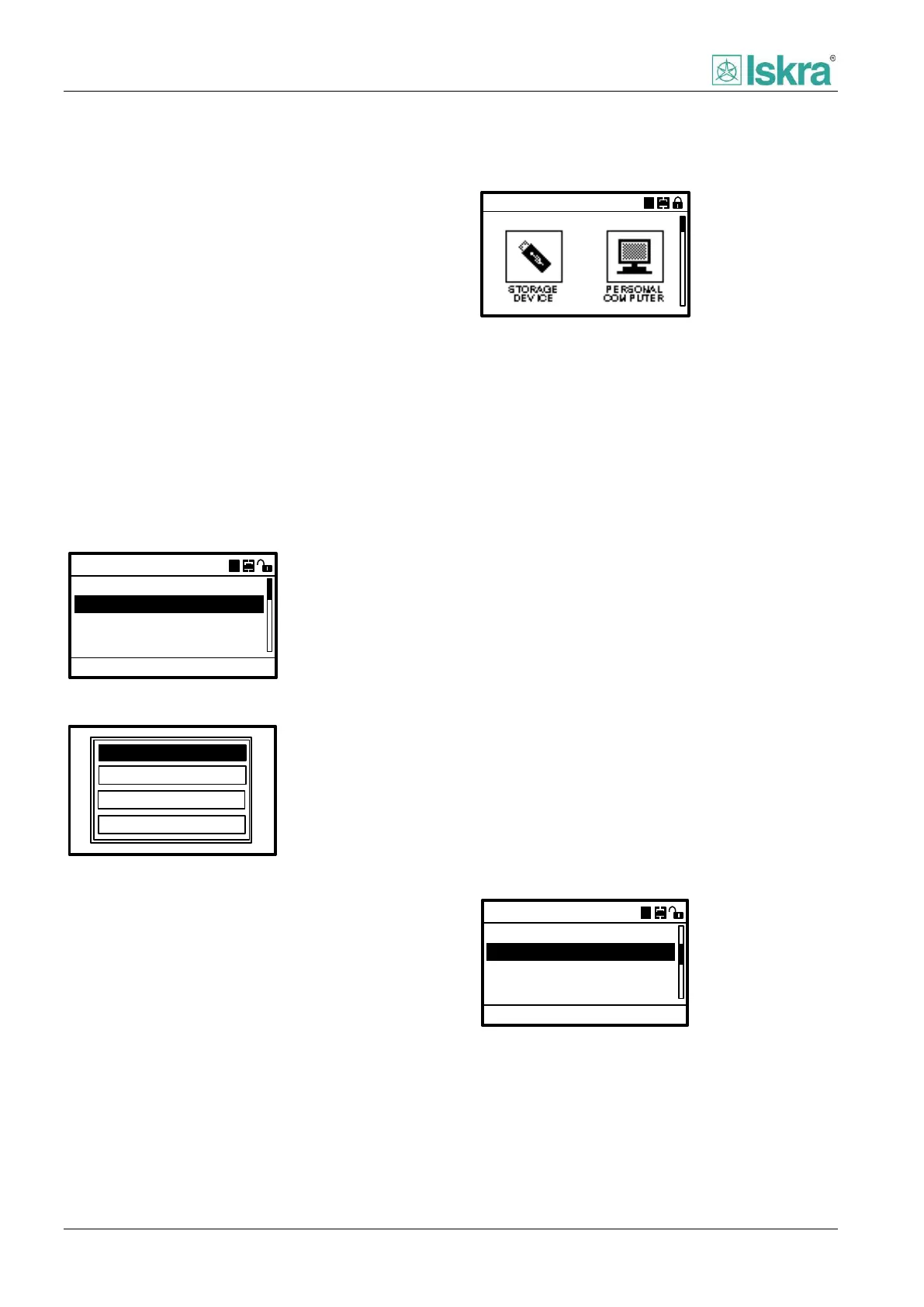
Figure 4.35 USB port selection.
There are 4 possible actions with USB stick:
Overwrite settings
By using this option, setting file is generated on
USB stick containing settings read from the
device. To perform this action a valid settings
file must be present on root menu of the USB
stick.
Copy settings
By using this option, setting file from a USB
stick is copied and applied to device. Previous
settings are overwritten. For safety reasons
device must undergo HW reset after successful
applying of settings.
Copy disturbance records
Use this option to transfer last 128 stored
records of disturbance. It is possible to select
only one or all stored time tagged disturbance
records.
Update software
By using this option device firmware is updated
to a newer version. To perform this action a
valid settings file must be present on root
menu of the USB stick.
Storage device
Overwrite settings
Copy settings
Transfer to USB:
A
ACC
Copy oscillography
Update software
Figure 4.36 USB Storage device settings.



 To Next Page