Settings
118 USER MANUAL FPC 200 - 3/2017
2. Diagnostic and measurement data HMI view consists of Scalar quantity and it is presenting value with
appropriate unit.
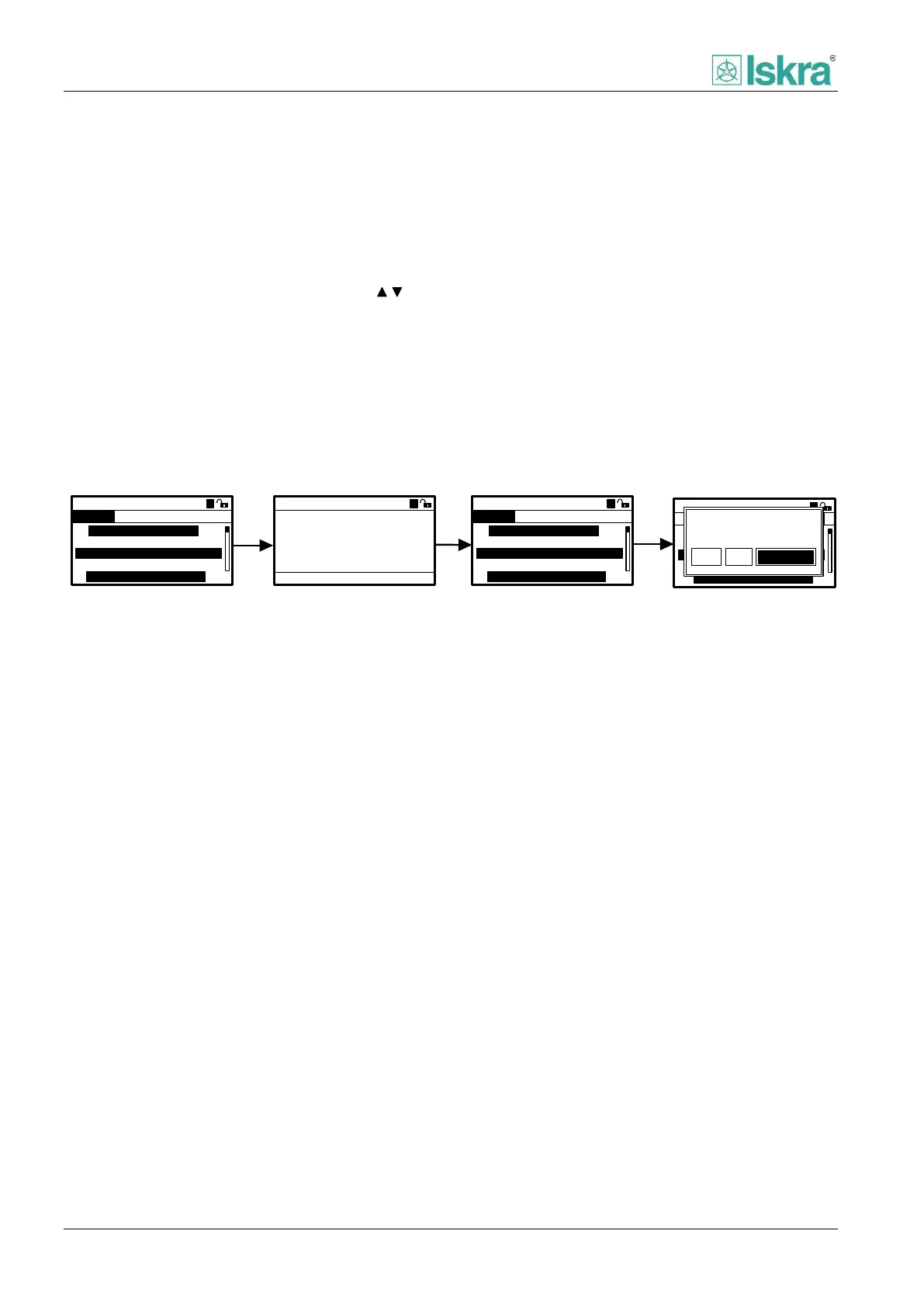
4.2.3.4 Changing and confirming parameter
All parameters can always be found on last level of the
tree-menu. Each parameter can be accessed by pressing
the ACC key. Action will activate new dedicated screen
with information about the parameter. Parameter can
be incremented or decremented with designated ,
navigation keys.
Desired choice can be selected by pressing ACC key.
Before applying it is possible to change any number of
parameters within one module of settings (For example:
50/51 Overcurrent protection all instances is one
module and digital inputs is another module). By leaving
the module settings can be saved and applied. If there is
a change in parameter settings a multiple choice popup
will appear, with the following choices:
Yes: Save and apply parameters, in some cases
a HW reset is needed to reassure safety.
No: Revert all changed parameters to previous
state.
Cancel: Return to previous menu without
taking any action.
Example chart of changing numerical value can be seen
on Figure 4.6.
A
ACC
Range:
Drop-out delay
2.90
0-60s
2A
50/51 Over current
Pickup delay:
Drop-out delay:
20ms
1,5s
RCA correction:
30°
1B 2A 2B 3A 3B 4A 4B
Save changes?
No CancelYes
ESC
ACC
A
A
2A
50/51 Over current
Pickup delay:
Drop-out delay:
20ms
1.5s
Dropout ratio:
0.95
1A 1B 2A 2B 3A 3B 4A
A
CONTROL SETTING
COLD LOAD PICKUP
2A
50/51 Over current
Pickup delay:
Drop-out delay:
20ms
2.9s
Dropout ratio:
0.95
1A 1B 2A 2B 3A 3B 4A
A
CONTROL SETTING
COLD LOAD PICKUP
COLD LOAD PICKUP
Figure 4.6: Changing numerical value



 To Next Page