Settings
USER MANUAL FPC 200 - 3/2017 147
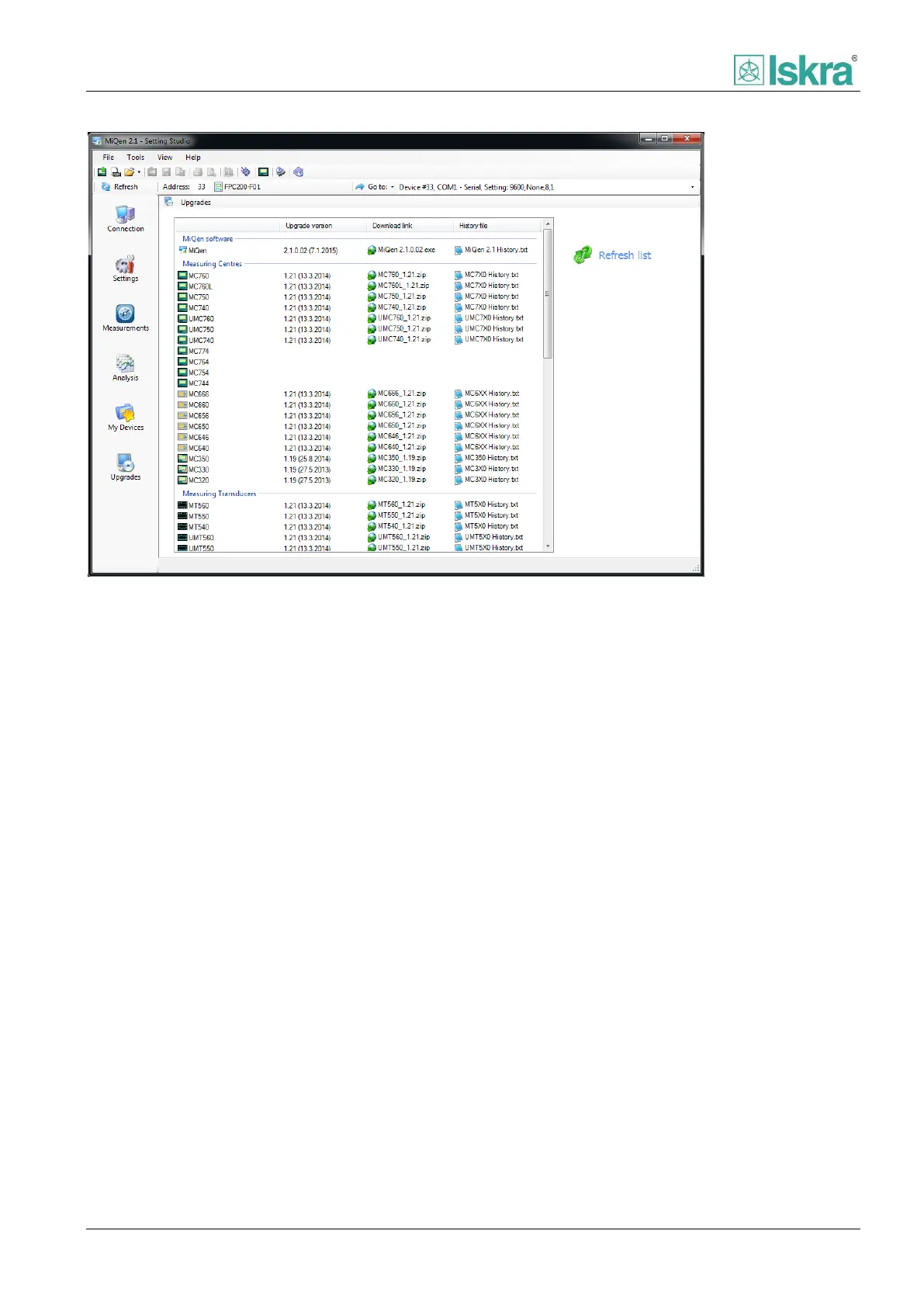
Figure 4.50 Device software upgrade window with list of devices and available upgrades with latest versions.
4.3.2.6.3 Automatic upgrade checking
Automatic checking about available upgrades can be
set. Internet connection is required.
Automatic upgrade checking
1. Select Options from Tools menu,
2. Click on Upgrades tab,
3. Select upgrade checking options and click on
OK button.
If MiQen upgrade is available, program will
automatically start Upgrades form. Notification about
available upgrade will be shown on display. Download
procedure is described in MiQen upgrade topic.
If upgrade of device software is available, the program
will inform you with 5 seconds notification on the left
bottom part of the screen each time that the
communication connection with device will be
established. Download procedure is described in Device
software upgrades topic.



 To Next Page