All rights reserved. The reproduction of this document, also partially, is allowed only with authorization by alpitronic s.r.l.
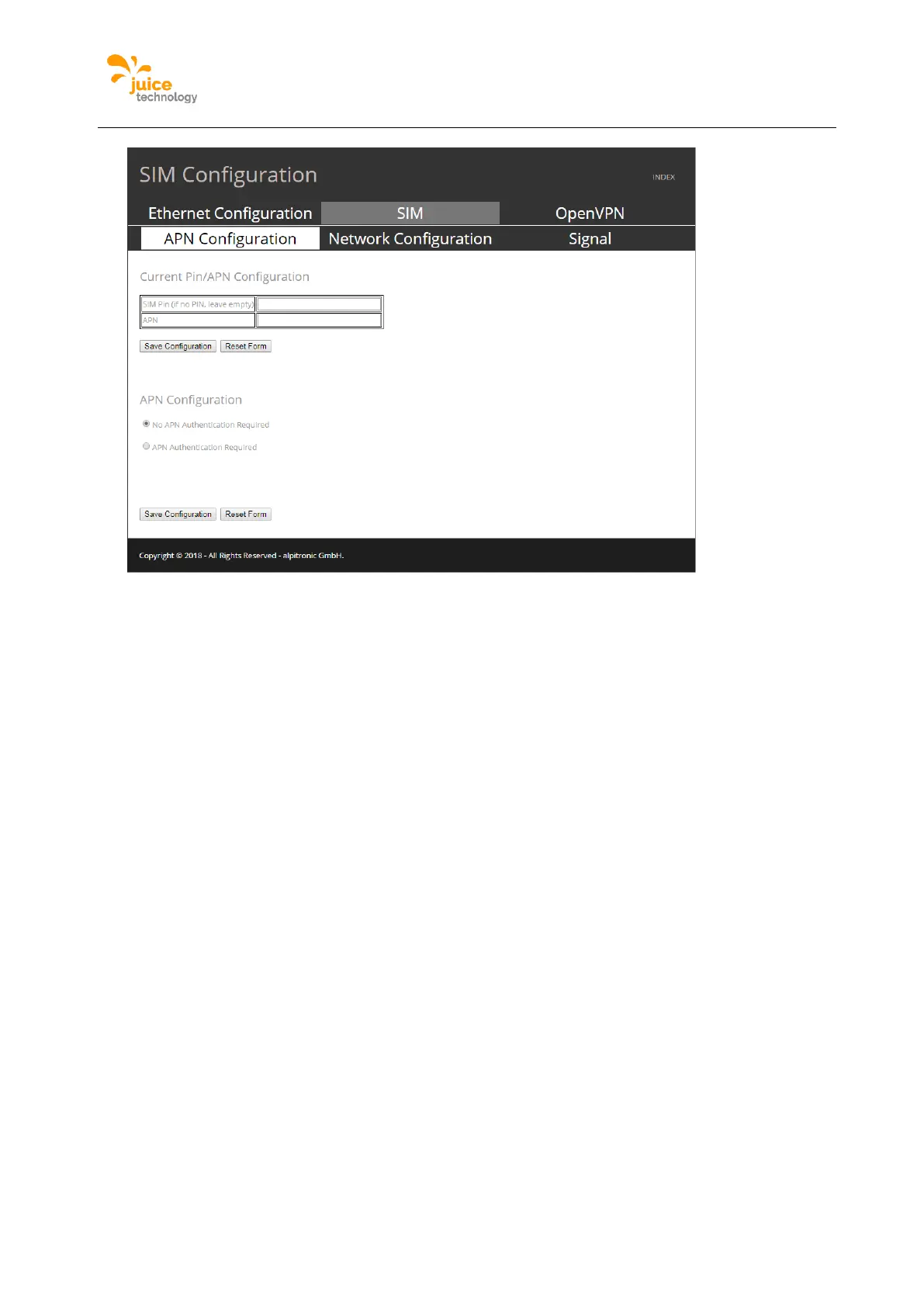
Figure 45: Example of SIM Configuration webpage
SIM Network Configuration
The menu SIM network configuration is used to select which network the modem should
connect to, otherwise it is automatic. The loading time is very extended on this webpage as
the modem takes more than 30 seconds to load all possible networks.
Location:
Click on ‘NETWORK’ from the main menu and the following the top menu ‘SIM’ and following
the submenu ‘Network Configuration’ can be found.
You can find the currently connected network at the top of the webpage. Following is a
dropdown of all possible networks the Sim card can connect to and where there is a good
enough signal for a connection. Lastly one can decide to turn off the network connection.


 To Next Page