FX-1/FX-1R Maintenance Manual
13-4-9. Light Ctrl Board (40001918)
[Functions]
This LIGHT CTRL board controls the illumination and light quantity of the OCC light.
[Switch settings]
Jumper switches are provided on the LIGHT CTRL board assembly to be used in the control unit.
Set these jumper switches correctly while referring to the table below.
W1 (14P)
→
Wholly open
W2 (4P)
→
Wholly open
W3 (4P)
→
Open
W4 (2P)
→
Wholly open
W5 (2P)
→
Short-circuit
[Adjustment items after replacement]
• Adjusting the reference voltage for the LIGHT CTRL board
<Specification>
• +8VREF = 8.000 V ± 0.005 V
<Adjusting Method>
c Before attempting to start adjusting the reference voltage, ensure that the DC power
source output voltage has been properly adjusted.
d Using a digital voltmeter, measure the voltage at the check pin TP4 (+8VREF). Use TP1
(AGND) for the ground pin.
e Turn the variable resistor VR1 as necessary to make the measurements taken fall within
the specifications.
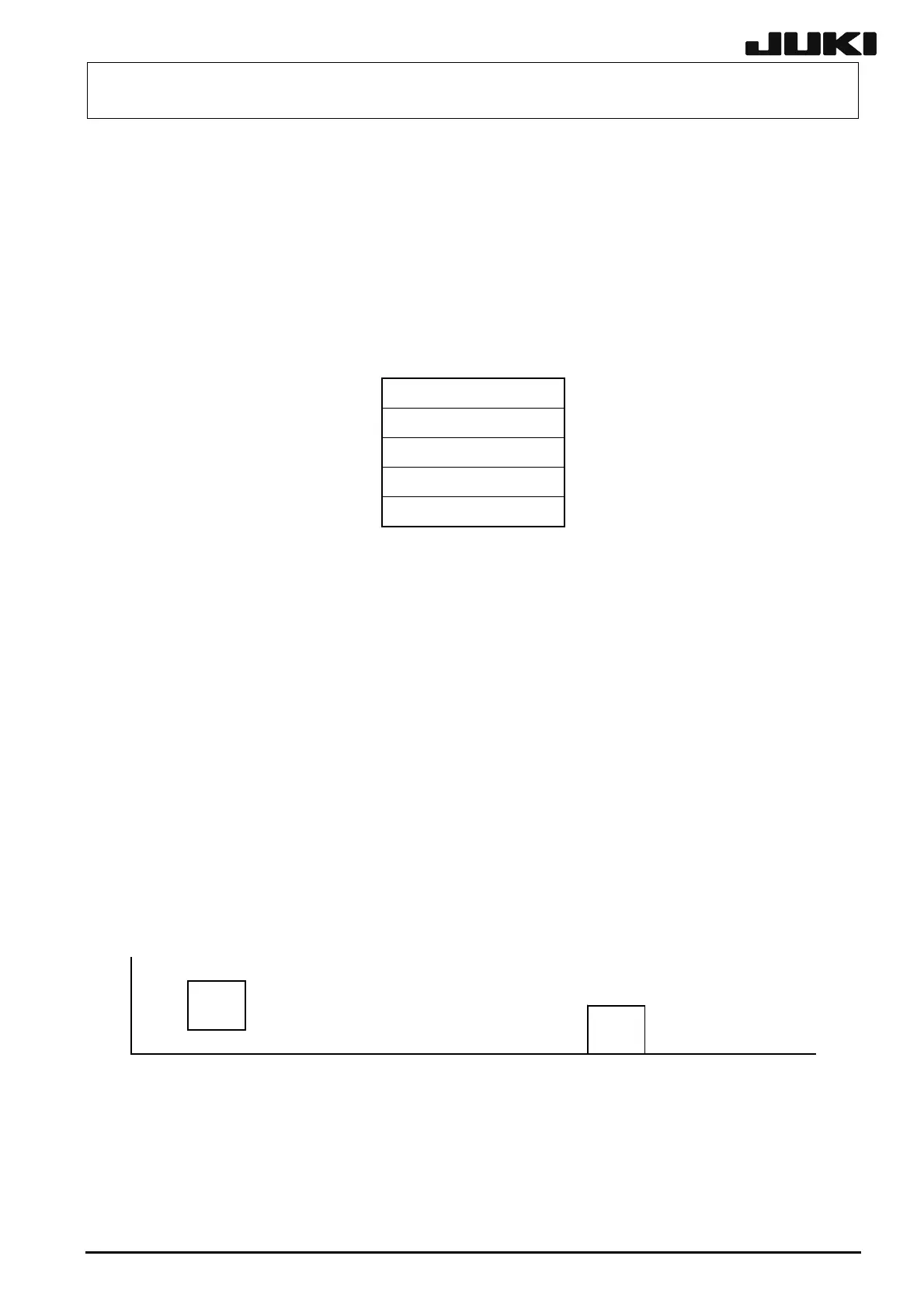
TP1 TP2 TP3 TP4 CN1
○○○○ OCCLIGHT
VR1 AGND GND
24VRE
+8VREF
Figure 13-4-9-1 End View of the Light Control Board
13-18
Rev. 2.00



 To Next Page