FX-1/FX-1R Maintenance Manual
2-4. Replacing the Laser Sensor
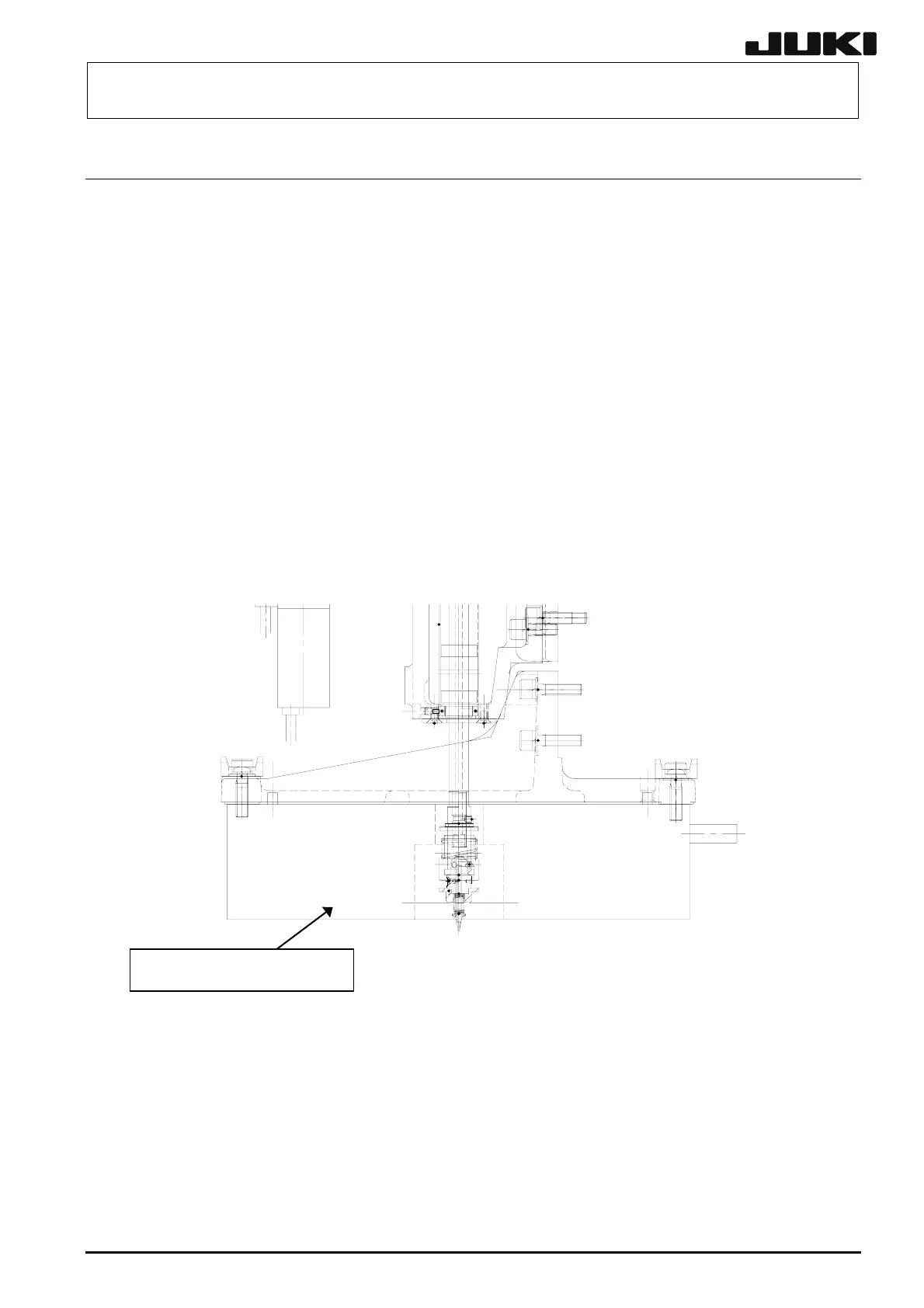
2-4-1. Replacing the MNLA
After the MNLA has been replaced, it is absolutely necessary to re-input the MS parameters related
to the laser. (See section 2-9.)
After the laser sensor has been replaced, wipe the laser window on the MNLA with clean wastes,
etc.
(1) Remove the connector and the mounting screws (3 locations) to detach the MNLA.
(2) Reassemble the components in the reverse order of disassembly.
Apply Loctite 242 to the sensor mounting screws (3 pcs.) and tighten them with a
tightening torque of 5.1 Nm.
When attaching the sensor, insert the sensor pin into the positioning hole of the bracket
first. Then fix the sensor.
Figure 2-4-1
MNLA SENSOR: E9611729000
2-8
Rev. 2.00



 To Next Page