About the Default Setup Mode
If you choose the Default Setup mode, the wizard takes you through the minimal
configuration needed to set up the services gateway that can securely pass traffic in the
default configuration.
In the Default Setup mode, you configure:
•
Device name
•
Password for the root account
•
Time information for the services gateway location:
•
Local time zone
•
Name or IP address of a Network Time Protocol (NTP) server, if NTP is used to set
the time on the services gateway
•
Local date and time if an NTP server is not used to set the time
You cannot do additional configuration in the Default Setup mode. You must commit
your changes and exit the wizard to perform any additional configuration. You can perform
additional configuration by rerunning the wizard in the Guided Setup mode, by using the
J-Web interface, or by using the CLI.
See the How to Set Up Your SRX300 Services Gateway for step-by-step instructions on
how to configure your services gateway in the Default Setup mode.
About the Guided Setup Mode
If you choose the Guided Setup mode, the wizard guides you through configuring your
services gateway in a custom security configuration. You can choose between the Basic
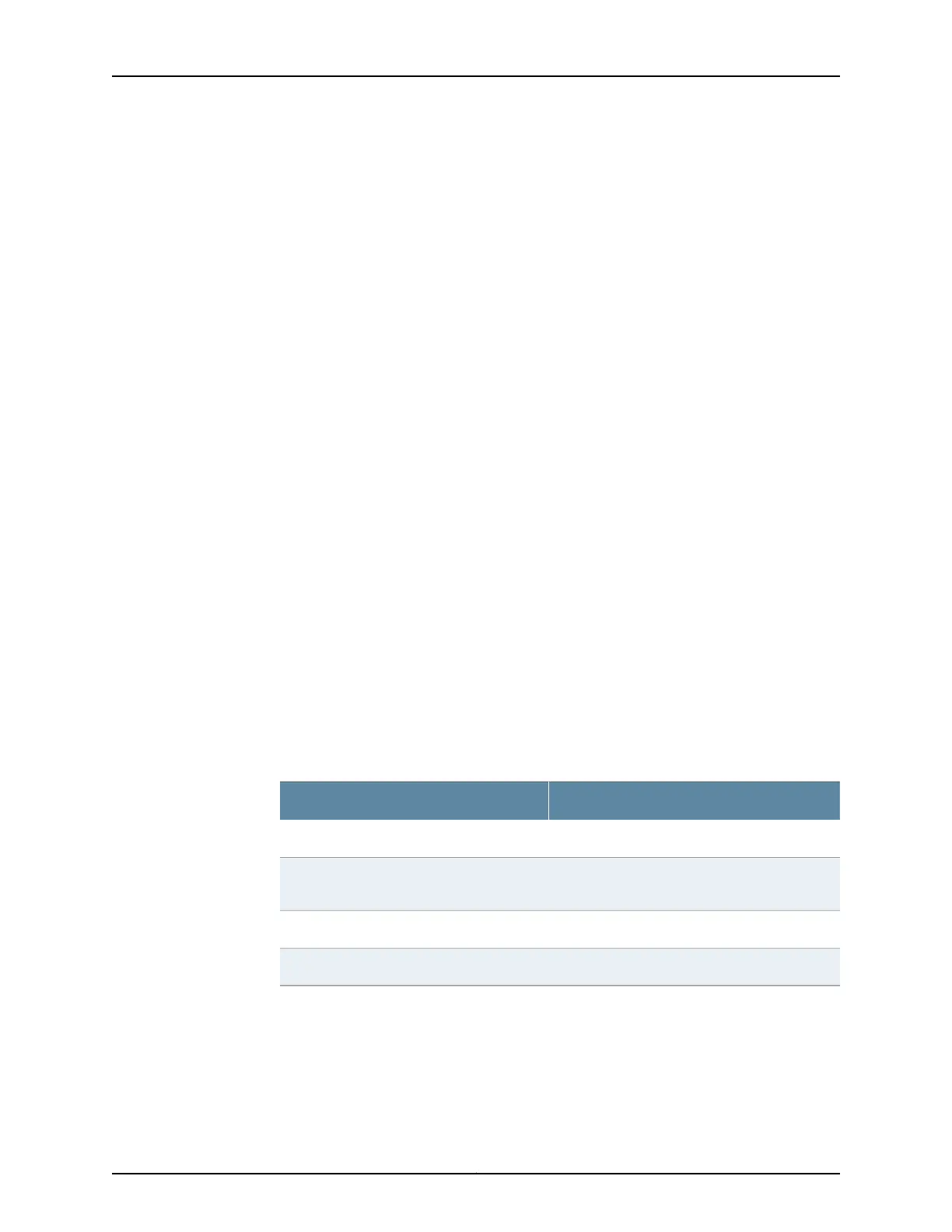
and Expert levels based on your experience level. The following table compares the Basic
and Expert levels.
ExpertBasic
Can configure more than three internal zonesCan configure only three internal zones
Can configure static IP, static pool, and dynamic
IP for the Internet zone
Can configure static and dynamic IP for the
Internet zone
Can configure internal zone serviceCan configure internal zone service
Can configure internal destination NATCannot configure internal destination NAT
Configurations you can perform with the setup wizard include:
•
Configuring basic options such as device name, root password, and system time
•
Configuring the security topology
•
Internet zone
Copyright © 2016, Juniper Networks, Inc.64
SRX300 Services Gateway Hardware Guide















 To Next Page