96 Additional Functions
Resetting
Press and turn the power off.
Press .
"Reset" will be displayed. Once the machine is reset the selected length unit will be
displayed, the text enter screen appears.
If the machine does not turn off when pressing , unplug the AC adapter and remove the
batteries. Plug the AC Adapter again or install the batteries and press again. Power is
restored.
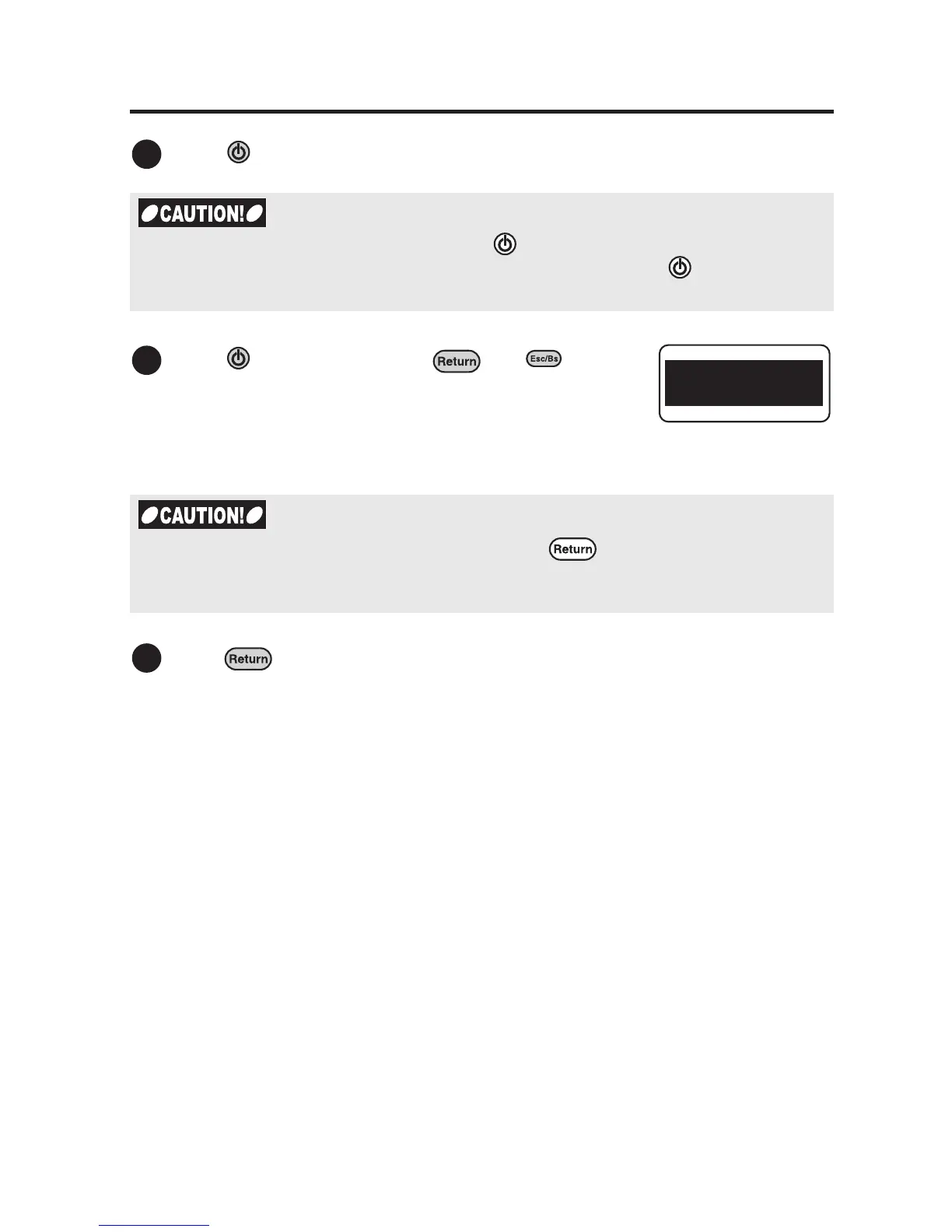
Press while holding down and .
A message reading "Reset?" blinks.
x To abort resetting process press any key except for .
x Please be noted that the saved files and various data will be deleted once you reset the
device.
1
2
Reset?
3



 To Next Page