84 Additional Functions
Printing Bar Codes
Hold down and (=Bar Code) to insert bar codes.
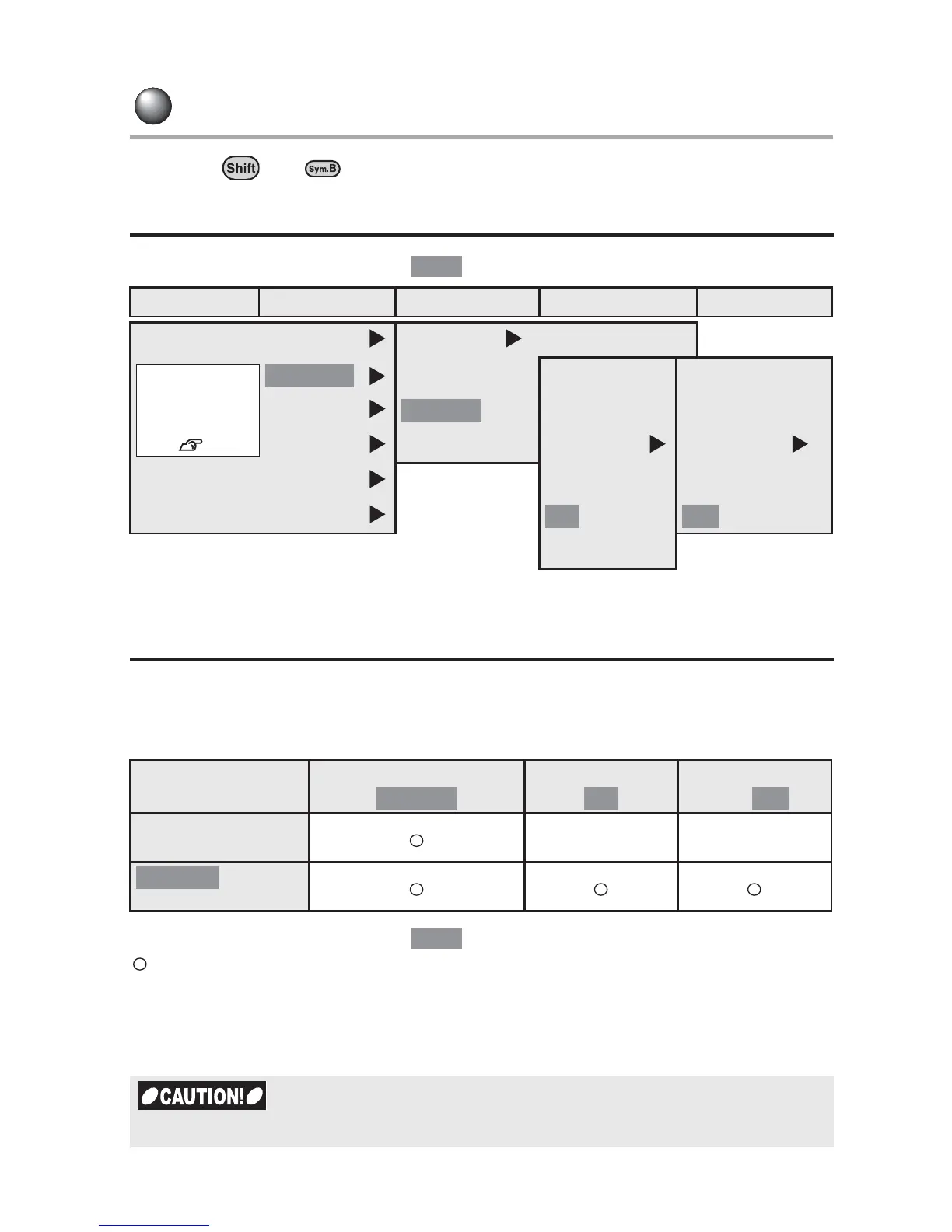
Creating a label with a bar code
The default setting is indicated by .
Bar code printing
Prints various standard bar codes.
Standard printable bar codes and settings item menu
The default setting is indicated by .
: Can be set
- : Cannot be set
Width : The full width of the bar code
Ratio :The ratio of narrow bars to bold bars
Check Digit : Check digit on/off
Menu First option Second option Third option
Fourth option
Bar Code
CODE128 Width
Small
(CODE 39,
ITF,
CODABAR)
(CODE 39, ITF,
CODABAR)
ITF
CODABAR
Large
Ratio Check Digit
UPC-A
2.0 On
UPC-E
3.0
Standard
Width
Small/ /Large
Ratio
2.0/ /3.0
Check Digit
On/
CODE128, UPC-A,
UPC-E
- -
, ITF,
CODABAR
When creating bar codes, be sure to follow the rules applied to the bar codes.
Bold
Bar Code
You can create
labels with bar
codes.
See p.84.
CODE 39
Medium
2.5 Off
Medium 2.5 Off
Code 39
Bold



 To Next Page