Additional Functions 93
Changing Default settings
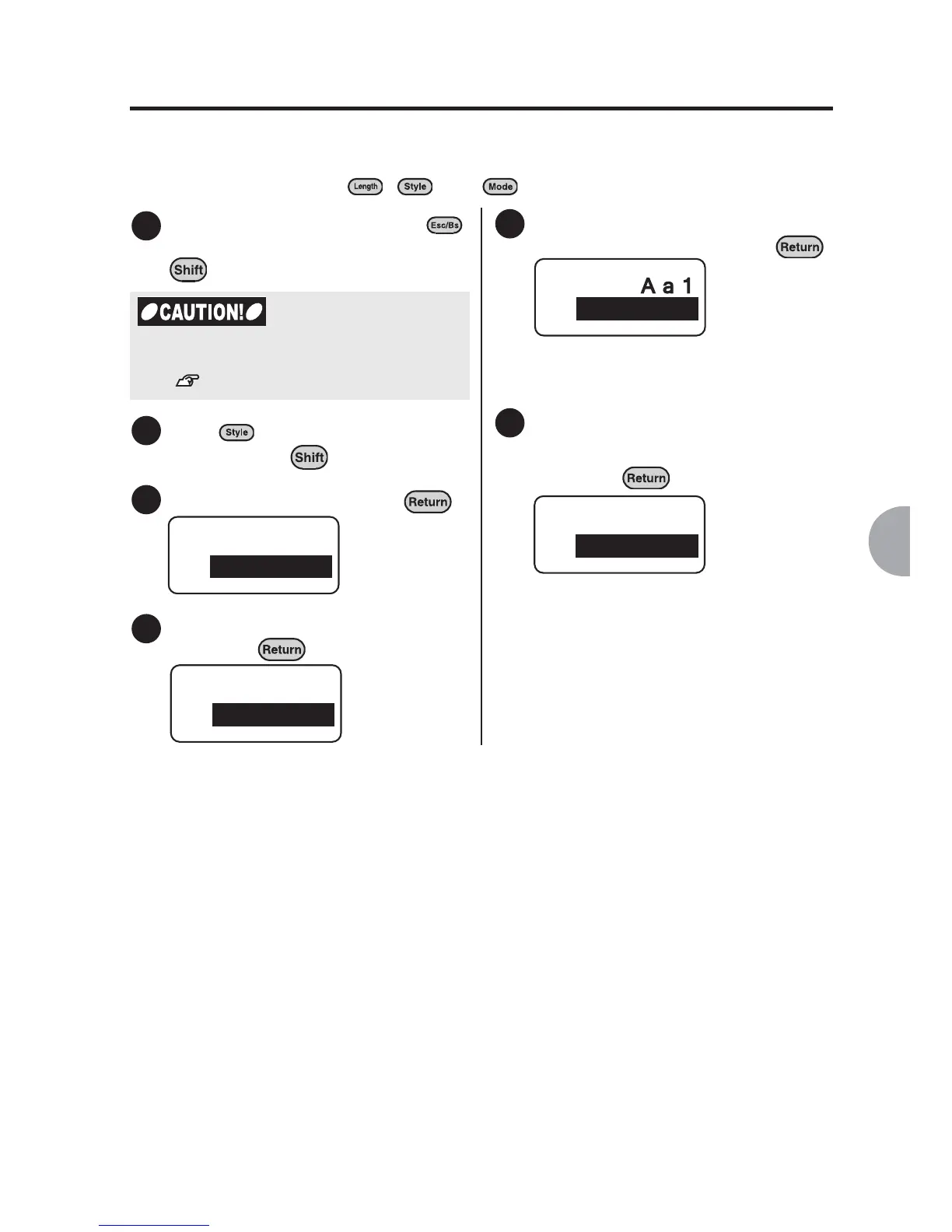
Default settings for "Length", "Style", and "Mode" can be changed. If you often use a
particular setting, you can change the default settings so that you do not need to
change the settings using , , and each time you create a text.
Delete all the text by pressing
(= Delete) while holding down
.
Press (= Condition) while
holding down .
Select "Setting" and press .
Select the item you want to change
and press .
Select the option you want to set
as default setting and press .
Set each item using the same method
as the one used to set the File, Mode,
and so on.
v
Once you have changed all the
items you wanted to change, select
"End?" from the "Setting" menu
and press .
The default settings are changed and
the text input screen will be displayed
again.
1
You need to delete all text before changing
default settings.
See "Deleting all the text" (p.48).
2
3
Condition
Setting
4
Setting
Font
5
Font
Gothic
6
Setting
End?



 To Next Page