24 Getting Started
Setting the Display Units
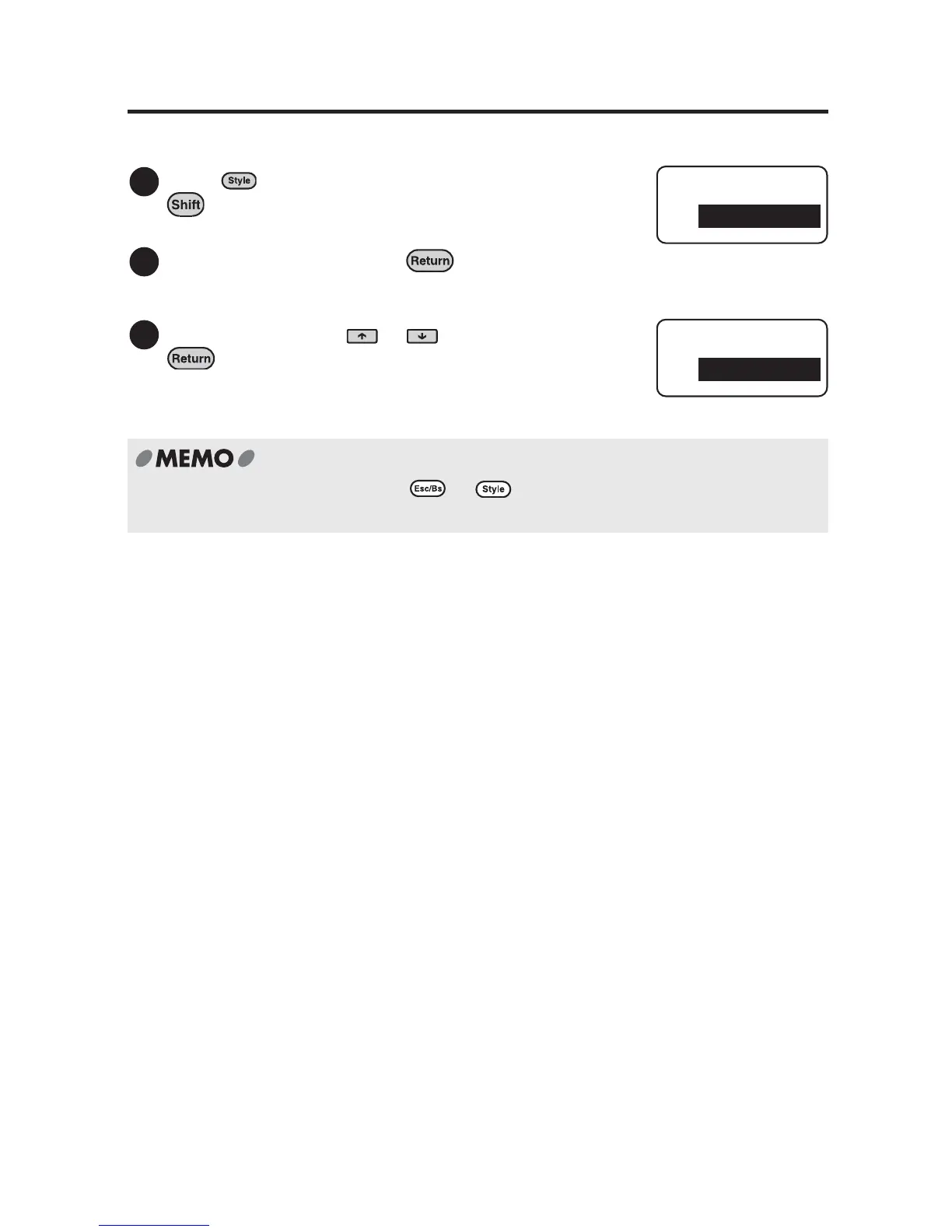
You can set the display units to inches or centimeters.
Press (=Condition) while holding down
.
The "Condition" menu will be displayed.
Select "inch:cm" and press .
"inch:cm" menu will be displayed.
Select the unit using or and press
.
The display unit has been set.
To cancel the setting process press or . Repeating this procedure brings you
back to the text enter screen.
1
2
Condition
inch:cm
3
inch:cm
inch



 To Next Page