94 Additional Functions
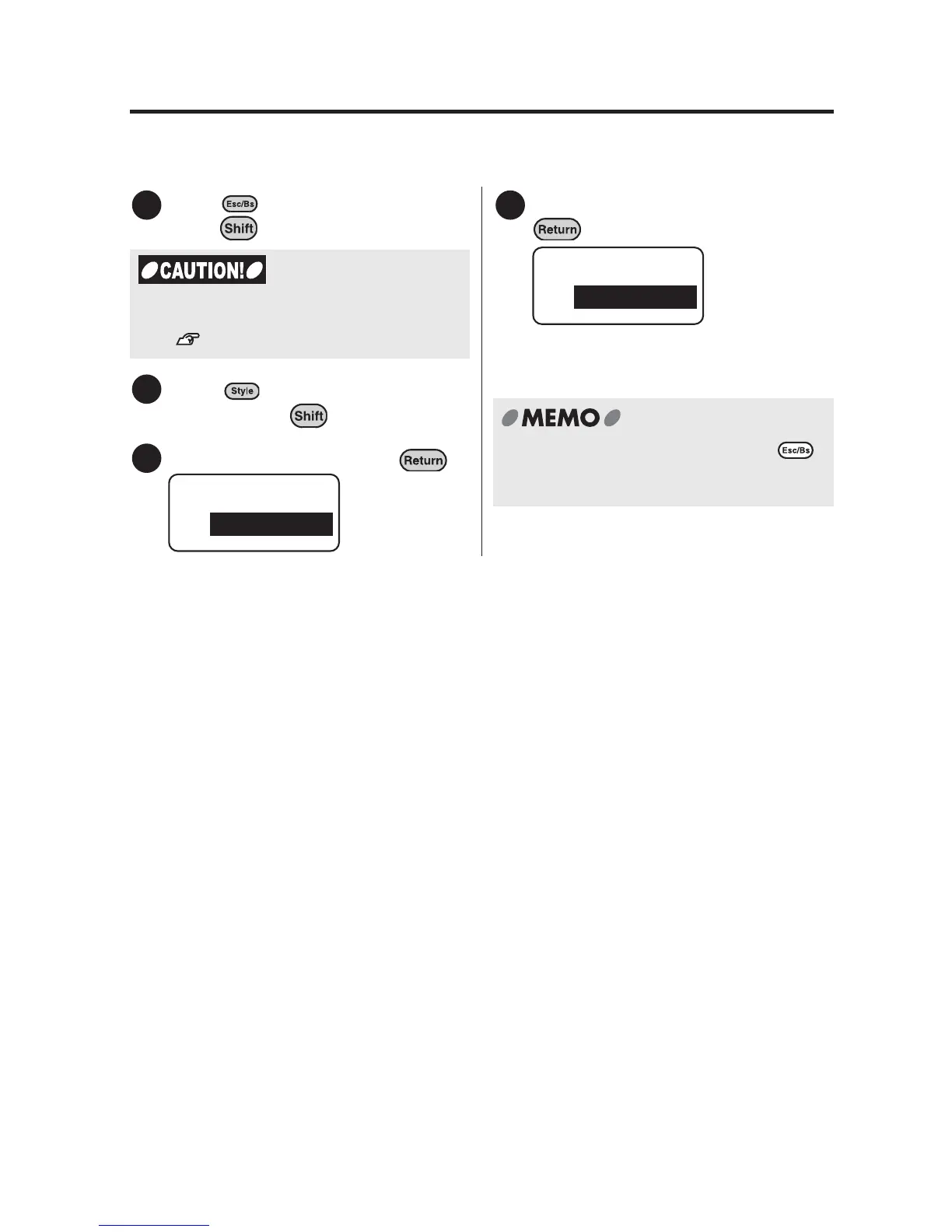
Restoring the default settings to the factory settings
Restores changed default settings for "Length", "Style", and "Mode" to the factory
settings.
Press (= Delete) while holding
down .
Press (= Condition) while
holding down .
Select "Setting" and press .
Select "AllDefault" and press
.
Initial factory settings are restored as
default settings.
1
You need to delete all text before restoring
the default settings to the factory settings.
See "Deleting all the text" (p.48).
2
3
Condition
Setting
4
Setting
AllDefault
To cancel the setting process, press .
Repeating this procedure brings you back
to the text input screen.



 To Next Page