Basic Operations 2 49
Adding New Lines (Line Break)
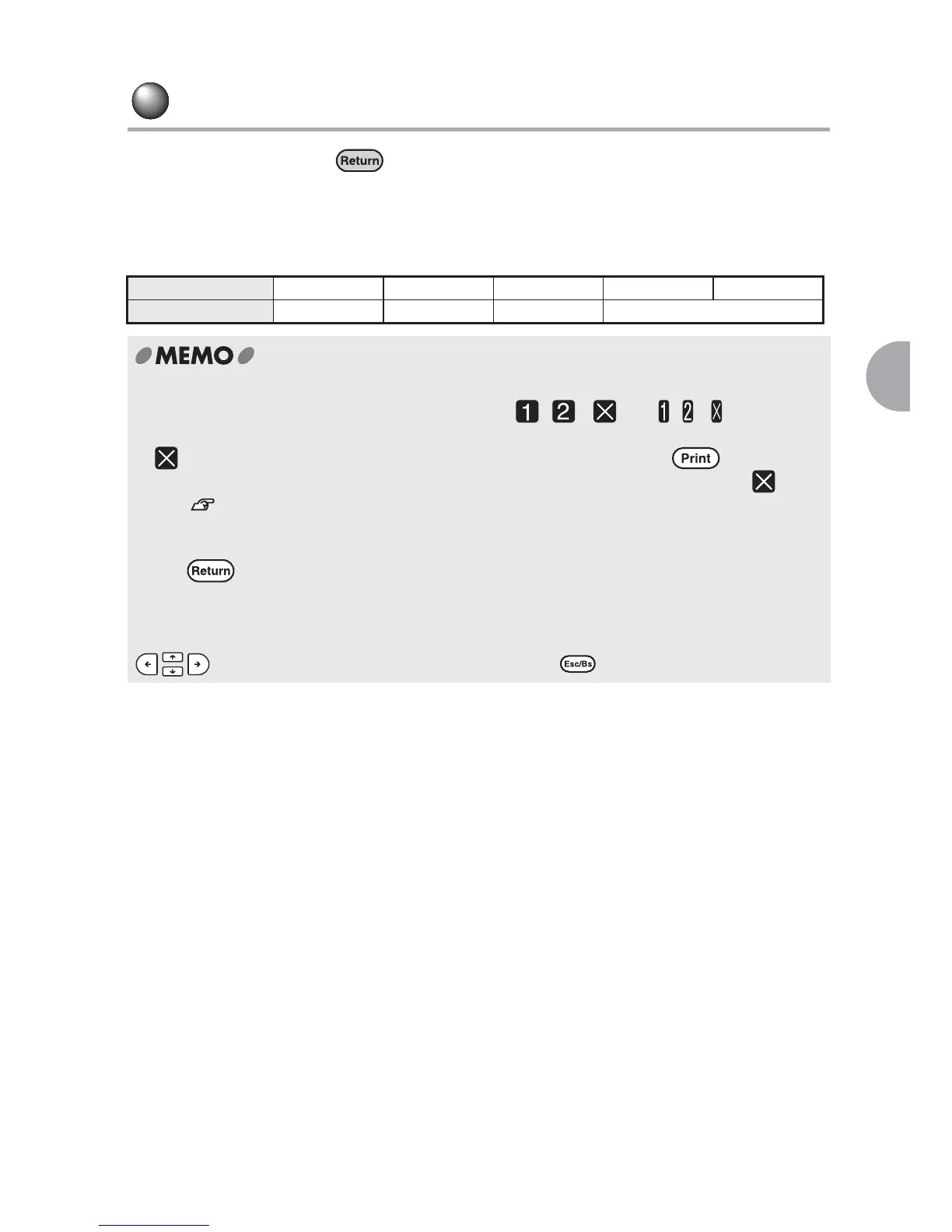
To start a new line, press at the position you want to insert a line break.
Maximum number of lines
LABELShop
£
BEE3 supports tape cartridges ranging from 0.16" to 0.7" of width. Number of
lines you can enter varies depending on the width of the installed tape cartridge.
Tape width 0.16" (204) 0.2" (206) 0.4" (209) 0.5" (212) 0.7" (218)
Number of lines Up to one Up to two Up to three Up to four
x Line head icon appears at the beginning of the line to show which line you are editing.
When there is text(s) to be printed on the label, , ... and , ... appear on
the line head.
x mean that you cannot add new lines any more. When you press at this time,
"Line Over!" will be displayed. In order to print the label, delete the line with the icon.
See "Messages On the Display" (p.105).
Check your text entry if there is an extra upper or bottom margin on the label.
When is pressed at the beginning or end of a text after the text is accepted, a new
blank line is inserted. If the label is printed in this state, a blank line is included resulting in
creating unnecessary margins.
In this case, place a cursor on the right side of the line head icon (larger number) using
, and delete the unnecessary line by pressing .



 To Next Page