Introduction 13
6. Printing labels
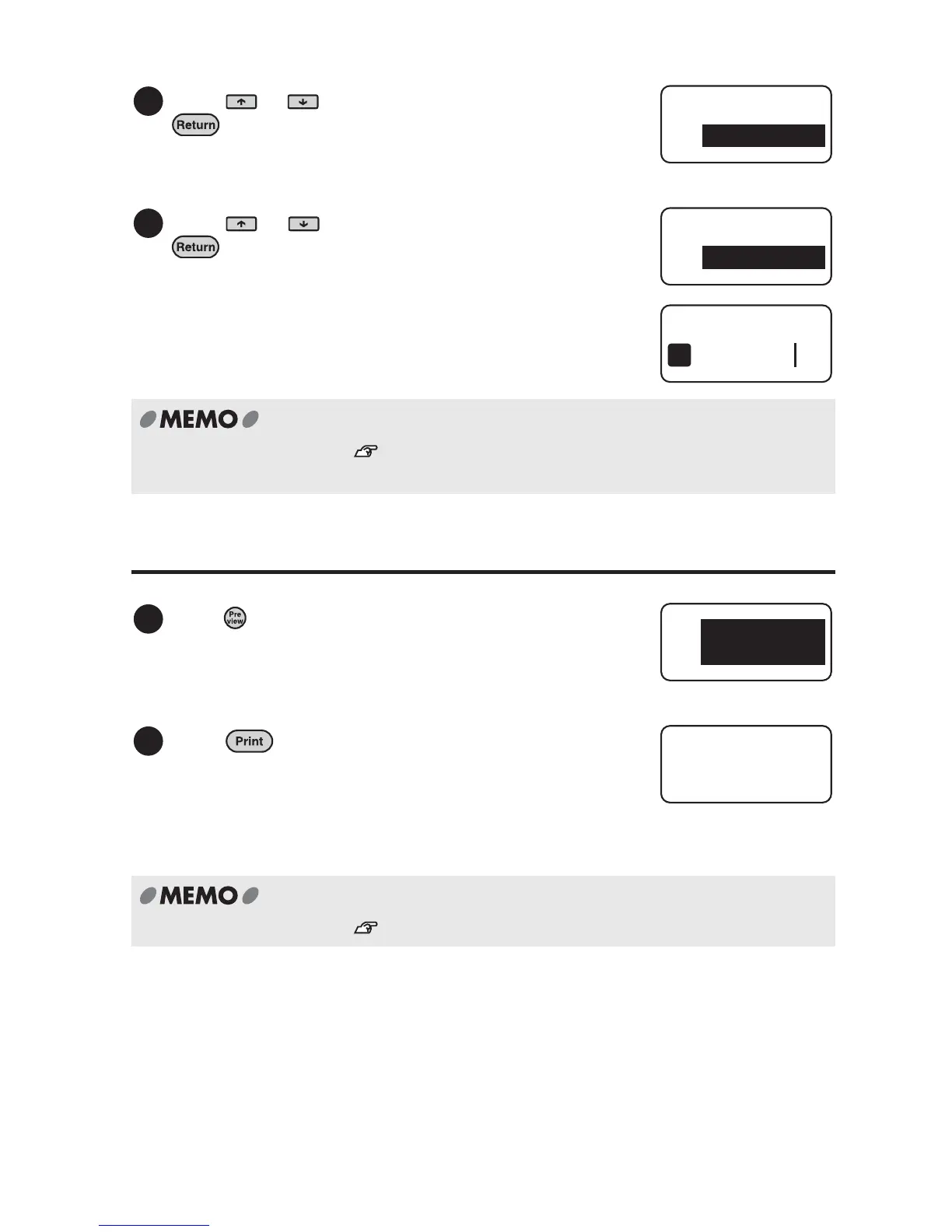
Press or to select "End?", and press
.
Press or to select "Label", and press
.
For further information, see "Creating the Sample Label (from entering text to
completion)" (p.34).
Press .
The print preview is displayed by automatically
scrolling through the entire text.
Press .
Printing starts after "Length" is displayed on the
screen.
When the printing is completed, LABEL PRNTER
tape. automatically cuts the tape.
Do not pull the tape forcibly.
For further information, see "Printing label" (p.40).
5
Style
End?
6
Area
Label
NAME
1
1
NAME
X.X
in
2
Auto X.X"
1



 To Next Page